
Seedream 5.5
Make images fast with Seedream 5.5 on NewFace. One prompt, one image. Choose a ratio and resolution, and get a still you can inspect on the canvas.
The model
One prompt, one image
Seedream 5.5 is a fast image model on NewFace. Type a prompt, pick a ratio and resolution, and generate one image on the canvas where you can inspect and download it.
01 / 02
Fast single-image generation
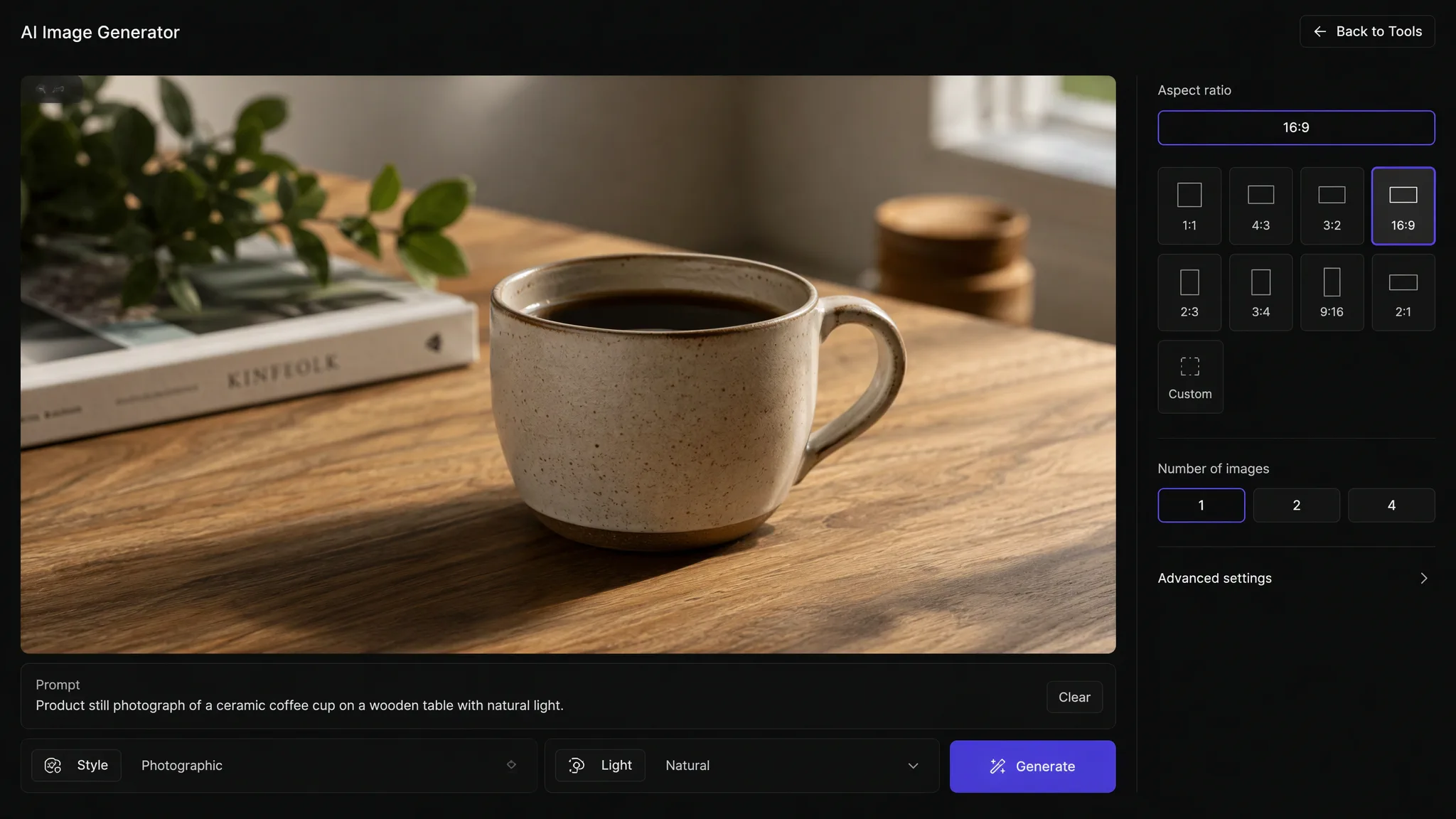
Seedream 5.5 generates one image per prompt. It is the fastest image model on the free plan, and it works best for trying an idea and seeing it quickly.
02 / 02
Ratio and resolution controls
Choose 16:9, 9:16, 4:5, 4:3, 3:2, 1:1, 2:3, 3:4, 5:4, or 21:9. Resolution is 1K, 2K, or 4K. The default is 16:9 at 2K.
What you can do
Generate, inspect, and download
Seedream 5.5 is straightforward. Type a prompt and see the result. The canvas gives you a place to review the image before you download it.
01 / 04
Write a prompt and go
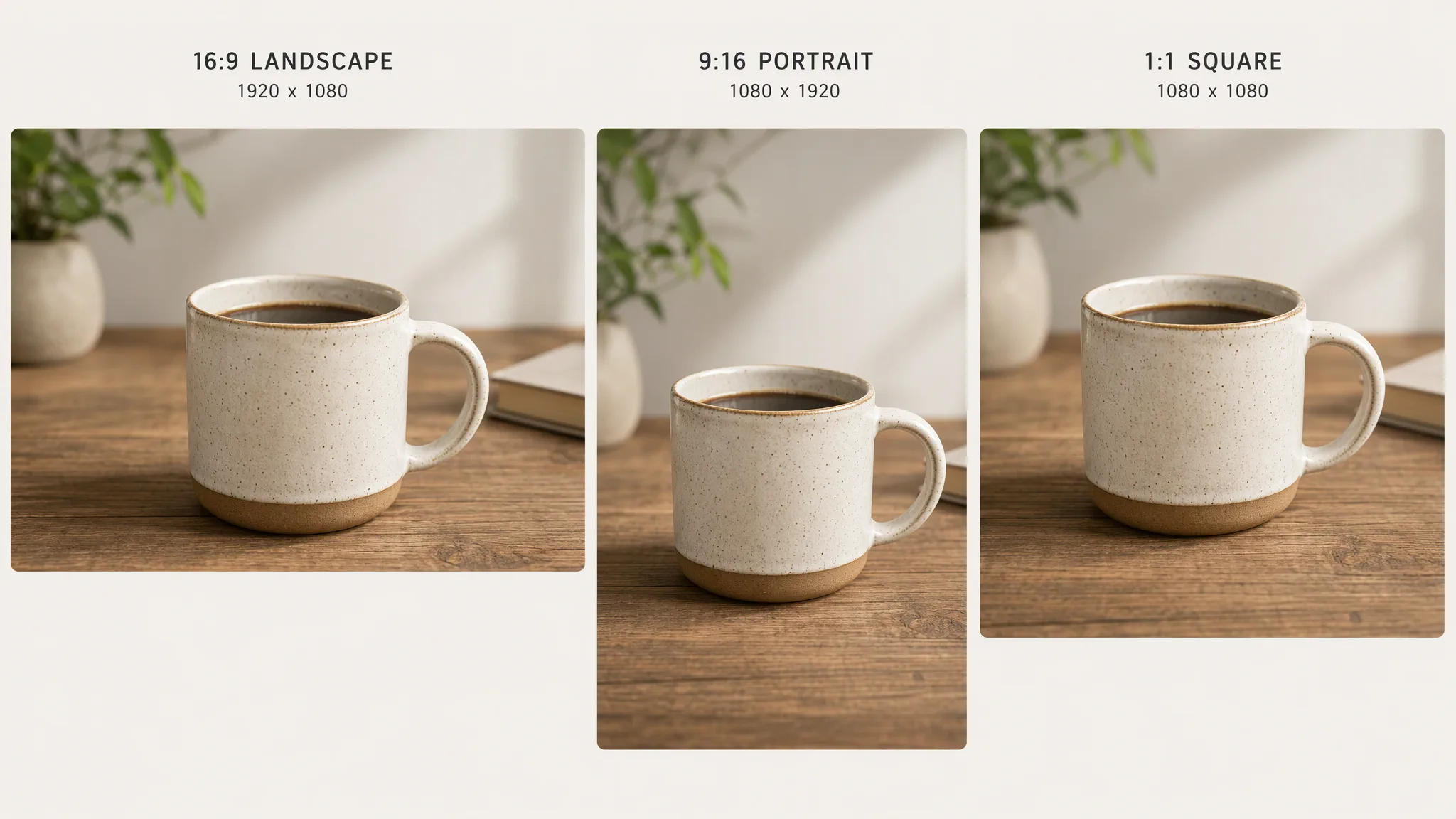
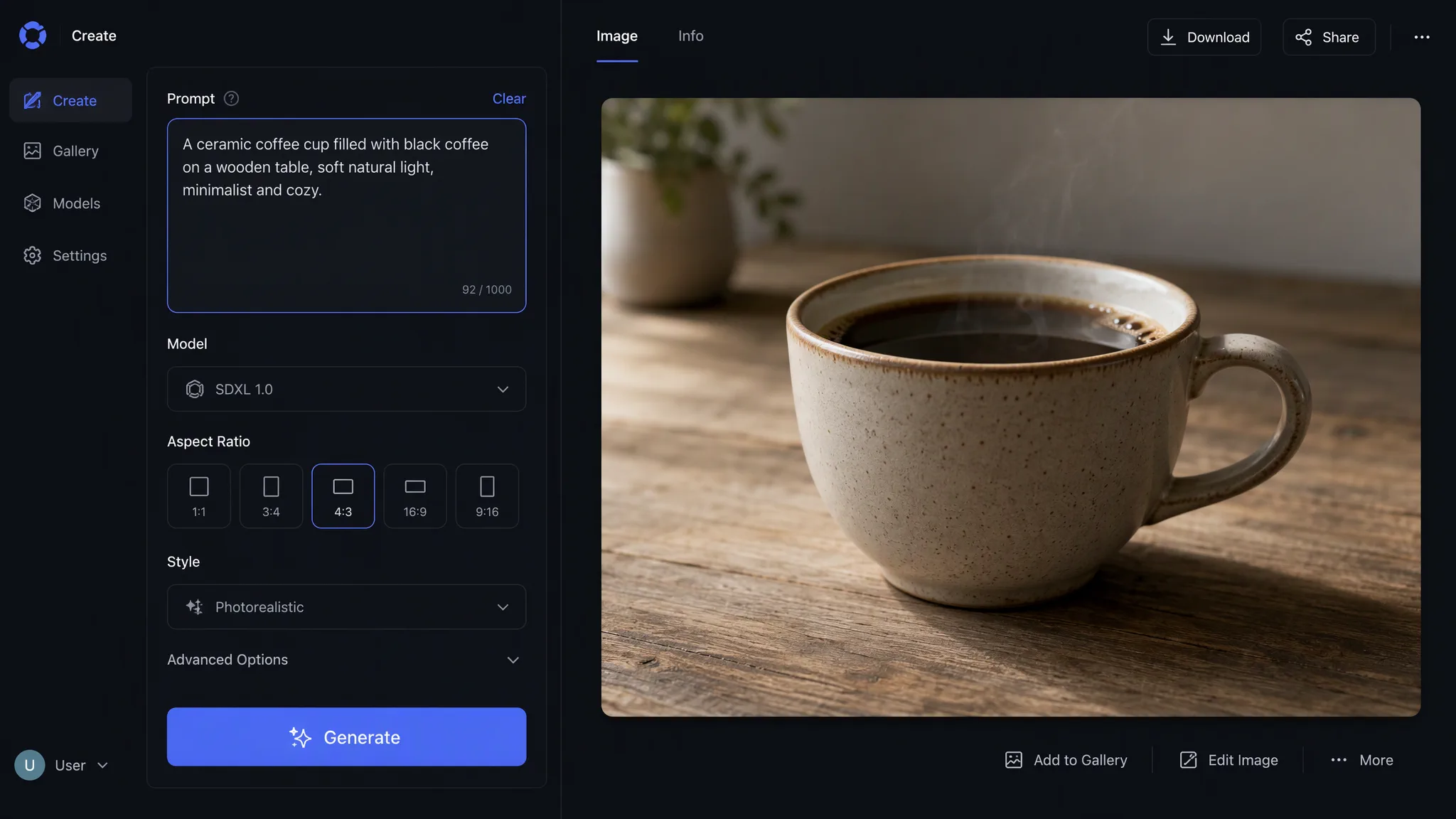
Describe the image in natural language. The model reads the prompt and generates one result. If you want something different, change the prompt and run it again.
02 / 04
Pick the frame
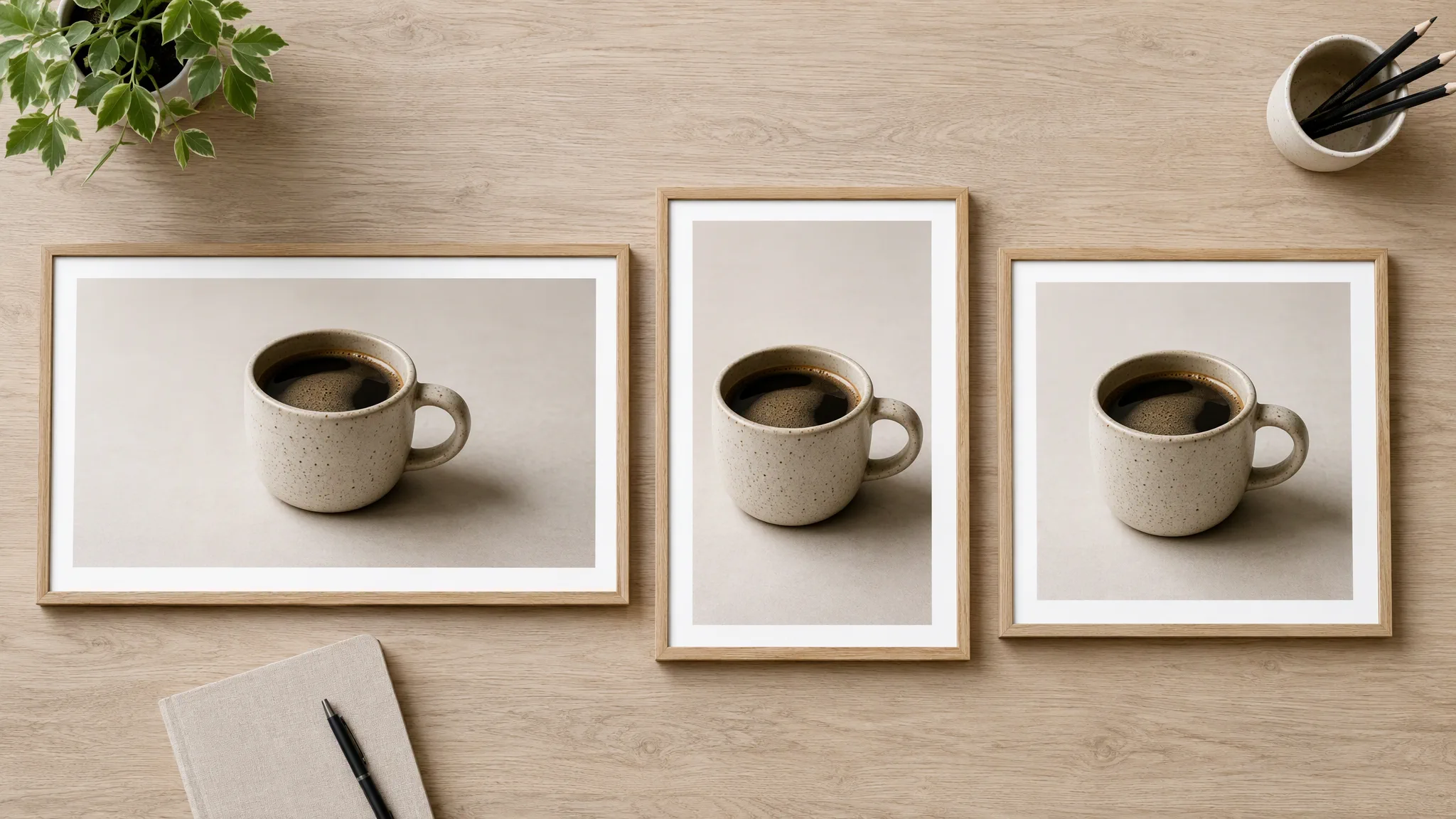
Choose 16:9 for a landscape, 9:16 for a portrait, or 1:1 for a square. The ratio you pick is the frame the image comes in.
03 / 04
Download and use it
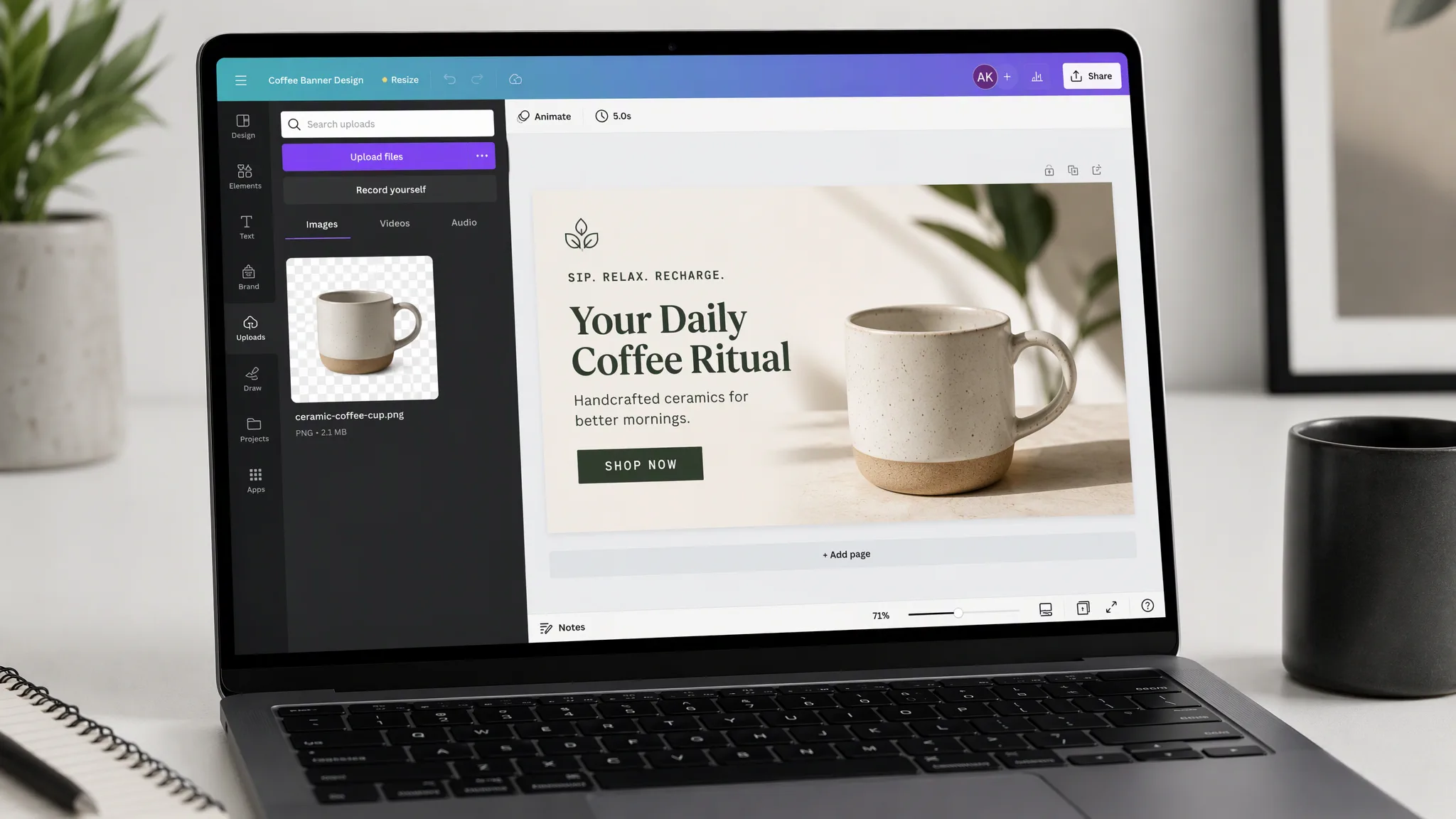
Review the image on the canvas, then download it as a PNG. Use the image for a campaign visual, a product mockup, or a social post.
04 / 04
Available on the free plan
Seedream 5.5 is included in the free plan. Check the current pricing page for daily allowances and plan details.
Where the image goes
Campaigns that start from a generated image
These short films are examples of the ads a generated image can support. Seedream 5.5 makes the image. It does not render these videos.
FAQ
Questions about Seedream 5.5
What it can do, what you can control, and which plans include it.
What is Seedream 5.5 on NewFace?
Seedream 5.5 is a fast AI image generation model. You write one prompt, pick a ratio and resolution, and it generates one image on the canvas.
How is it different from GPT Image 2.6?
Seedream 5.5 is faster and available on the free plan. GPT Image 2.6 has two models (Flare and Sunburst) with more control over quality, reference images, and edits. Seedream is best when you want a quick result from a single prompt.
What can I control?
A text prompt, an aspect ratio, and a resolution of 1K, 2K, or 4K. 16:9 at 2K is the default.
Is Seedream 5.5 on the free plan?
Yes. Seedream 5.5 is available on the free plan. A daily allowance may apply, so check the current pricing page for the latest limits.
Where do the images go?
The image appears on the canvas where you can inspect it. Download it as a PNG and use it for a campaign visual, a mockup, or a social post.