
Kling 4.0 on NewFace
Create cinematic commerce video with Kuaishou Kling 4.0 inside NewFace. High-motion stability, Omni Reference control, and product-selling workflows from one Agent canvas.
Try Kling 4.0 with the Agent
Start with a product-selling brief, or rewrite it for your campaign.
Kling 4.0
What Kling 4.0 unlocks for product video
Kuaishou Kling 4.0 is built for steadier large-scale motion, denser Omni Reference control, and longer native storytelling. NewFace wraps that model in an Agent canvas tuned for ecommerce creative.
Steadier motion and complex camera work
Kling 4.0 focuses on stable high-speed action and complex camera moves—tracking, orbit, push-ins, and continuous action—so product demos and dramatic scenes keep continuity instead of warping under motion. That makes cinematic UGC and ad beats feel closer to production-grade delivery.

Omni Reference for precise creative control
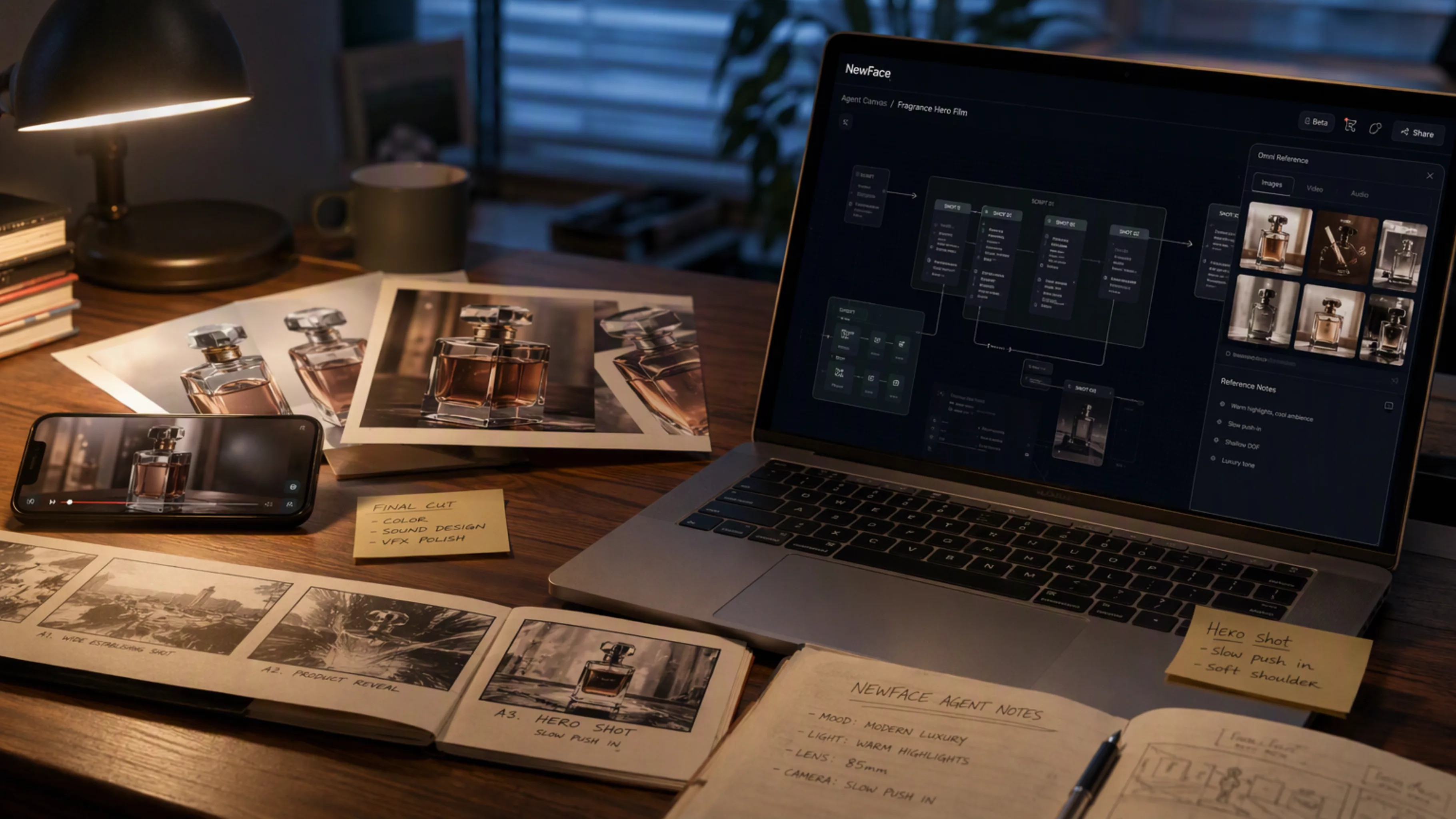
Combine images, videos, subjects, and voices in one generation—up to about 15 reference assets and multi-keyframe guidance. Keep characters, products, shot language, and audio aligned so a brand kit and storyboard become a controllable first cut, not a one-shot gamble.
Longer native storytelling takes
Kling 4.0 supports native single-pass generation up to about 30 seconds, so hooks, demos, and closes can develop in one coherent beat. NewFace keeps the brief, script, and model choices inspectable on the Agent canvas while you iterate.
Workflows
Every Kling 4.0 page on NewFace
Jump into a focused Kling 4.0 workflow—start with free-tier access, then expand into full product video production on NewFace.
FAQ
Frequently asked questions
Quick answers about using Kling 4.0 inside NewFace for cinematic product video.
What is Kling 4.0 on NewFace?
It is NewFace’s hub for Kuaishou Kling 4.0 video generation. You can brief the Agent for cinematic ecommerce clips, then continue on an inspectable canvas with text-to-video and image-to-video options where available.
What is Kling 4.0 especially good at?
Kling 4.0 focuses on steadier large-scale motion, complex camera work, Omni Reference control, and longer native storytelling takes—useful for high-motion product demos and cinematic UGC.
Is there a free way to try Kling 4.0?
Yes. Open the Kling 4.0 Free workflow when free-tier access is available to your account. Check live pricing and the model selector for current limits and commercial-use terms.
Do I need editing experience?
No. The Agent helps align the brief and production direction. You can still review and adjust prompts, assets, and model settings before export.
Is Kling 4.0 always available?
Model availability, limits, output options, pricing, and regional access can change. The NewFace workspace shows what your account can use right now.
NewFace × Kling 4.0
Start your next product video on NewFace
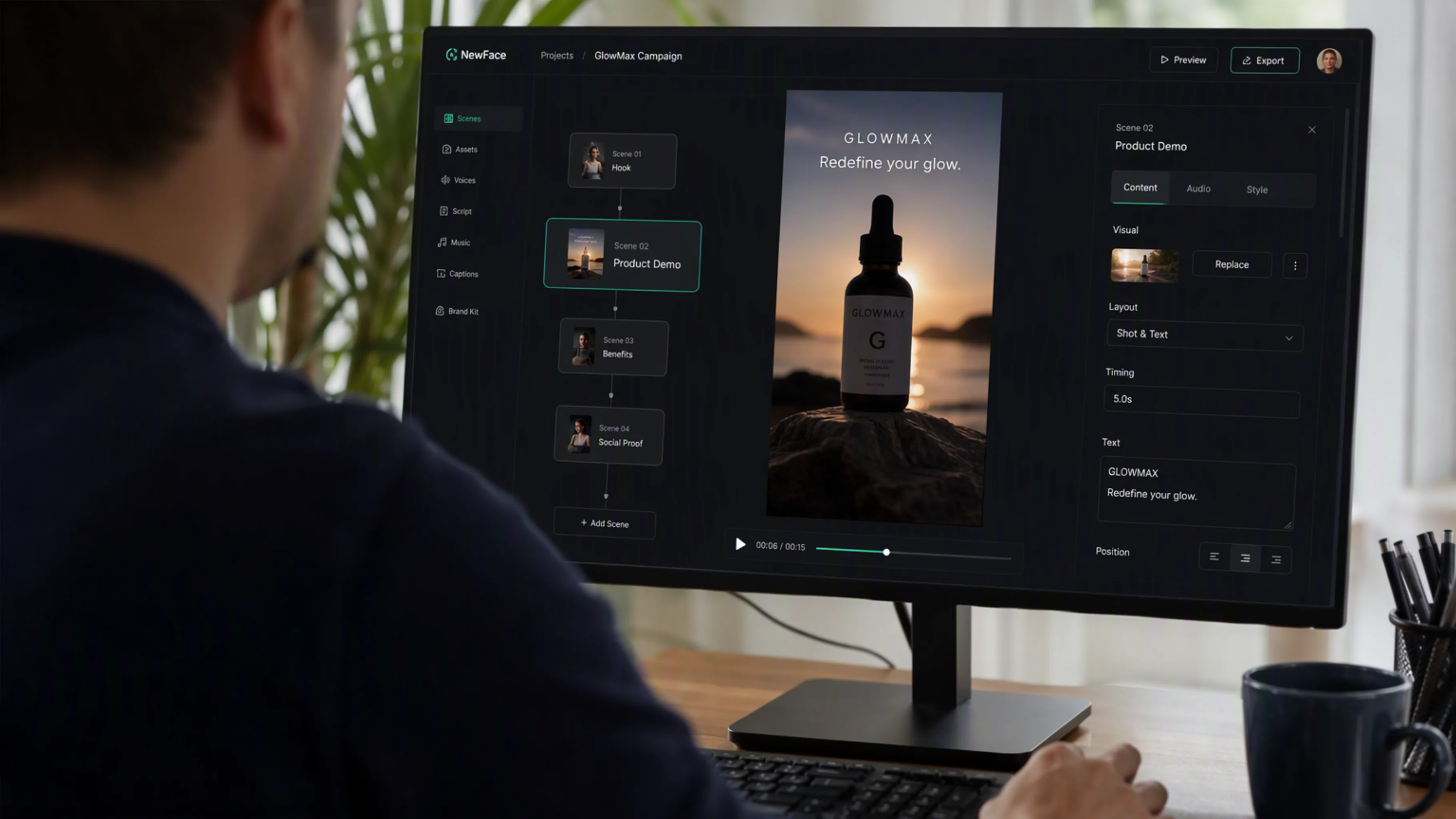
Bring a product image, a clear selling point, and a campaign goal. The Agent helps align the direction, then Kling 4.0 generates on a canvas you can inspect and refine.
Try Kling 4.0 now