LogoNewFace AI
Models
Features
AI Image GeneratorAI Video GeneratorVideo to AudioVideo Subtitle RemoverProduct Detail PageAI TikTok Ads GeneratorAI UGC Video CreatorAI Video Ad GeneratorReal Estate Video AdsAI YouTube Shorts MakerAI UGC Video GeneratorTopView AI AlternativeUGC Product AdsGoogle Ads UGC VideoSkincare Video AdsSkincare UGC VideosWomen's Fashion AdsCosmetics Video AdsDTC Product VideosWomen's Fashion UGCSkincare Meta AdsCosmetic TikTok AdsLuxury Jewelry ShowcaseAthleisure Video AdsHome & Kitchen Video AdsPet Brand UGC AdsWellness Video AdsTech & Gadget VideosSustainable Product AdsFitness Equipment AdsMeta Fashion AdsHigh-Converting SkincareLuxury Jewelry ReelsCosmetic Brand VisualsTech Gadget ExplainersPet Brand TikTok AdsWellness PromosMeta Ads for DTCSustainable Product PromosHome & Kitchen AdsCosmetics UGC AdsLuxury Jewelry AdsArcads AlternativeEcommerce Visual AssetsReal Estate AI AvatarsAdgenesis AlternativeArcade AI AlternativeOnline Advertising PlatformsCreative AI for AdsChatGPT AdsAI Commercial MakerDigital Ad ChannelsTop AI UGC Video MakersBest AI Ad Video ToolsVideo Ad MockupsAI Ad Analytics WorkflowFitness Product VideosHigh-Converting DTC AdsAI Actor Video GeneratorNewface vs Arcads PricingNewface vs Arcads FeaturesNewface vs HeyGen vs ArcadsMakeUGC AlternativeAI Actors for Video AdsIcon AI for Ad DesignUGC Videos for DTC BrandsFashion Promo VideosAI Ad MakerAI Advertising GuideMeta Ads for Luxury JewelryFashion Product ShowcaseCinematic Skincare ReelsHeyGen vs Arcads vs NewfaceAI Avatar GeneratorAI Ad GeneratorBest UGC Platforms ComparedAI Video Ad Maker PricingTikTok Ads for FitnessVideo Ads for Women's FashionSkincare Brand VisualsFitness Explainer VideosAI Commercial MakerAI Coke Ad Case StudyVideogen vs VeedNo-Watermark UGC EditorsMakeUGC AlternativeProduct Ads Best PracticesPet Brand AdsAd Intelligence ToolsAI Avatar MobileCreator Icon UGCAffordable UGC Video ToolsCreatifyAI Meta Ads For CosmeticsCompare UGC Video Production Tools With Voice CloningBest UGC Video Creation Software for Live EventsCompare Pricing Of UGC Video SoftwareAI Advertising NewsAd IconsAI TikTok Ads For Sustainable ProductsAI TikTok Ads For Wellness BrandsAI TikTok Ads For Luxury JewelryAI UGC Videos For Athleisure WearAI UGC Videos for Home & KitchenAI UGC Videos for Gadgets & TechAI UGC Videos For Sustainable ProductsAI UGC Videos For Fitness EquipmentAI UGC Videos For Luxury JewelryAI Product Videos For CosmeticsAI Product Videos For Women's FashionAI Product Videos For Home & KitchenAI Product Videos For Sustainable ProductsAI Product Videos For Athleisure WearAI Product Showcase For SkincareAI Product Showcase For CosmeticsAI Product Showcase for Sustainable ProductsAI High-Converting Ads For Women's FashionAI High-Converting Ads for Home & KitchenAI Cinematic Reels For Women's FashionAI Brand Visuals for Women's FashionAI Brand Visuals For DTC BrandsAI Aesthetic Promos For SkincareAI Aesthetic Promos for CosmeticsAI Aesthetic Promos For Women's FashionAI Explainer Videos For Wellness BrandsAI Explainer Videos For DTC BrandsAI Promo Videos For SkincareAI Promo Videos For CosmeticsAI Promo Videos For Pet BrandsAI Promo Videos for Gadgets & TechAI Promo Videos For Home & KitchenAI Meta Ads For Pet BrandsAI Meta Ads for Athleisure WearAI Meta Ads For Gadgets & TechAI Meta Ads For Fitness EquipmentAI Meta Ads For Sustainable ProductsAI Meta Ads For Wellness BrandsOpenAI Ads News: What Marketers Need to KnowArc Canvas AlternativeArcad Pricing & Better AlternativesVideogen vs Veed.ioAI Meta Ads For Home & Kitchen
Remake
Plugin
Blog
POV in Film & AI VideoFirst Five PromptsWhat AI Video Is (and Isn't)What Is a Jump Cut?What Is an Establishing Shot?What Is a Dutch Angle?What Is a Match Cut?What Is a Dolly Shot?What Is Cross-Cutting?Direct a Scene With No ActorsAI Crypto Video GeneratorFaceless Crypto VideosCrypto YouTube IdeasBuy Crypto SafelyWhat Is BitcoinEthereum ExplainedBlockchain GuideNFTs DecodedCrypto Wallets GuideWhat Is DeFiWhat Is Web3Stake Crypto GuideMeme Coins GuideSpot Crypto ScamsBitcoin Halving GuideMake & Sell NFTsCrypto Tax GuideCentral Bank Digital CurrenciesWhat Are DAOsAI YouTube Video GeneratorOnline Learning PlatformsFaceless Educational VideosEarly Childhood EducationLearning Disabilities GuideTest Prep: SAT, ACT, GRESTEM Education YouTubeScholarships & Financial AidStudy Abroad GuideStartup Marketing StrategiesBusiness Law EssentialsFaceless Fitness VideosEntrepreneur Success StoriesProduct Pricing TipsWhy Startups FailBusiness Model CanvasUnique Value PropositionBusiness Networking GuideBootstrap Online BusinessStartup to Scaleup GrowthTeacher Training GuideMontessori Education GuideFaceless Entrepreneurship VideosExplainer & Tutorial VideosVideo Quality & Audio GuideStarting Business with No MoneyFuture of Education GuideTraditional vs Modern TeachingEducational Psychology YouTube GuideSpecial Education Inclusive LearningTutoring: Find or Become a TutorAdult Education YouTube GuideEducational Technology ToolsVocational Training Skills EducationTrading Risk ManagementCommon Investing Mistakes GuideDo Automated Trading Bots Work?YouTube AI Marketing Video GeneratorYouTube Marketing Channel IdeasDigital Marketing 101 GuideSocial Media Marketing Strategy 2026Facebook Ads Tutorial for BeginnersEmail Marketing List Growth GuideGoogle Ads for Profitable CampaignsInstagram Marketing Brand BuildingTikTok Marketing: Reaching Gen Z AudiencesAI Video Ads Platform: Complete GuideAI Ads for Agents: Ultimate Guide 2026Best Marketing Automation Agency 2026TikTok AI Video Ads: Ultimate Guide 2026AI Generated Commercials: Definitive Guide 2026UGC Ads: Ultimate Guide to AI-Powered Ads 2026How to Write a Camera Ad Script That Sells 2026Google AI Ads: Complete Guide 2026Character AI Ads: Complete Guide 2026AI Avatar Tools for E-Commerce Ads 20262026 Advertisement That Works: Step-by-Step GuideCreative Ads That Convert 2026Advertising Creative Guide 2026AI Avatar & Royalty-Free Music Guide 2026Batch Social Video Ads Platforms 2026Promoting Products: Digital Ads & Swag 2026Media Buying Platforms 2026: A–Z DSP ComparisonMeta AI Lead Gen Ads 2026 GuideBest Ad Creative for SaaS 2026Best UGC Testimonial Video Software 2026Top 12 AI UGC Video Tools 2026Top AI Platforms for UGC Brand VideosBest UGC Video Software for Google AdsBest UGC Video Makers for YouTube ShortsBest AI Avatar Solutions for UGC Product Ads 2026Retail Ad Builder Software 2026 Guide

Language

YOUR AGENT. A WHOLE NEW CREATIVE TOOLKIT.

NewFace AI plugin for your agent

Turn the ideas in your conversation into images, videos, and campaigns. Your agent brings the thinking. NewFace AI brings the creative workspace.

Download the skill

Install NewFace AI

Copy the setup prompt into Codex. Your agent will download the official NewFace AI skill and follow its installation guide.

Connect your account

Sign in to NewFace AI and create an API key in your account settings. Follow your agent’s instructions to connect it.

Open NewFace AI

Make something great

Share an idea, a product photo, or a reference. Ask your agent to create, then review and refine the results on NewFace AI Canvas.

Open Canvas
Installation prompt for Codex

Works with agents that support local skills and terminal tools. A NewFace AI API key and an eligible plan are required.

One creative workflow, from your first prompt to the final frame.

FROM CONVERSATION TO CREATION

See what your agent can make

Product launches, brand stories, and the next idea you haven’t tried yet. Bring them to life with NewFace AI.

Product launch films

Build a polished brand film around your product, from mood to final shot.

Fashion in motion

Take a reference look into a new setting with a fresh creative direction.

Spaces worth exploring

Turn interior references into atmospheric videos that tell a story.

A product story, fully realized

Connect product details, a clear message, and a cinematic sequence.

Creator-style product ads

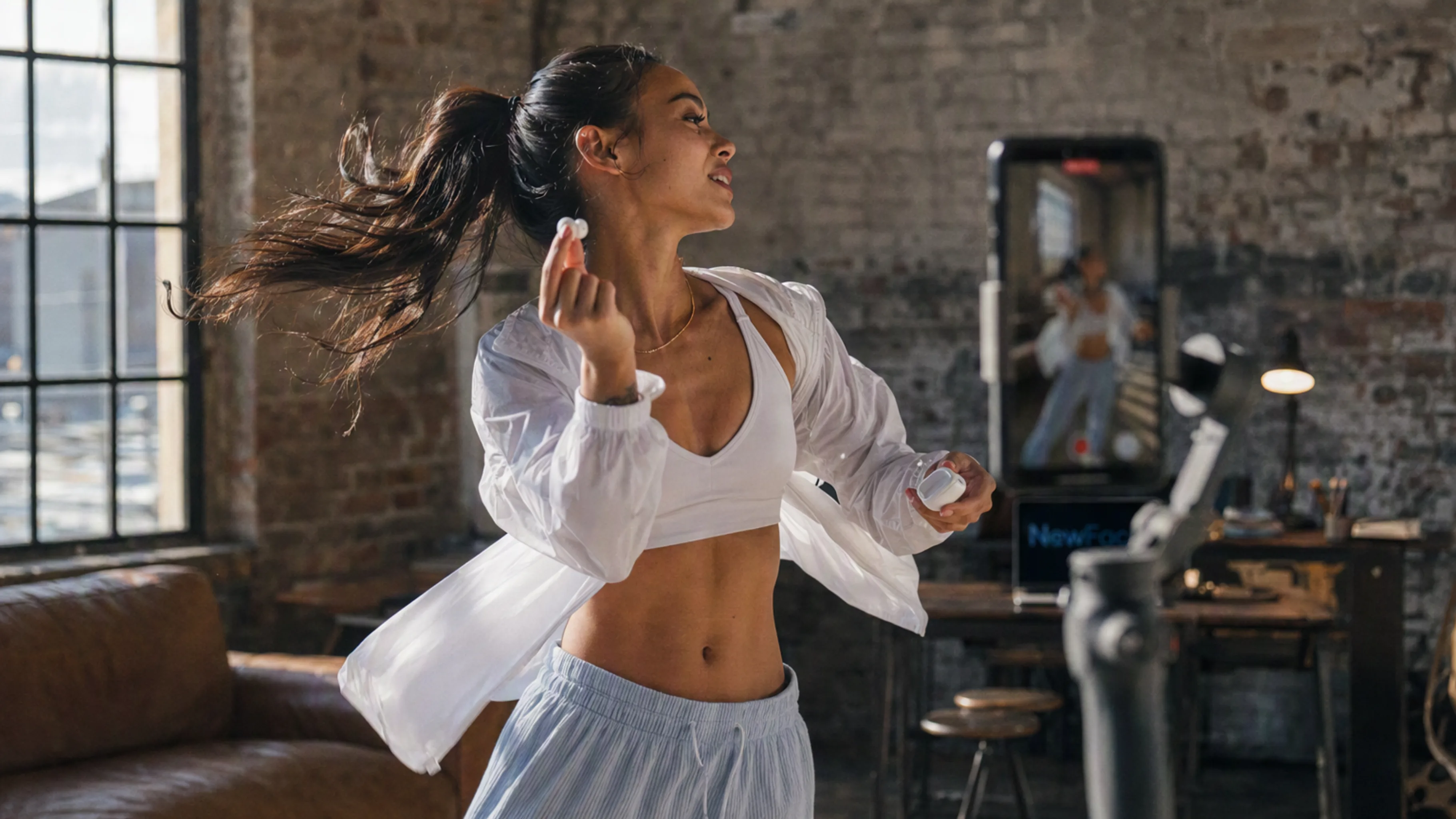
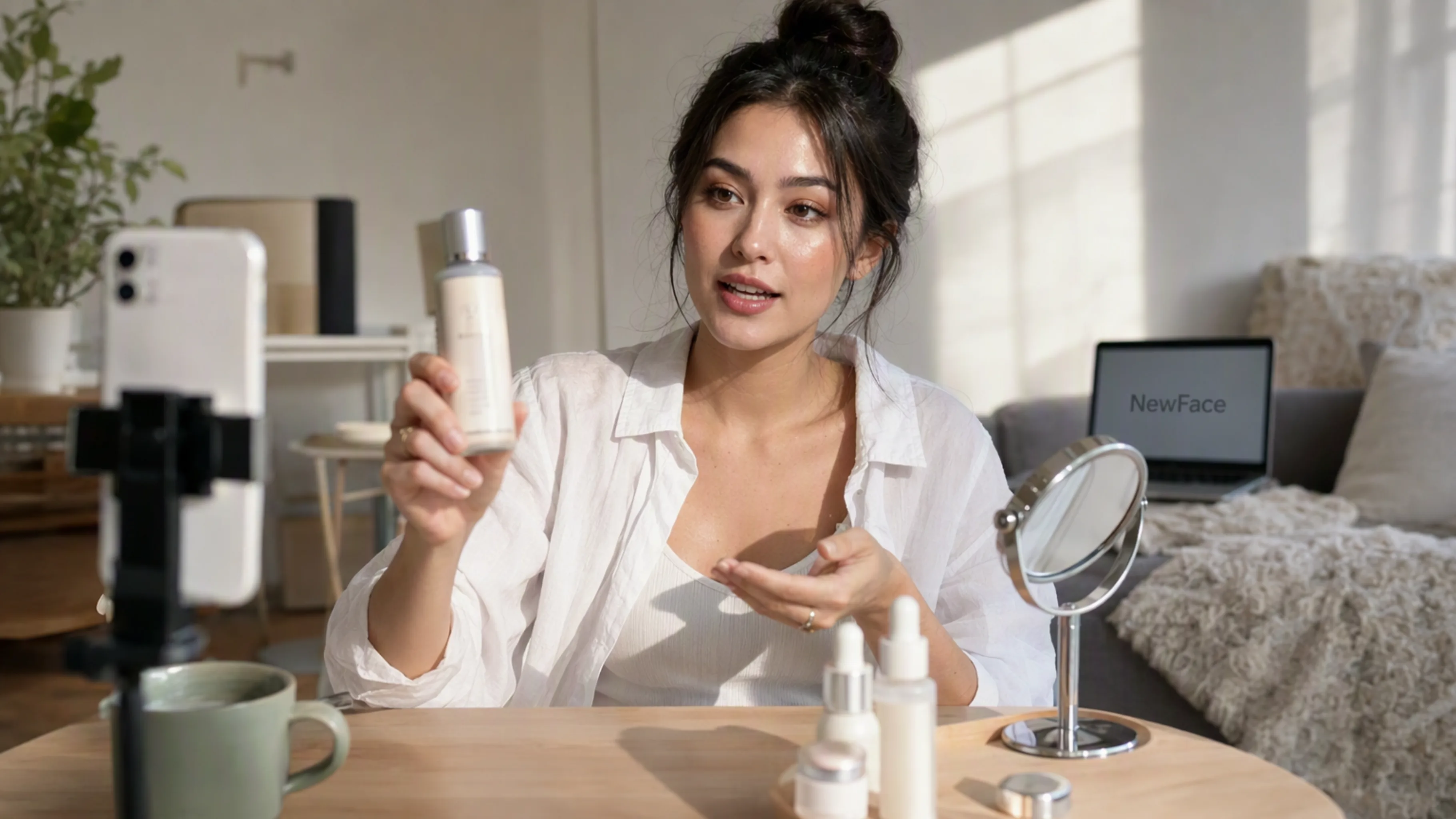
Make social-first product videos with an approachable, everyday feel.

Fresh angles for your next campaign

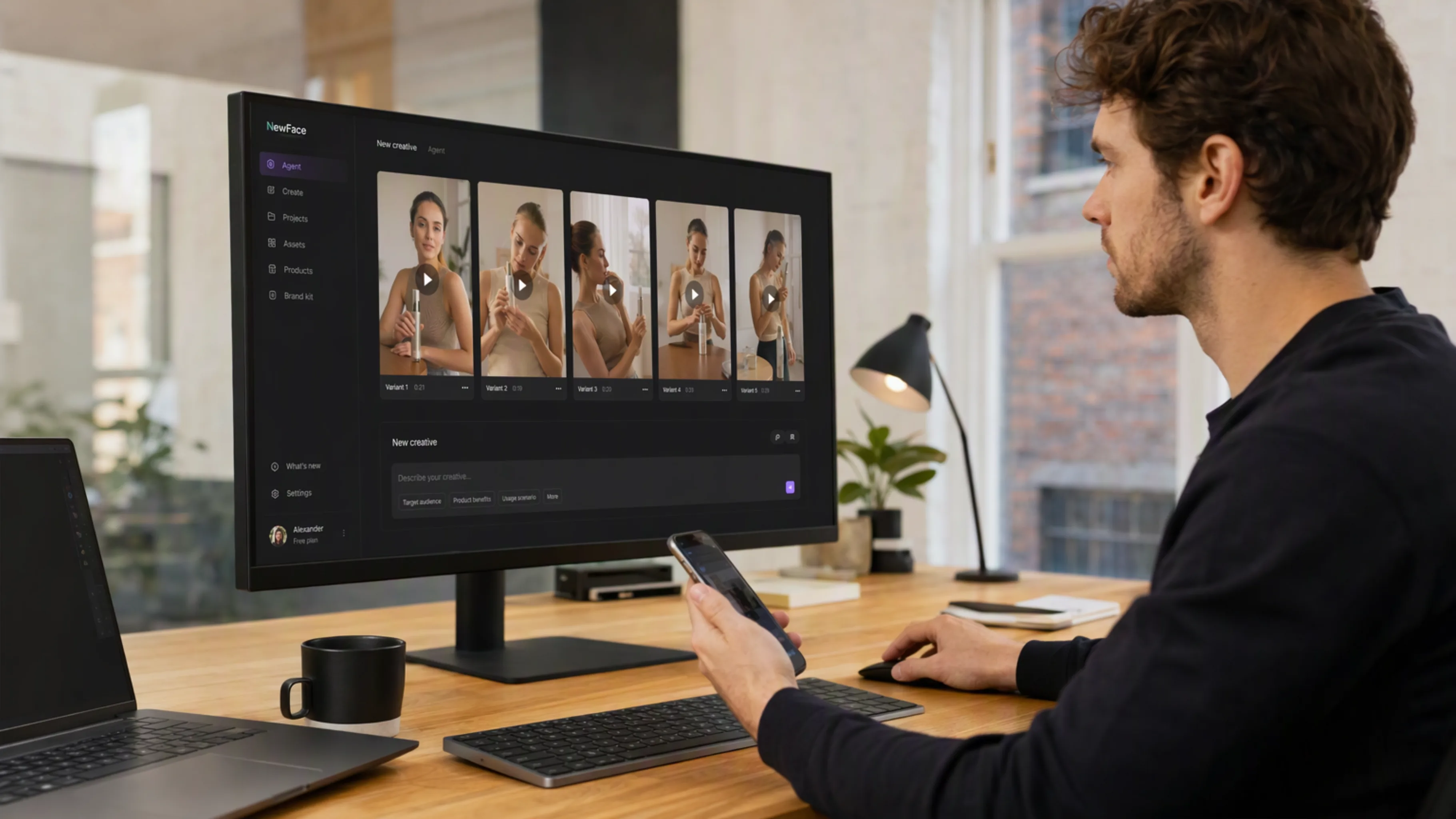
Explore different hooks and product moments for your creative brief.

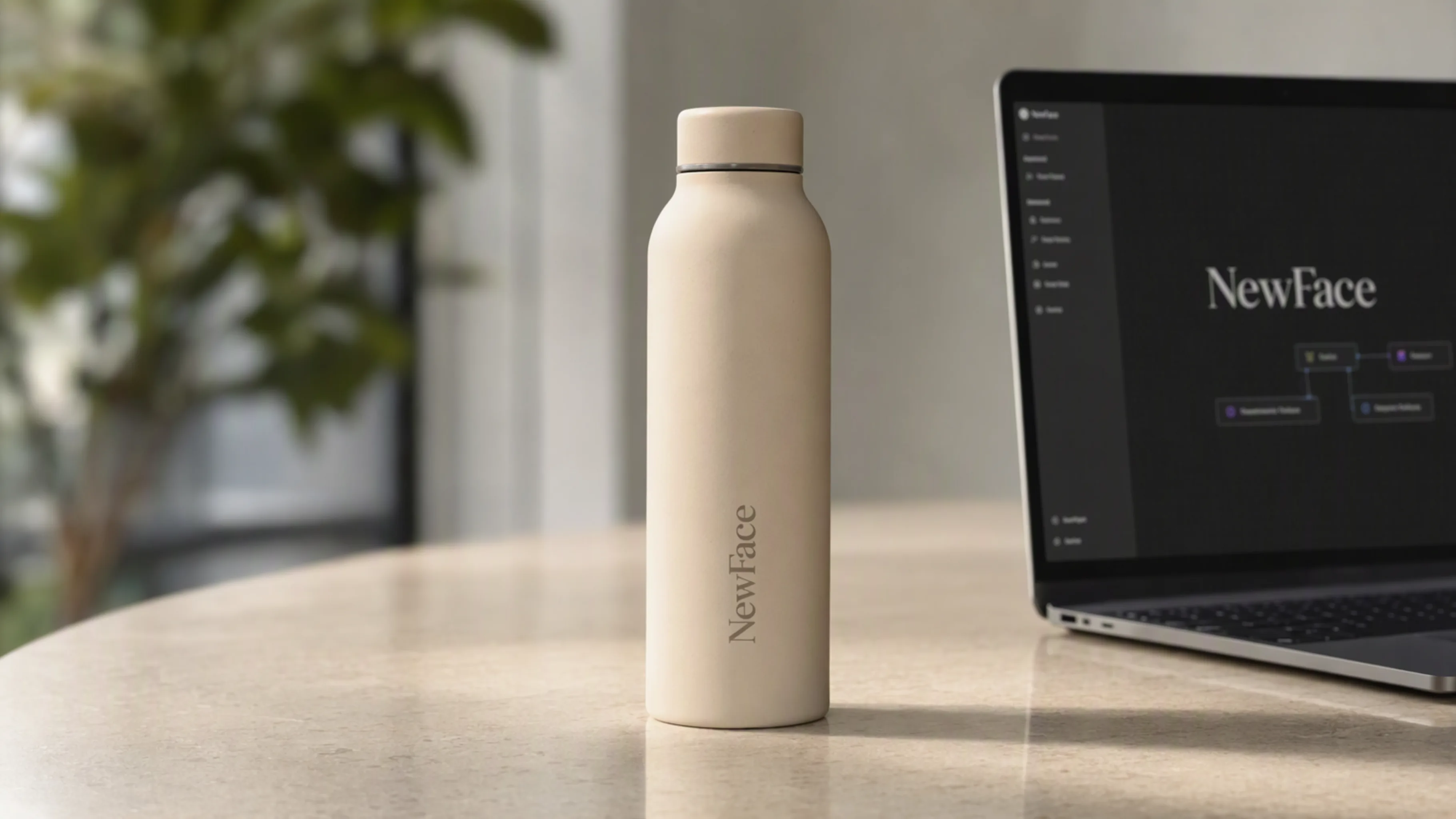
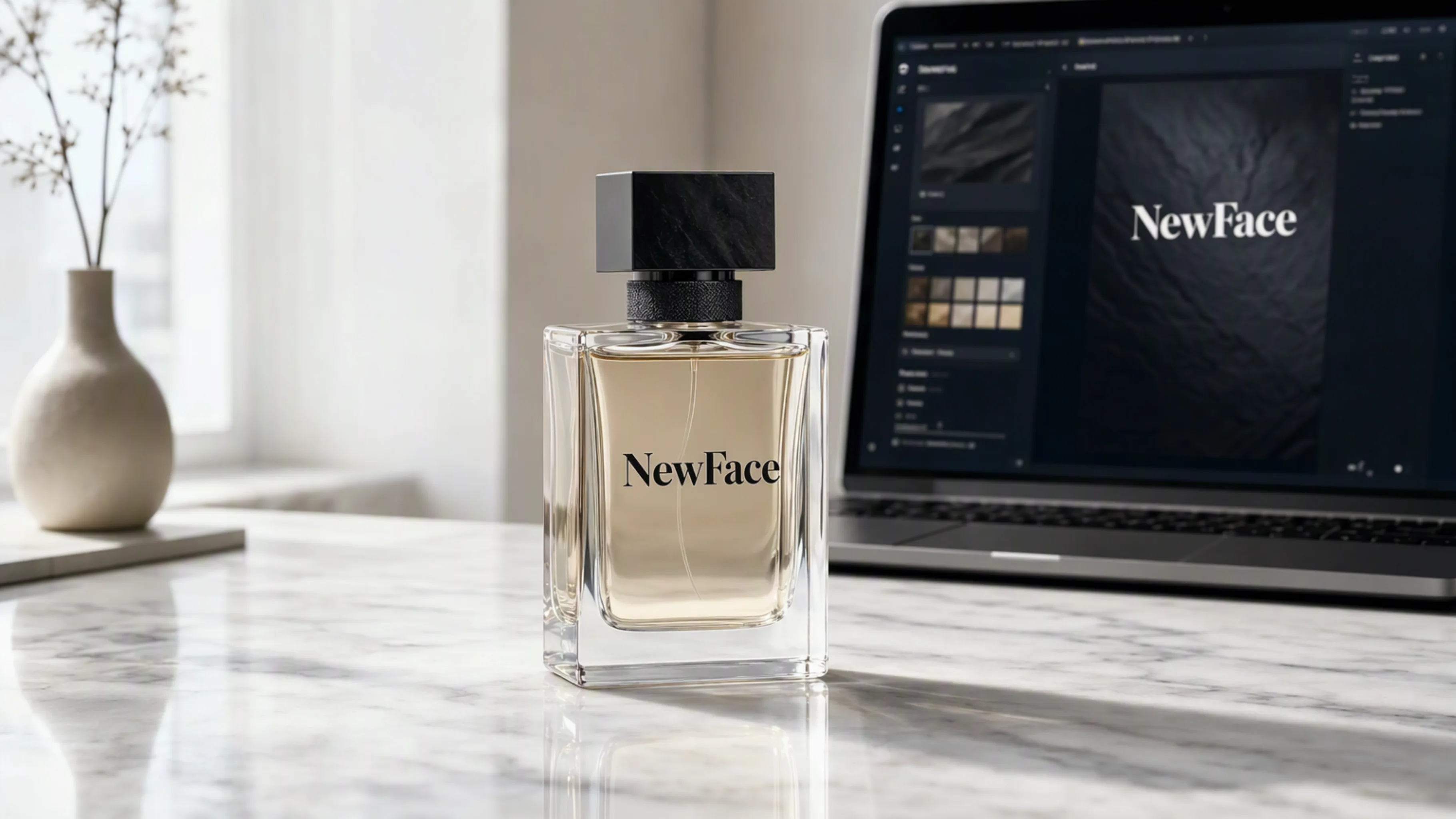
Studio-quality product visuals

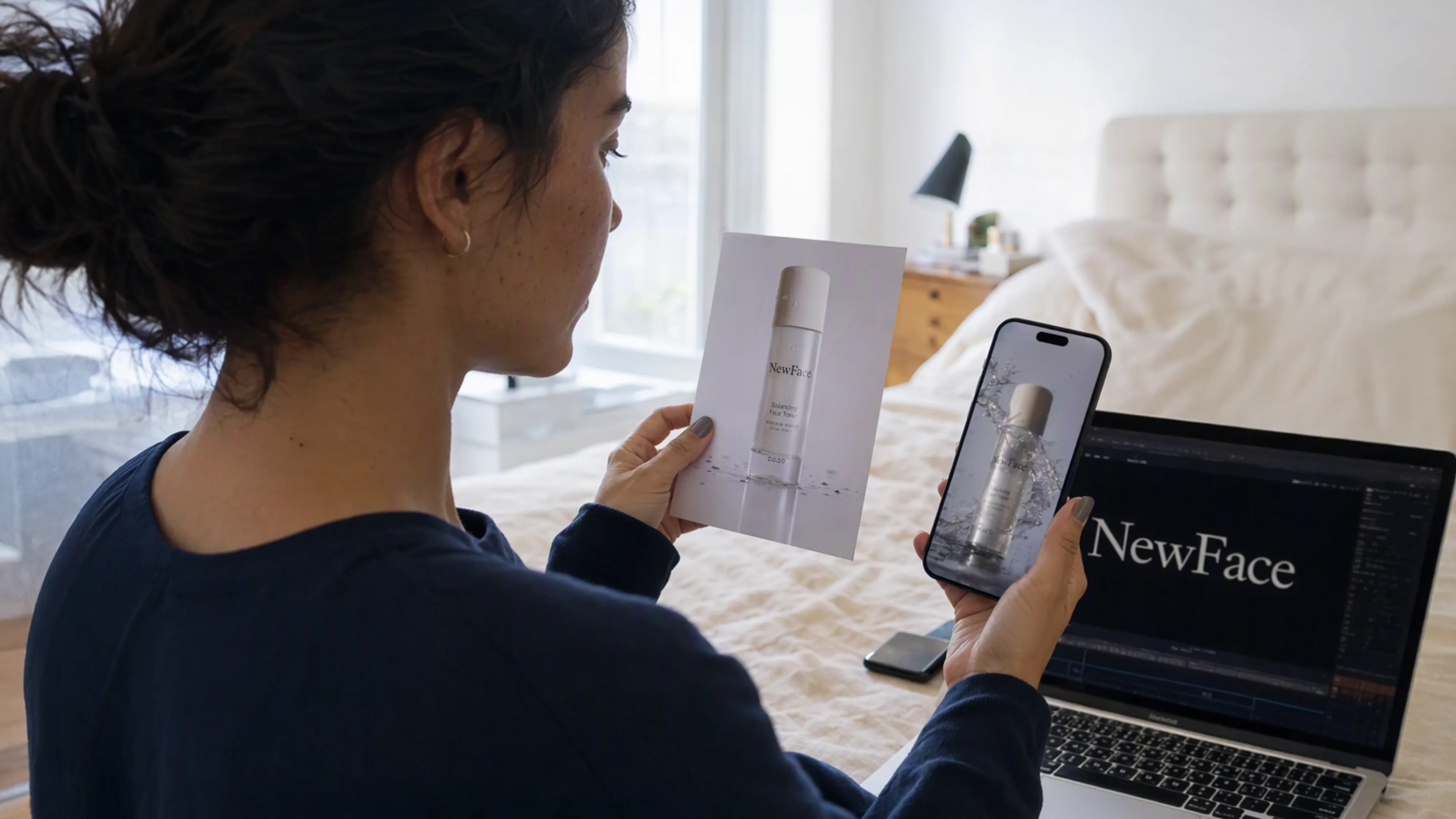
Give a product photo a new scene, lighting setup, and visual identity.

A consistent brand look

Keep colors, materials, and references connected across your creative.

Ideas you can see

Explore a space, a mood, or a visual concept before the next production step.

THINK IT. MAKE IT. REFINE IT.

Give your agent a creative workspace

Keep the brief, references, and results connected. NewFace AI turns a conversation into a project you can keep working on.

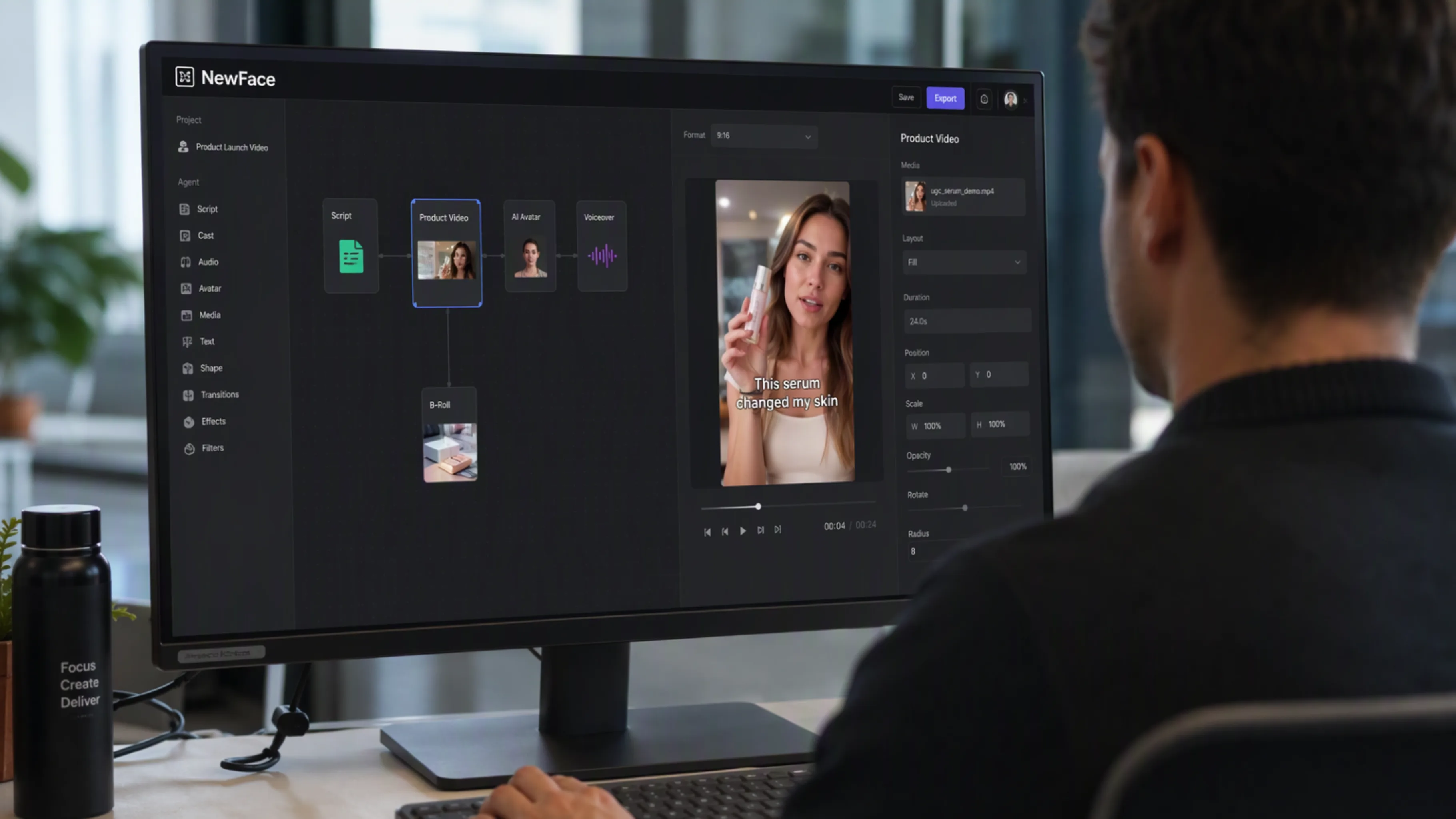
Your agent, now on Canvas

Let your agent arrange references, connect generation steps, and create images and videos in a visual workspace. Open the same project to explore the results and guide the next round.

Explore NewFace AI Canvas
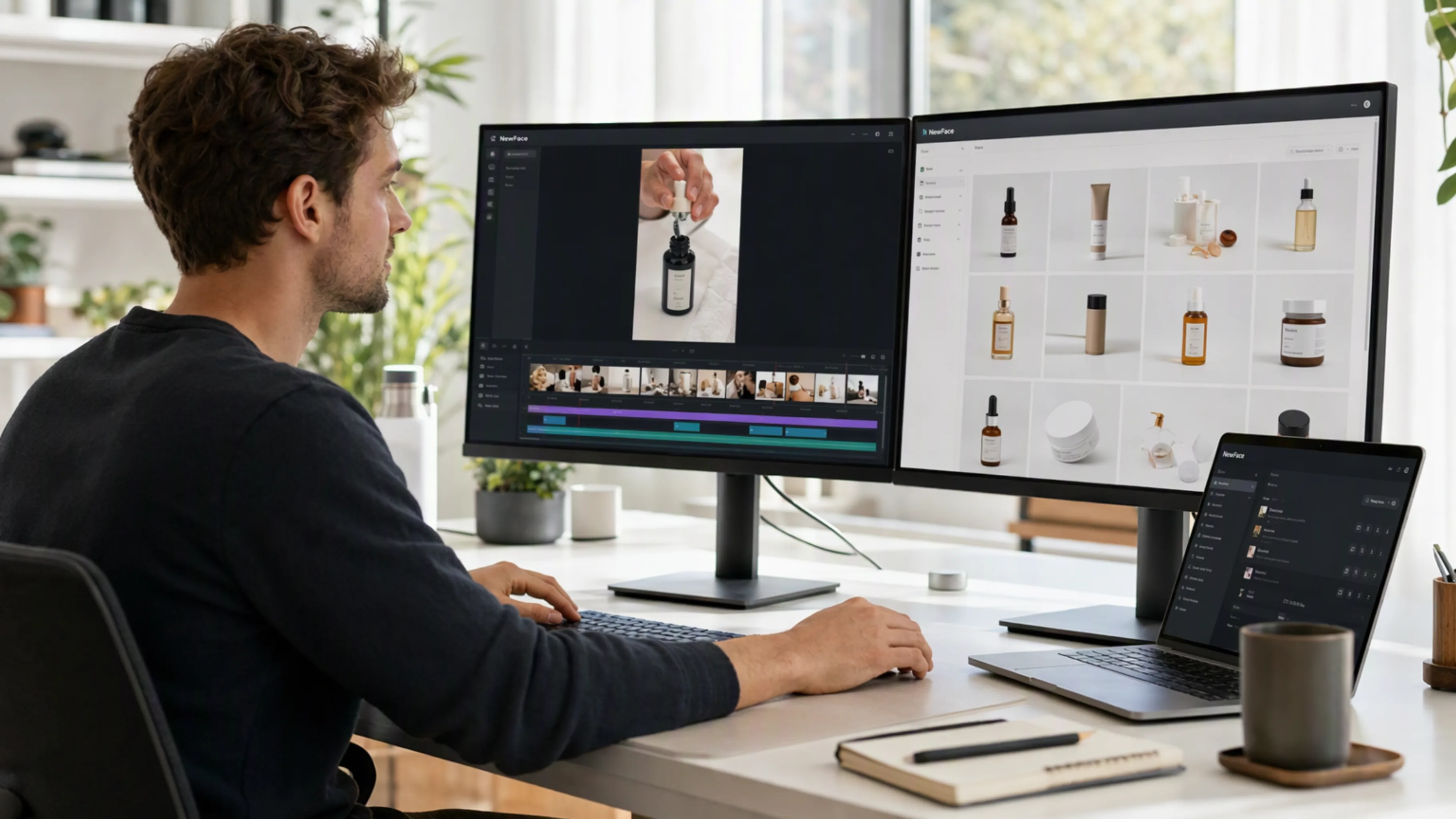
Creative visual examples made for NewFace AI image and video workflows

The right model for every idea

Move between image and video generation without rebuilding your brief. Explore the models available in NewFace AI and choose the one that fits your creative direction.

Discover the models
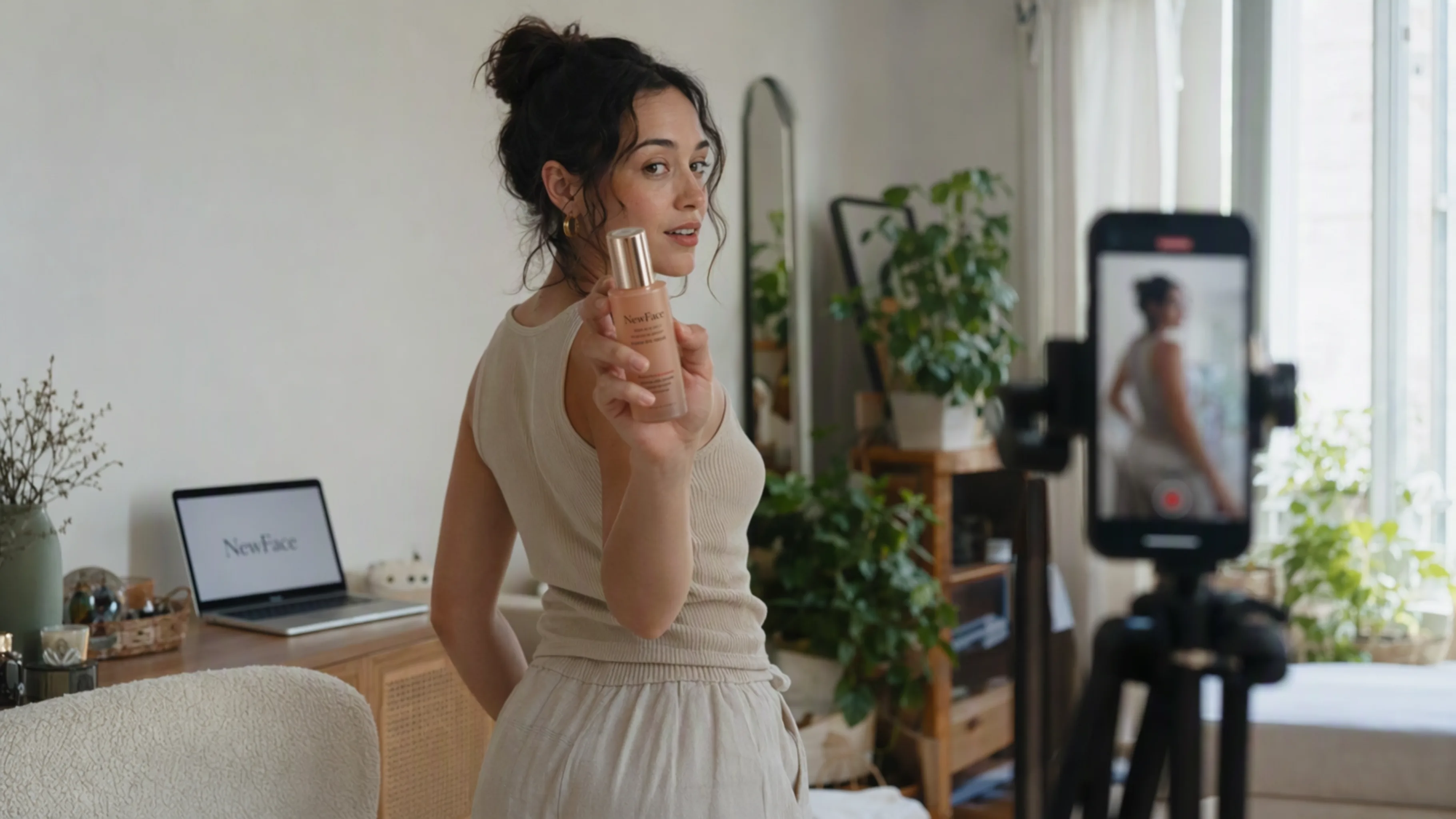
A NewFace AI product campaign with coordinated lighting, scenes, and styling

One product. Many possibilities.

Start with your own product assets, then develop scenes, campaign images, and video variations around them. Keep your references together as you test different directions and refine the details.

Explore product video creation
A cinematic storyboard illustrating a NewFace AI video workflow

Go from a brief to a finished story

Break an idea into a script, storyboard, images, and video. Your agent can guide each step while NewFace AI keeps the creative work organized in one project.

Explore video workflows

Your favorite models. One workspace.

Explore NewFace AI’s image and video models, then let your agent help you put them to work.

Three steps to your next creation

Install once, then keep the creative conversation going.

Connect NewFace AI

01

Give your agent the setup prompt

Choose your agent above, copy the prompt, and follow the guided installation and account setup.

Turn this product into a cinematic launch video.

02

Share your creative brief

Add a product photo, reference image, or an idea. Tell your agent what you want to make and choose a model.

Your next idea starts here.

03

Review, refine, and make it yours

Open the generated assets on Canvas. Compare directions, adjust the details, and continue your project.

Frequently asked questions

A few things to know before you connect your agent.

What is the NewFace AI plugin?

It is NewFace AI’s creative toolkit for AI agents, delivered through the official NewFace AI skill and CLI. It lets a compatible agent work with your NewFace AI projects and create images and videos.

Which agents can I use?

The setup prompts on this page are for Codex, Grok Bot, Cursor, and Claude Code. Your agent needs support for local skills and terminal commands so it can install and use the NewFace AI CLI.

How do I connect my NewFace AI account?

Sign in to NewFace AI, open your account’s API key settings, and create a key on an eligible plan. Your agent will guide you through configuring the CLI with that key. The installation guide in the official skill package contains the current setup instructions.

What can my agent create?

Your agent can work with product photos, image concepts, scripts, storyboards, and video generation. You can ask it to organize a project, connect references, select an available model with you, and produce finished creative assets.

Where can I find my results?

Your work lives in your NewFace AI project and Canvas. Your agent can provide a link to the canvas so you can review the generated images and videos, compare variations, and continue editing.

Do I need a paid plan?

CLI and API access require an eligible NewFace AI plan and an API key. Generation uses your account’s credits. Visit the pricing page and your account settings for current plan access and credit details.

Can I reuse my product photos and references?

Yes. Ask your agent to upload your own assets and use them as references in your project. Keeping references connected to the workflow helps you build a consistent visual direction across images and shots.

Is this a ChatGPT marketplace installation?

This page currently provides the official NewFace AI skill and CLI installation for compatible agents. Use the setup prompt for your platform; a separate ChatGPT marketplace listing is not required for this workflow.

Your next big idea starts with a conversation.

Connect your agent to NewFace AI. Give your imagination a workspace.