
GPT Image 2 on NewFace
Create commerce-ready product images with OpenAI GPT Image 2 inside NewFace. Strong text rendering, precise edits, and product-selling workflows from one Agent canvas.
Try GPT Image 2 with the Agent
Start with a product-image brief, or rewrite it for your campaign.
GPT Image 2
What GPT Image 2 unlocks for product imagery
OpenAI GPT Image 2 is built for production visuals—photoreal detail, stronger instruction-following, and usable text inside the frame. NewFace wraps that model in an Agent canvas tuned for ecommerce creative.
High-fidelity product photorealism
GPT Image 2 delivers sharper materials, lighting, and detail for product stills and lifestyle shots. That means fewer “almost right” drafts when you need a clean hero image, packshot, or UGC-style product frame for ads and storefronts.
Reliable text and structured layouts
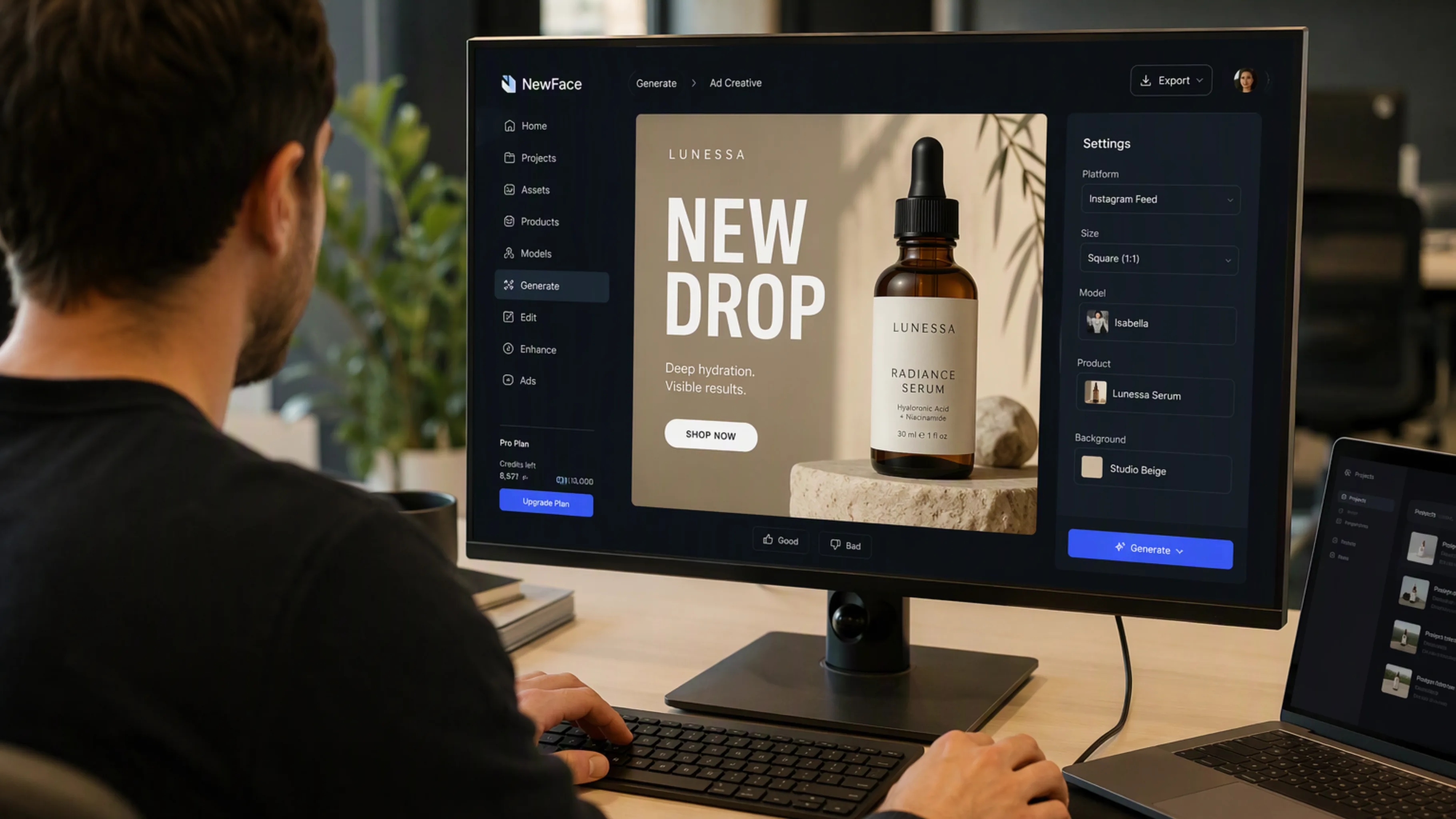
Stronger in-image text rendering and structured generation help with posters, labels, infographics, and campaign frames where copy must stay readable. Useful when a product visual needs a headline, price callout, or multilingual packaging text that holds up.
Controllable edits for brand kits
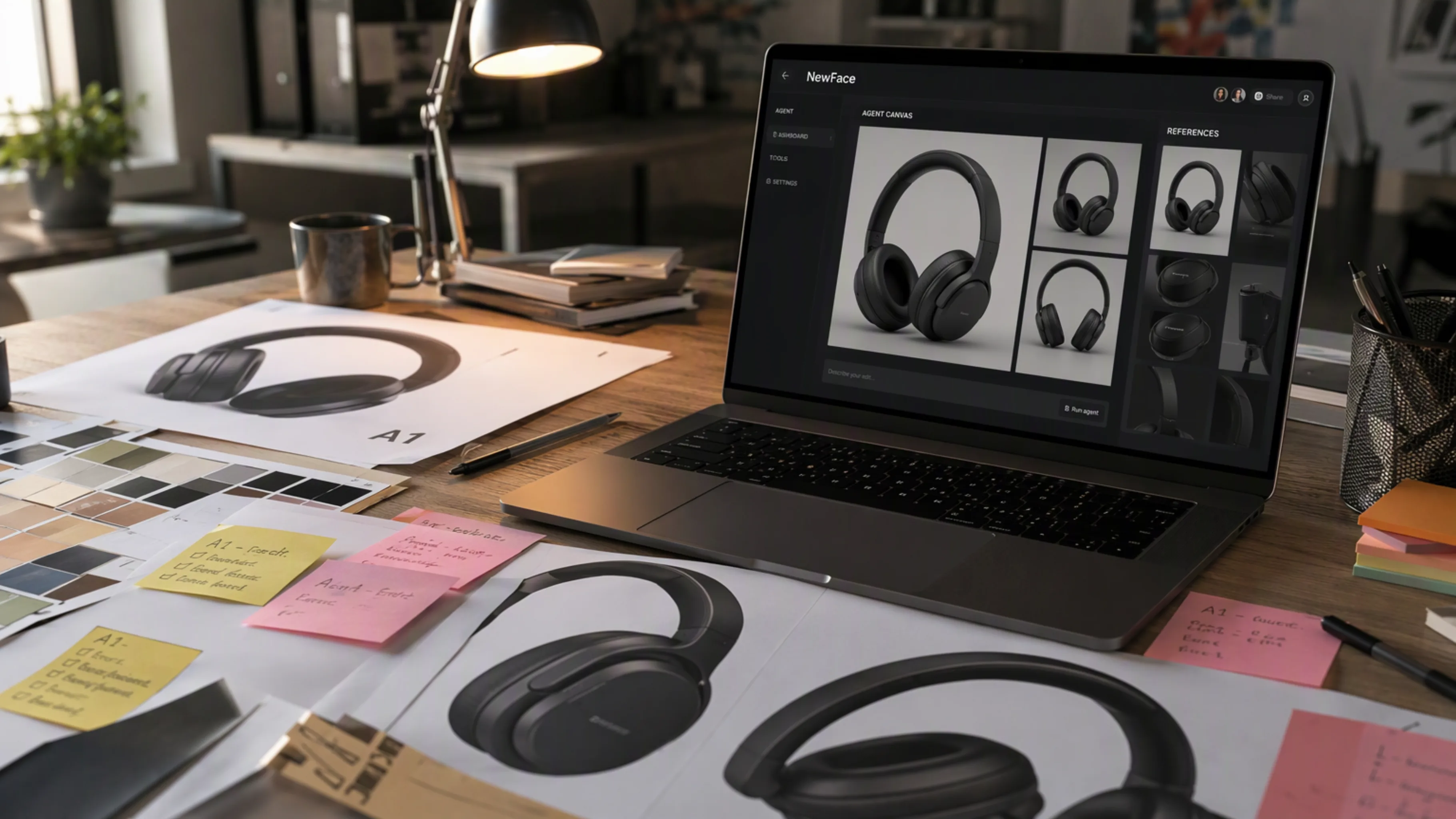
Use reference images and iterative prompts to preserve identity, swap backgrounds, or refine composition without restarting from scratch. NewFace keeps the brief, references, and model choices inspectable on the Agent canvas while you iterate.
FAQ
Frequently asked questions
Quick answers about using GPT Image 2 inside NewFace for ecommerce product imagery.
What is GPT Image 2 on NewFace?
It is NewFace’s hub for OpenAI GPT Image 2. You can brief the Agent for product-selling images, then generate and refine on an inspectable canvas with strong photoreal detail and text rendering.
What is GPT Image 2 especially good at?
High-fidelity product photorealism, more reliable in-image text and structured layouts, and controllable edits with reference images—useful for packshots, posters, and campaign stills.
Can I edit images as well as generate them?
Yes. GPT Image 2 supports generation and editing workflows. In NewFace, keep references and follow-up instructions in the same Agent conversation so revisions stay on-brand.
Do I need design experience?
No. Start with a plain-language product brief. The Agent helps align direction; you can still inspect prompts, references, and outputs before you ship.
Is GPT Image 2 always available?
Model availability, quality tiers, limits, pricing, and regional access can change. The NewFace workspace shows the image models available to your account.
NewFace × GPT Image 2
Start your next product image on NewFace
Bring a product photo, a clear selling point, and a campaign goal. The Agent helps align the direction, then GPT Image 2 generates on a canvas you can inspect and refine.
Try GPT Image 2 now