
Models
Skills
Features
AI Image GeneratorAI Video GeneratorVideo to AudioVideo Subtitle RemoverProduct Detail PageAI TikTok Ads GeneratorAI UGC Video CreatorAI Video Ad GeneratorReal Estate Video AdsAI YouTube Shorts MakerAI UGC Video GeneratorUGC Product AdsGoogle Ads UGC VideoSkincare Video AdsSkincare UGC VideosWomen's Fashion AdsCosmetics Video AdsDTC Product VideosWomen's Fashion UGCSkincare Meta AdsCosmetic TikTok AdsLuxury Jewelry ShowcaseAthleisure Video AdsHome & Kitchen Video AdsPet Brand UGC AdsWellness Video AdsTech & Gadget VideosSustainable Product AdsFitness Equipment AdsMeta Fashion AdsHigh-Converting SkincareLuxury Jewelry ReelsCosmetic Brand VisualsTech Gadget ExplainersPet Brand TikTok AdsWellness PromosMeta Ads for DTCSustainable Product PromosHome & Kitchen AdsCosmetics UGC AdsLuxury Jewelry AdsEcommerce Visual AssetsReal Estate AI AvatarsAdgenesis AlternativeArcade AI AlternativeCreative AI for AdsChatGPT AdsAI Commercial MakerDigital Ad ChannelsVideo Ad MockupsAI Ad Analytics WorkflowFitness Product VideosHigh-Converting DTC AdsAI Actor Video GeneratorAI Actors for Video AdsIcon AI for Ad DesignUGC Videos for DTC BrandsFashion Promo VideosAI Ad MakerAI Advertising GuideMeta Ads for Luxury JewelryFashion Product ShowcaseCinematic Skincare ReelsAI Avatar GeneratorAI Ad GeneratorAI Video Ad Maker PricingTikTok Ads for FitnessVideo Ads for Women's FashionSkincare Brand VisualsFitness Explainer VideosAI Commercial MakerAI Coke Ad Case StudyProduct Ads Best PracticesPet Brand AdsAI Avatar MobileCreator Icon UGCAI Meta Ads For CosmeticsBest UGC Video Creation Software for Live EventsAI Advertising NewsAd IconsAI TikTok Ads For Sustainable ProductsAI TikTok Ads For Wellness BrandsAI TikTok Ads For Luxury JewelryAI UGC Videos For Athleisure WearAI UGC Videos for Home & KitchenAI UGC Videos for Gadgets & TechAI UGC Videos For Sustainable ProductsAI UGC Videos For Fitness EquipmentAI UGC Videos For Luxury JewelryAI Product Videos For CosmeticsAI Product Videos For Women's FashionAI Product Videos For Home & KitchenAI Product Videos For Sustainable ProductsAI Product Videos For Athleisure WearAI Product Showcase For SkincareAI Product Showcase For CosmeticsAI Product Showcase for Sustainable ProductsAI High-Converting Ads For Women's FashionAI High-Converting Ads for Home & KitchenAI Cinematic Reels For Women's FashionAI Brand Visuals for Women's FashionAI Brand Visuals For DTC BrandsAI Aesthetic Promos For SkincareAI Aesthetic Promos for CosmeticsAI Aesthetic Promos For Women's FashionAI Explainer Videos For Wellness BrandsAI Explainer Videos For DTC BrandsAI Promo Videos For SkincareAI Promo Videos For CosmeticsAI Promo Videos For Pet BrandsAI Promo Videos for Gadgets & TechAI Promo Videos For Home & KitchenAI Meta Ads For Pet BrandsAI Meta Ads for Athleisure WearAI Meta Ads For Gadgets & TechAI Meta Ads For Fitness EquipmentAI Meta Ads For Sustainable ProductsAI Meta Ads For Wellness BrandsOpenAI Ads News: What Marketers Need to KnowArc Canvas AlternativeAI Meta Ads For Home & Kitchen
Compare
vs Videogen & Veed.ioBest UGC Video EditorsMakeUGC Alternativevs Arcads Pricingvs Arcads Featuresvs HeyGen & Arcadsvs MakeUGCvs CreatifyHeyGen vs Arcads vs NewFaceVideogen vs Veed vs NewFaceBest UGC PlatformsBest Ad Platforms for AI VideoBest AI Ad Video ToolsTop AI UGC Video MakersUGC Tools Voice CloningUGC Software PricingArcad Pricing & AlternativesTopview AIArcadsDigital Ad Intelligence ToolsAffordable UGC Video ToolsAI Video Ads Platform GuideMarketing Automation AgencyAI Avatar Ecommerce AdsBatch Social Video PlatformsMedia Buying PlatformsUGC Testimonial SoftwareTop AI UGC Video ToolsAI Platforms UGC Brand VideosUGC Software for Google AdsUGC Makers for ShortsBest AI Avatar UGC AdsRetail Ad Builder Software
Remake
Plush Pet Play AdBedroom UnboxingScreaming Goat PlushDino Keychain ShowcaseNumber Plush UnboxingCheerful Dog DemoCozy Bat Home ReviewCalming Jesus PlushSleepy Night LightPlush Unboxing ReviewCozy Shelf PlantCorgi Blind BoxBedside Plush BatCute Plush ReviewCozy Dragon UnboxingMini Fridge PlushRealistic Doll GardenPlush Blind Box UnboxingPlush Bear Dress-UpGrumpy Bunny Plush ShowcaseCute Chick Plush UnboxingArticulated Mushroom DollCute Narwhal Plush DemoCozy Bat Plush ShowcaseAnime Doll ShowcaseCapybara Plush ShowcaseBeach Couple 4th of JulyBasketball Shorts DemoFitted Dress Shirt DemoPatriotic Jersey ShowcasePatriotic Shirt DemoTrendy Sweatpants Try-OnTank Top UGC PitchAthletic Shorts ReviewQuarter Zip UGCCompliment-Worthy HenleySchool Hallway Dance Cargo PantsAthletic Shorts Color Stack ShowcaseWhite Tank Top Stack DemoMen's Boxers UGC ReviewBaggy Jeans User Purchase ShowcaseTactical Pants UGC ShowcasePoolside Mystery Pack UnboxingStar Denim Shorts Unboxing DemoCasual Graphic TeeJersey Dance Try-OnOld Money LinenStadium Work PantsGym Apparel ShowcaseGraphic Tee UGCSun Moon Tee UGC2-Piece OutfitPatriotic JerseyMoody Pink TeeDress Pants WalkUnderwear BundleLeopard Pants ZoomMirror Selfie SweatpantsOutdoor Baggy JeansPoolside Boxer BriefsTactical Cargo DemoGraphic Tank UGC3-Pack Tee UGCTracksuit Try-OnCasual Shorts Try-OnPlaid Shirt Try-OnBaggy Jeans MirrorCargo Pants Demo
Blog
POV in Film & AI VideoFirst Five PromptsWhat AI Video Is (and Isn't)What Is a Jump Cut?What Is an Establishing Shot?What Is a Dutch Angle?What Is a Match Cut?What Is a Dolly Shot?What Is Cross-Cutting?Direct a Scene With No ActorsAI Crypto Video GeneratorFaceless Crypto VideosCrypto YouTube IdeasBuy Crypto SafelyWhat Is BitcoinEthereum ExplainedBlockchain GuideNFTs DecodedCrypto Wallets GuideWhat Is DeFiWhat Is Web3Stake Crypto GuideMeme Coins GuideSpot Crypto ScamsBitcoin Halving GuideMake & Sell NFTsCrypto Tax GuideCentral Bank Digital CurrenciesWhat Are DAOsAI YouTube Video GeneratorOnline Learning PlatformsFaceless Educational VideosEarly Childhood EducationLearning Disabilities GuideTest Prep: SAT, ACT, GRESTEM Education YouTubeScholarships & Financial AidStudy Abroad GuideStartup Marketing StrategiesBusiness Law EssentialsFaceless Fitness VideosEntrepreneur Success StoriesProduct Pricing TipsWhy Startups FailBusiness Model CanvasUnique Value PropositionBusiness Networking GuideBootstrap Online BusinessStartup to Scaleup GrowthTeacher Training GuideMontessori Education GuideFaceless Entrepreneurship VideosExplainer & Tutorial VideosVideo Quality & Audio GuideStarting Business with No MoneyFuture of Education GuideTraditional vs Modern TeachingEducational Psychology YouTube GuideSpecial Education Inclusive LearningTutoring: Find or Become a TutorAdult Education YouTube GuideEducational Technology ToolsVocational Training Skills EducationTrading Risk ManagementCommon Investing Mistakes GuideDo Automated Trading Bots Work?YouTube AI Marketing Video GeneratorYouTube Marketing Channel IdeasDigital Marketing 101 GuideSocial Media Marketing Strategy 2026Facebook Ads Tutorial for BeginnersEmail Marketing List Growth GuideGoogle Ads for Profitable CampaignsInstagram Marketing Brand BuildingTikTok Marketing: Reaching Gen Z AudiencesAI Video Ads Platform: Complete GuideAI Ads for Agents: Ultimate Guide 2026Best Marketing Automation Agency 2026TikTok AI Video Ads: Ultimate Guide 2026AI Generated Commercials: Definitive Guide 2026UGC Ads: Ultimate Guide to AI-Powered Ads 2026How to Write a Camera Ad Script That Sells 2026Google AI Ads: Complete Guide 2026Character AI Ads: Complete Guide 2026AI Avatar Tools for E-Commerce Ads 20262026 Advertisement That Works: Step-by-Step GuideCreative Ads That Convert 2026Advertising Creative Guide 2026AI Avatar & Royalty-Free Music Guide 2026Batch Social Video Ads Platforms 2026Promoting Products: Digital Ads & Swag 2026Media Buying Platforms 2026: A–Z DSP ComparisonMeta AI Lead Gen Ads 2026 GuideBest Ad Creative for SaaS 2026Best UGC Testimonial Video Software 2026Top 12 AI UGC Video Tools 2026Top AI Platforms for UGC Brand VideosBest UGC Video Software for Google AdsBest UGC Video Makers for YouTube ShortsBest AI Avatar Solutions for UGC Product Ads 2026Retail Ad Builder Software 2026 Guide
Language
Mobile AI avatar studio
AI Avatar Tools With Mobile App Support
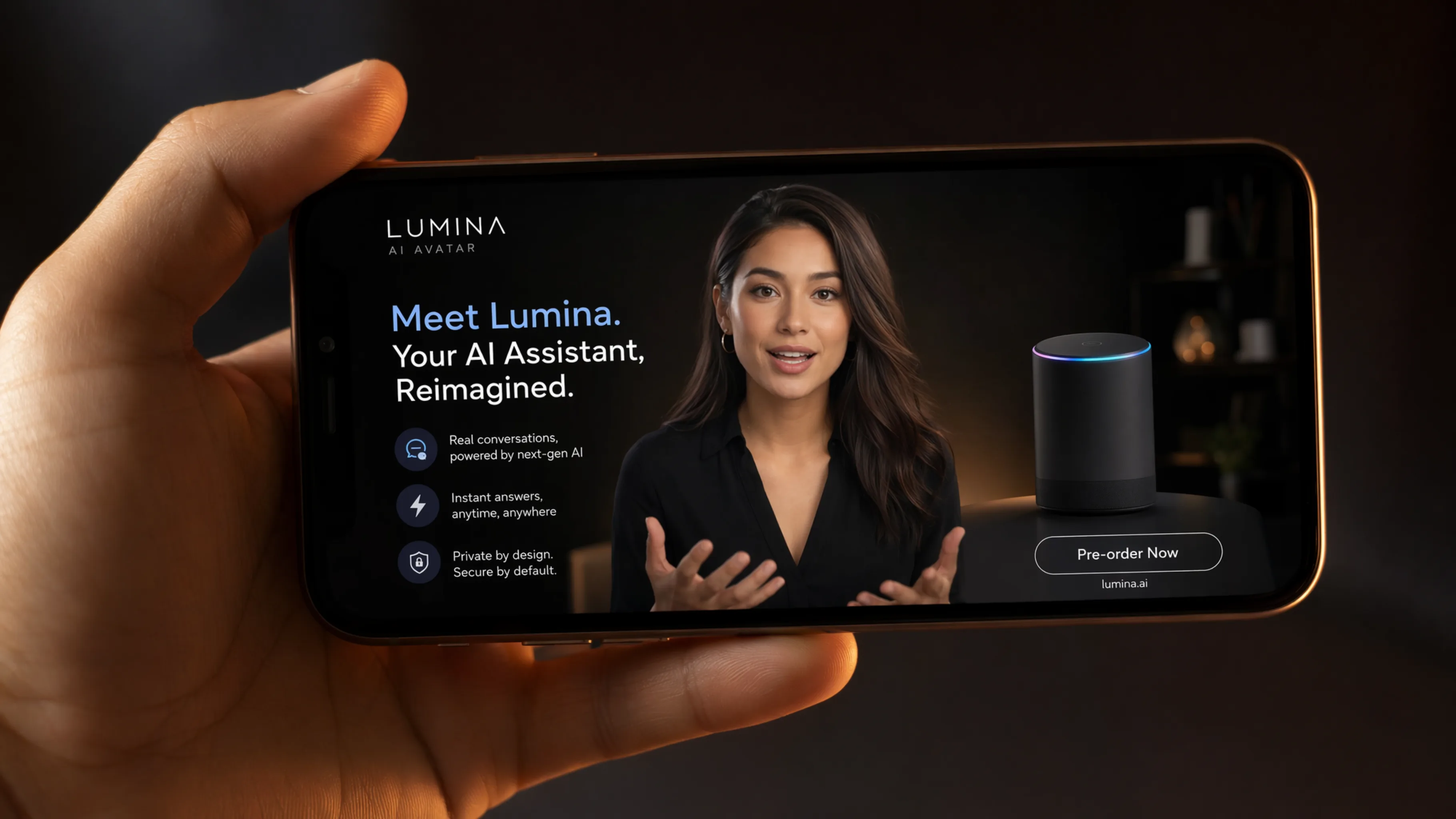
Generate physics-grounded AI avatar videos in native 4K straight from your phone. A cloud-backed studio that travels with you - no desktop, no app install, no quality compromise.
The mobile studio
The full desktop pipeline, reachable from a phone browser
AI avatar tools with mobile app support put a cloud-backed video studio on the phone you already carry - you script and direct on a small screen while remote GPUs handle the physics, the compositing, and the native 4K render.
Most AI avatar platforms treat mobile as a read-only preview of a desktop product - a place to watch renders, not start them. Newface ships the whole pipeline to the phone: the physics-driven motion model, product-in-hand compositing, brand-aware templates, and cloud 4K rendering are all reachable from a mobile browser, with the heavy compute offloaded to remote GPUs.
So a creator on a train, a founder between meetings, and a marketer working a trade-show floor all ship the same quality clip they would from a desk. The phone is the controls; the cloud is the engine - nothing gets installed, nothing gets transferred between devices, and nothing about the render is downgraded because the screen is smaller.
The pipeline, on a phone
Four capabilities that travel with you
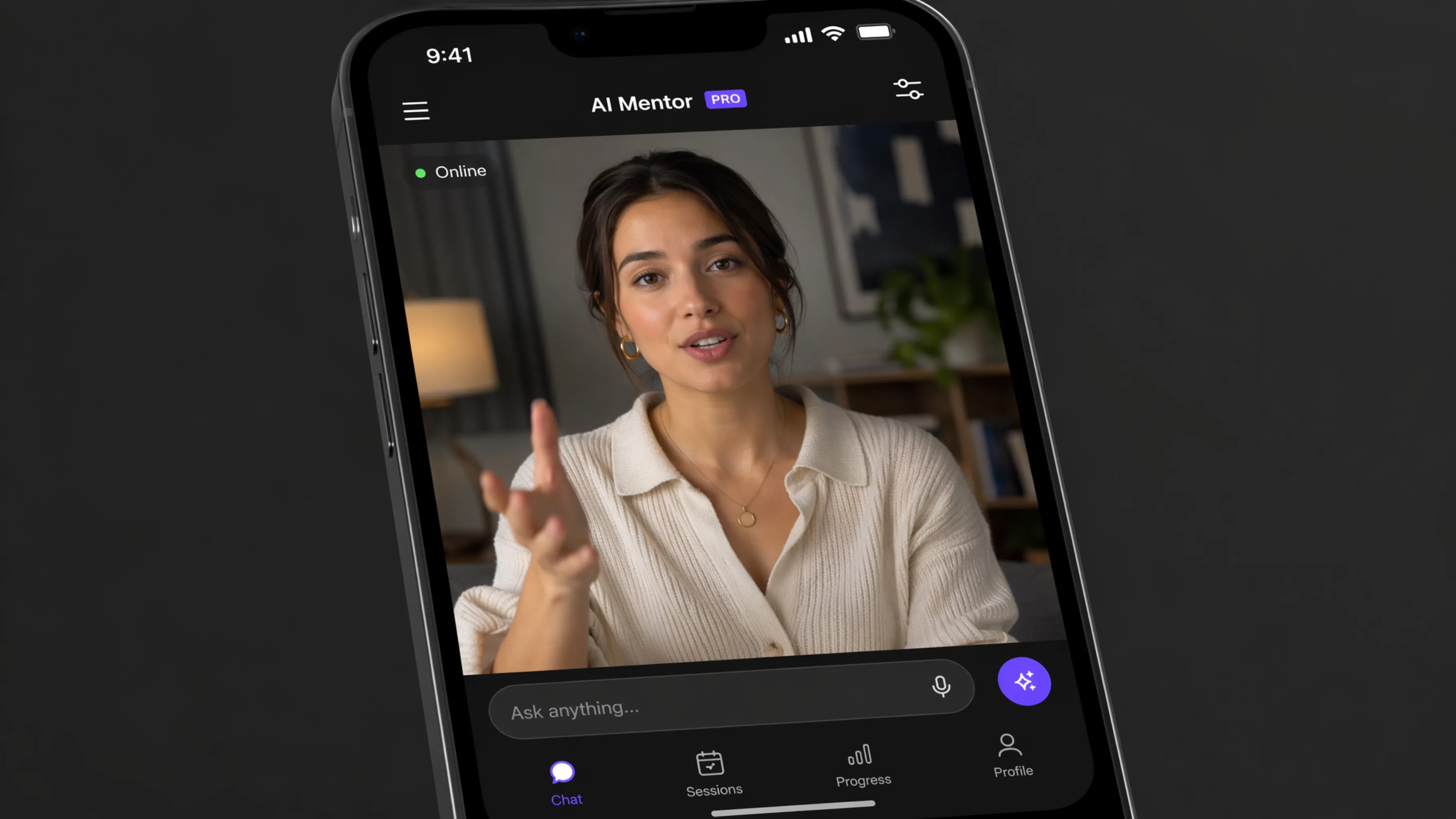
Physics-grounded motion on a phone screen
Avatars move with real weight, balance, and momentum - not the stiff, robotic loops that give away cheap AI video. A physics engine calculates gesturing, walking, and interaction frame by frame, so a clip you start on mobile reads as live action, not as a deepfake.
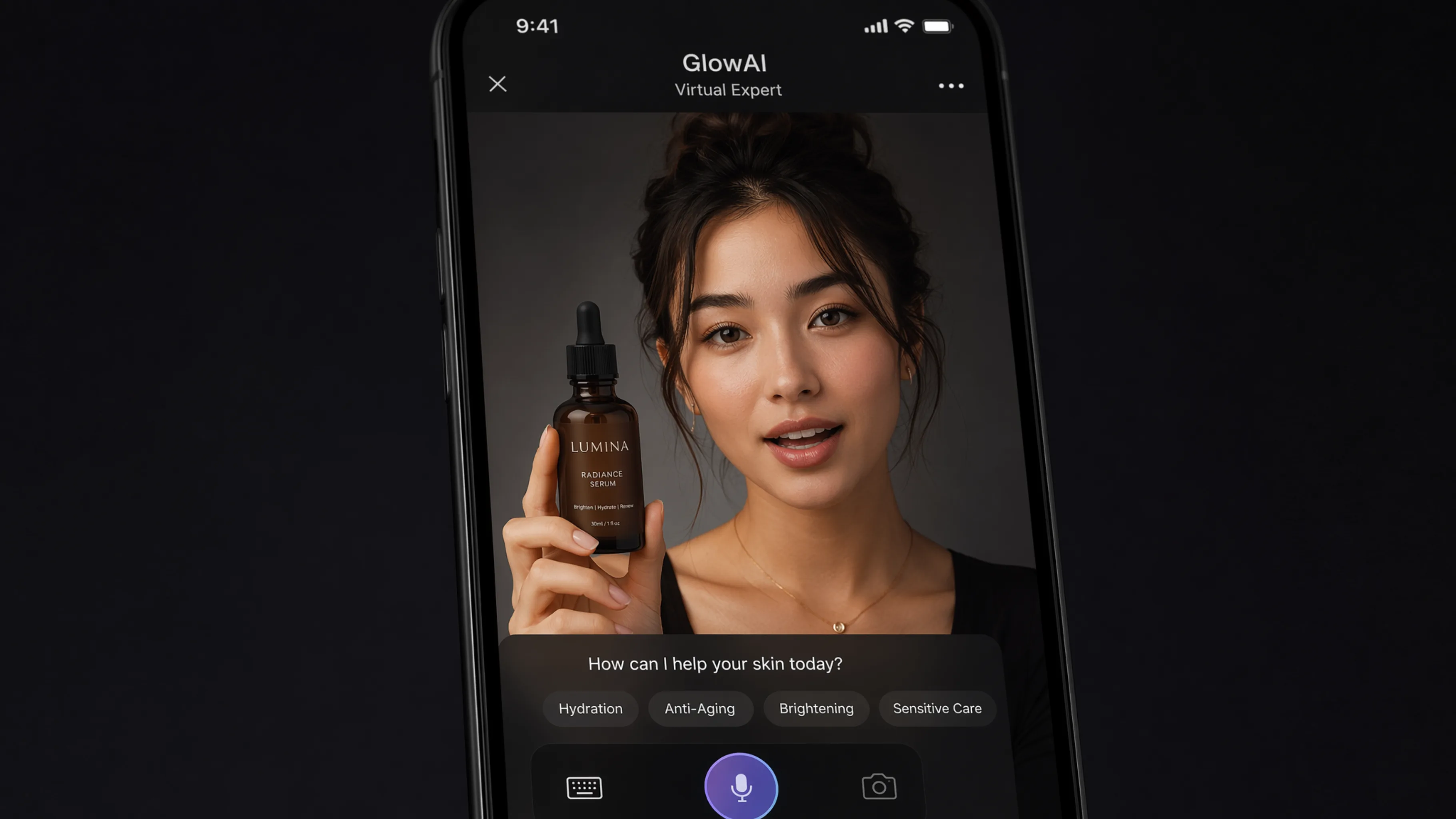
Product-in-hand compositing from anywhere
Upload a product shot from your camera roll and the AI maps it into the avatar's grasp, matching lighting, shadows, and physics to the scene as the avatar moves and speaks. No studio rig, no green screen - just a product photo and a phone.
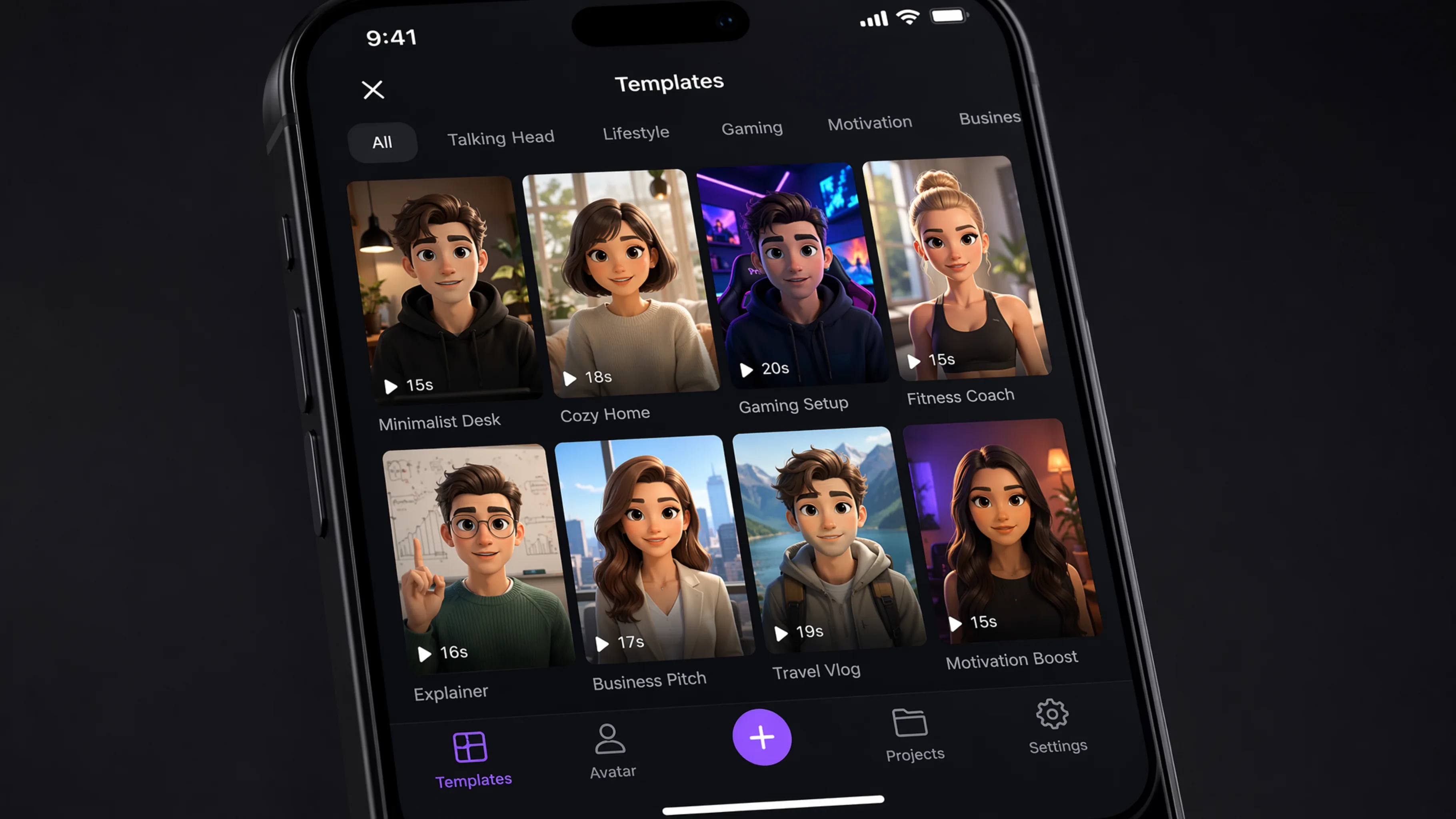
Self-learning templates that adapt to your brand
The more you generate, the better the templates understand your pacing, framing, color grade, and avatar behavior. After a few projects, a brand-consistent video is a few taps - not a from-scratch edit - even when you are building it on a six-inch screen.
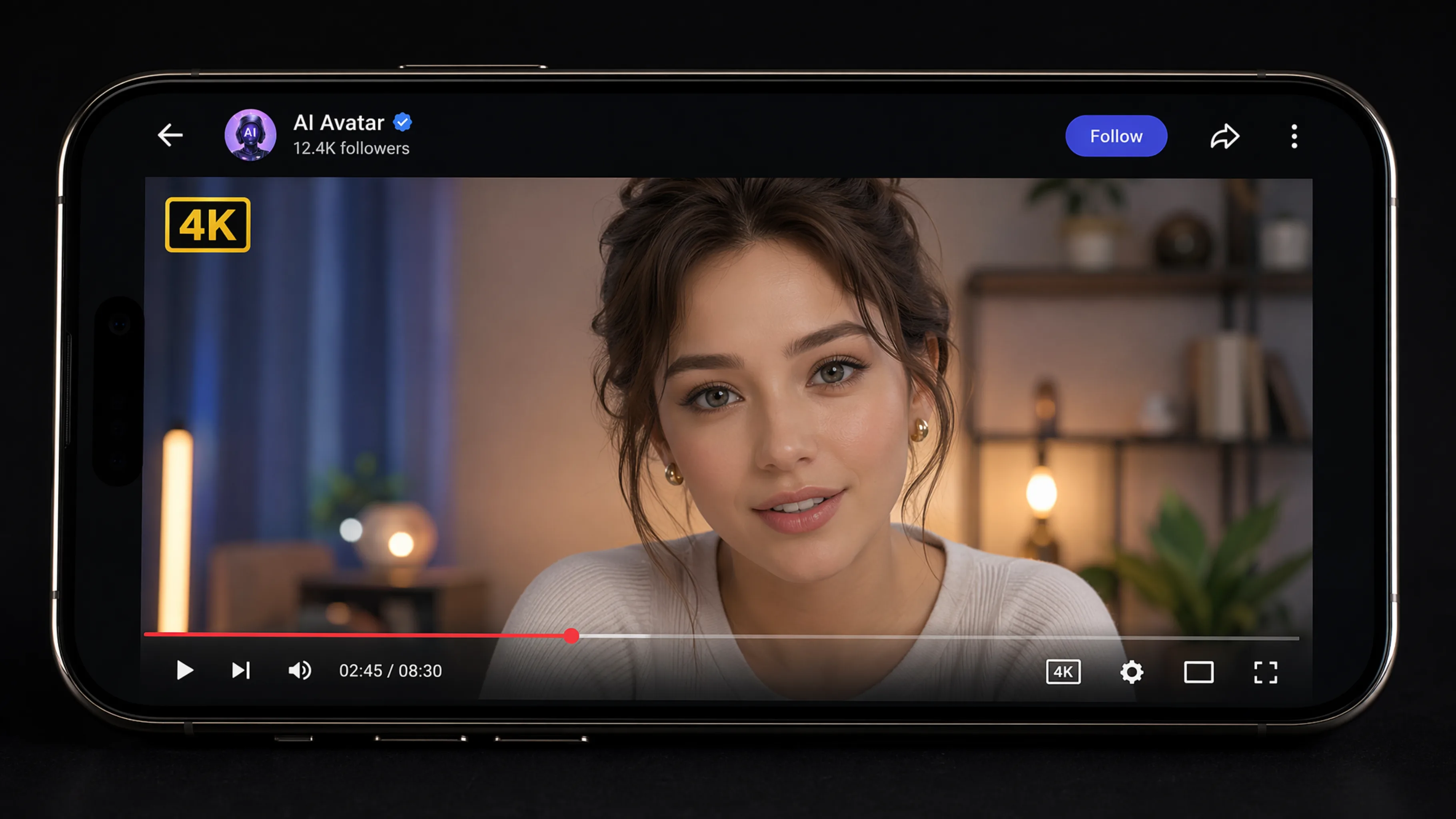
Native 4K output, rendered in the cloud
Your phone's hardware never caps the final file. Every video renders in true native 4K on cloud GPUs, ready for HD displays, premium social feeds, or broadcast - the same resolution you would get from the desktop studio, queued from your pocket.
The workflow
From phone to published in four moves
The mobile workflow is built to be finished in the gaps of a day - a commute, a lunch, a walk between meetings.
- 01
Draft the scene on your phone
Open Newface in your phone browser, pick an avatar and a template, and write or paste your script. Self-learning templates pre-fill pacing and framing from your last project.
- 02
Add the product from your camera roll
Drop in a product photo from your camera roll. Product-in-hand compositing maps it into the avatar's grasp with matched lighting and shadows - no green screen required.
- 03
Render in 4K on cloud GPUs
Hit generate. Physics-grounded motion and native 4K rendering happen in the cloud, not on your device, so phone hardware is never the bottleneck.
- 04
Publish straight from your phone
Download the finished 4K file to your camera roll and post natively to any platform, or sign in on desktop to keep editing. Projects live in your account, not on the device.
How it compares
How mobile AI avatar tools stack up
Most mobile AI video apps cap resolution or cut features. Newface ships the full desktop pipeline to your phone.
| Capability | Newface mobile | Typical mobile AI video app | Desktop-only avatar tools |
|---|---|---|---|
| Native 4K output | Yes, cloud-rendered | Capped at 1080p | Yes, but desktop only |
| Physics-grounded avatar motion | Yes | Basic lip-sync only | Yes |
| Product-in-hand compositing | Yes, from a phone photo | Not available | Yes, needs studio setup |
| Brand-aware self-learning templates | Yes | Static presets | Limited |
| Start on mobile, finish on desktop | Yes, projects sync | No export to desktop | Desktop only |
| App-store download required | No - runs in mobile browser | Yes | No, but desktop install |
If your phone is where your ideas happen, your avatar tool should meet you there - at full resolution, with the full feature set.
Who it's for
Built for people who create on the move
Traveling creators
Film, generate, and publish avatar videos from the road - no laptop, no render queue waiting at home. Keep the content calendar moving from any time zone.
Field marketers
React to a trend or a competitor's move the same day. Spin up a physics-grounded avatar ad from the event floor and post it before the moment passes.
One-person brands
Run an entire brand's video output from a phone. Product-in-hand demos, native 4K renders, and brand-aware templates - without a desktop, a team, or a studio.
Shop floor teams
Turn a product on the shelf into a demo video in minutes. Photograph it, composite it into an avatar's hand, and have a 4K clip ready to show customers.
Questions
Frequently asked questions
Do I need to download an app to use Newface on my phone?
No. Newface runs as a mobile-optimized web experience in your phone's browser, so there is nothing to install from an app store. You can start a project on mobile and pick it up on desktop with the same account.
Can I really get native 4K output from a phone?
Yes. All rendering happens on cloud GPUs, not on your device, so your phone's hardware never limits resolution. You receive the same native 4K file you would from the desktop studio.
How does product-in-hand compositing work when I am not in a studio?
Upload a product photo from your phone and the AI composites it into the avatar's hand, matching the scene's lighting, shadows, and physics as the avatar moves and speaks. No green screen or studio rig required.
Will a project I start on mobile show up on my desktop?
Yes. Projects live in your account, not on the device. A draft you begin on your phone opens on your desktop the moment you sign in - no file transfer, no export step.
Is mobile generation slower than desktop?
No. Generation runs on the same cloud GPUs either way; the phone is just the controls. Render times are identical - only your internet connection matters.
Turn your phone into a 4K avatar studio
Start a physics-grounded AI avatar video on mobile in under a minute - no app install, no desktop, no quality compromise.