
GPT Image 2.6 Logo
Describe a brand and generate the logo as an SVG. You get vector artwork you can scale and recolor, not a flattened picture of a logo.
The logo
A logo, delivered as an SVG
GPT Image 2.6 can generate an SVG from a description. Flare and Sunburst both can. The file is vector artwork, so the mark stays sharp when you resize it.
01 / 02
One SVG, not a picture of a logo
Ask for SVG output when you generate. You get one file. It is static vector artwork: paths, shapes, and colors. It does not include scripts, outside files, or an embedded photo. Quality controls the reference image the SVG is drawn from.
02 / 02
Flare for a draft, Sunburst for the mark
Flare is the fast model, and it is the default when you start an image. Sunburst is the detailed one. Use Flare while the idea is still moving. Use Sunburst when the shapes and the name need more care. Lettering may come back as drawn shapes or as text, so open the file and check.
Why an SVG
A mark you can scale and recolor
Describe the brand. GPT Image 2.6 turns that brief into a logo file you can take into a design tool.
01 / 04
Recolor a shape
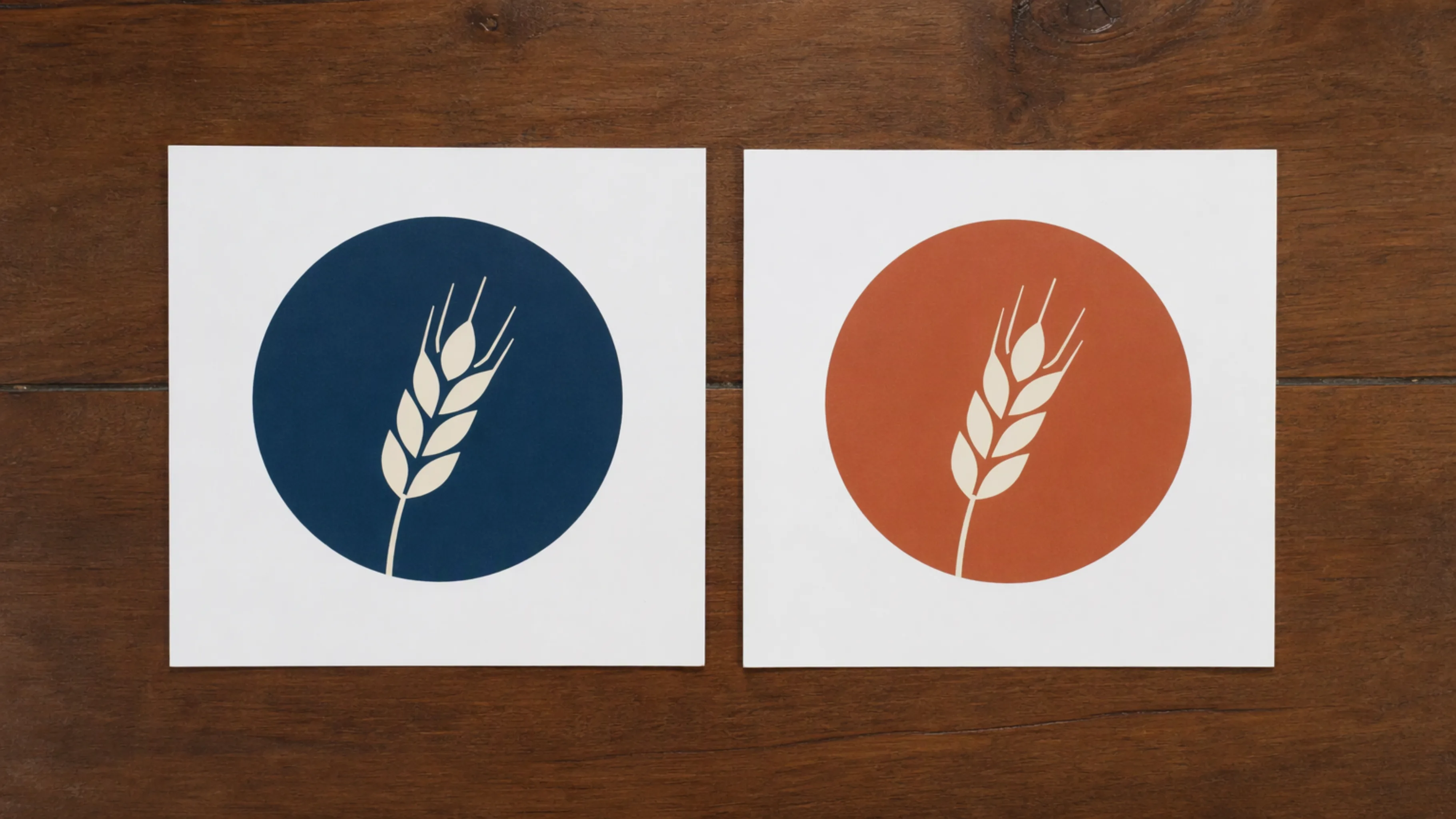
The colors live in the file. Change a shape's color in a design tool instead of repainting a picture of the logo.
02 / 04
Start from the brand
Describe the name, the feeling, and the silhouette. Ask for flat shapes, open space, and a transparent background. A square frame is a natural fit for a logo.
03 / 04
One mark, three places
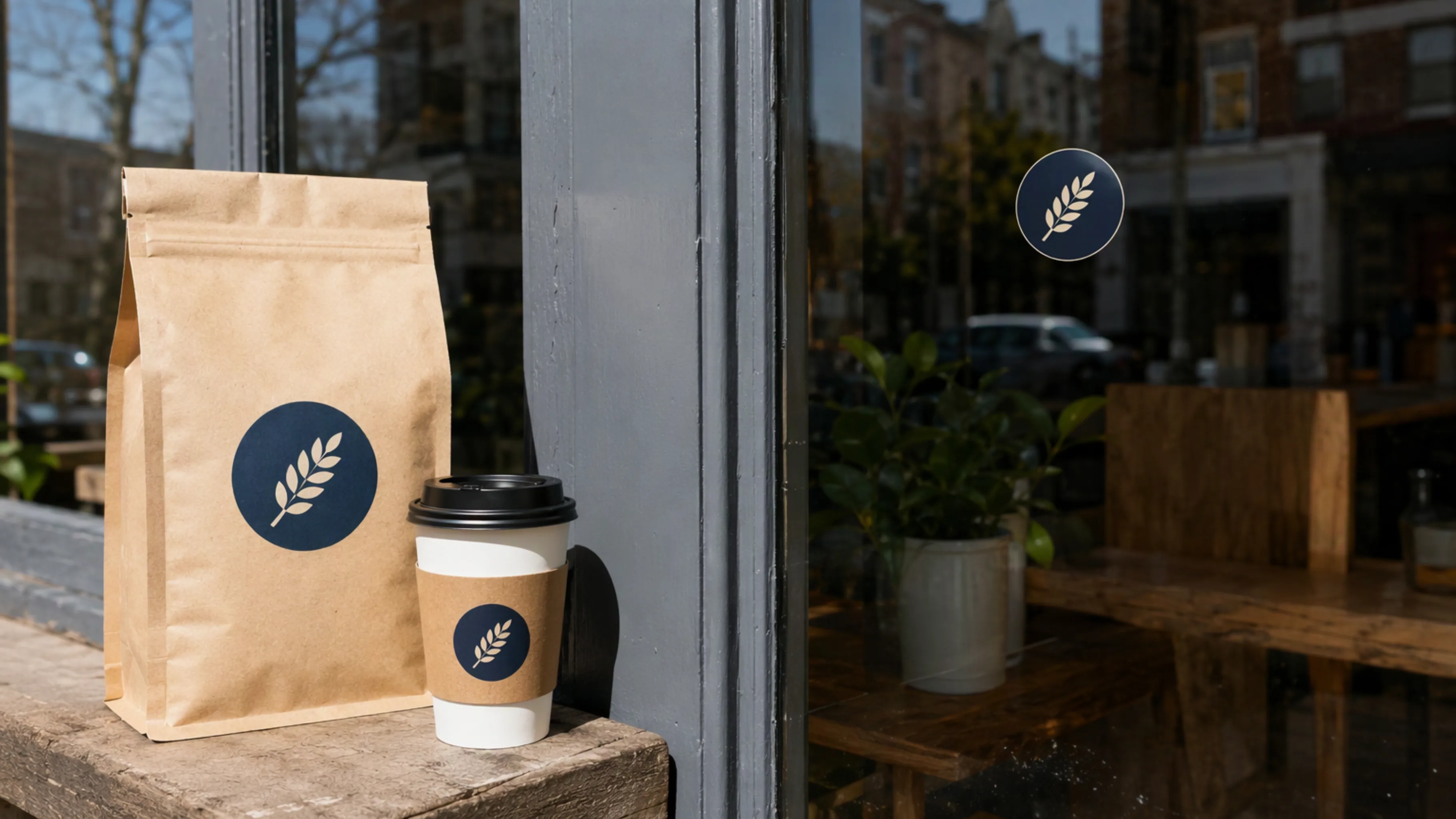
The same logo can go on a package, a window, and a small label. Because it is an SVG, you are placing shapes, not stretching a photo.
04 / 04
Download the SVG
Take the file into a design tool. If you need a picture to place on a photo, ask for a PNG or WebP with a transparent background instead. Editing an existing image does not return an SVG, and an SVG cannot be sent back in as an edit.
Where the mark goes
Campaigns a logo is made to brand
These short films are examples of the campaigns a logo is made to sit on. GPT Image 2.6 makes the mark. It does not render these videos.
FAQ
Questions about SVG logos
What the file contains, which model to pick, and what an edit cannot do.
Can GPT Image 2.6 generate an SVG?
Yes. Flare and Sunburst can each return one SVG from image generation. The file is static vector artwork: paths, shapes, and colors. It has no scripts, no external files, and no embedded photo.
What should I ask for?
Describe the brand, the mark, and the colors. Ask for flat shapes, a transparent background, a square frame, and SVG output. You get one SVG per request.
Can I edit an existing picture into an SVG?
No. Image edits do not return an SVG, and an SVG is not a supported input for an edit. Describe the logo and generate it.
Which model should I use?
Use Flare while you are still trying ideas. Use Sunburst when the mark and the lettering need more care. Open the SVG and check whether the name is live text or drawn shapes.
Is GPT Image 2.6 on the free plan?
No. Flare and Sunburst are on Pro and Team. Free and Starter do not include them. Check live pricing for the current plan and cost.