
Skills
Official workflows for product video. Pick a skill, add a short brief, and generate a film you can download or post.
All skills
Pick the workflow that fits the job
Each skill is a finished way to make a product video. Open one to see how it works, then start it with your own product.

Viral Remake
Turn a viral product or ad video you found into a new finished commercial built around your own product.
Open skill
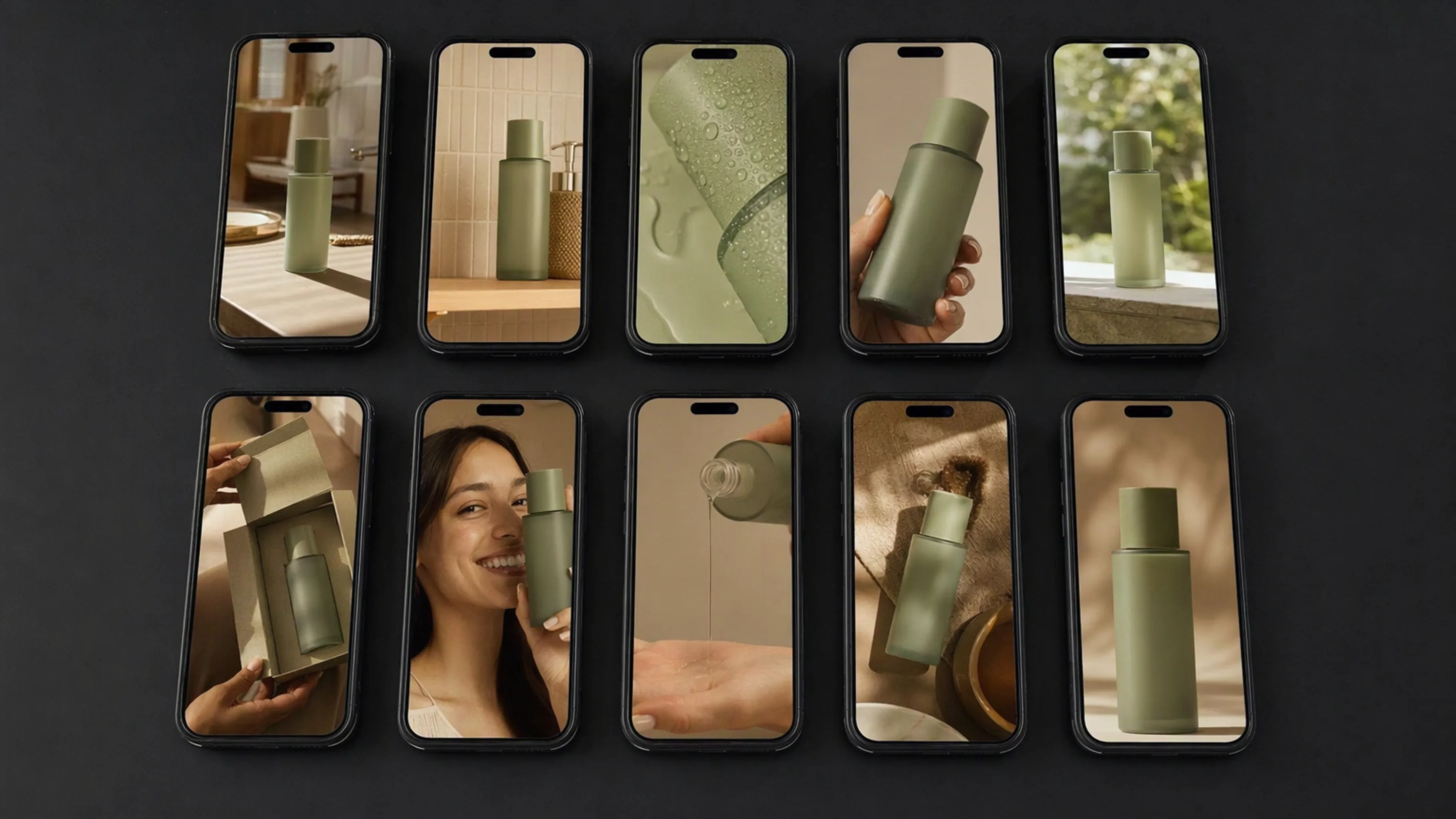
Batch Product Video
Upload a product image and generate a batch of short product videos that share one look.
Open skill
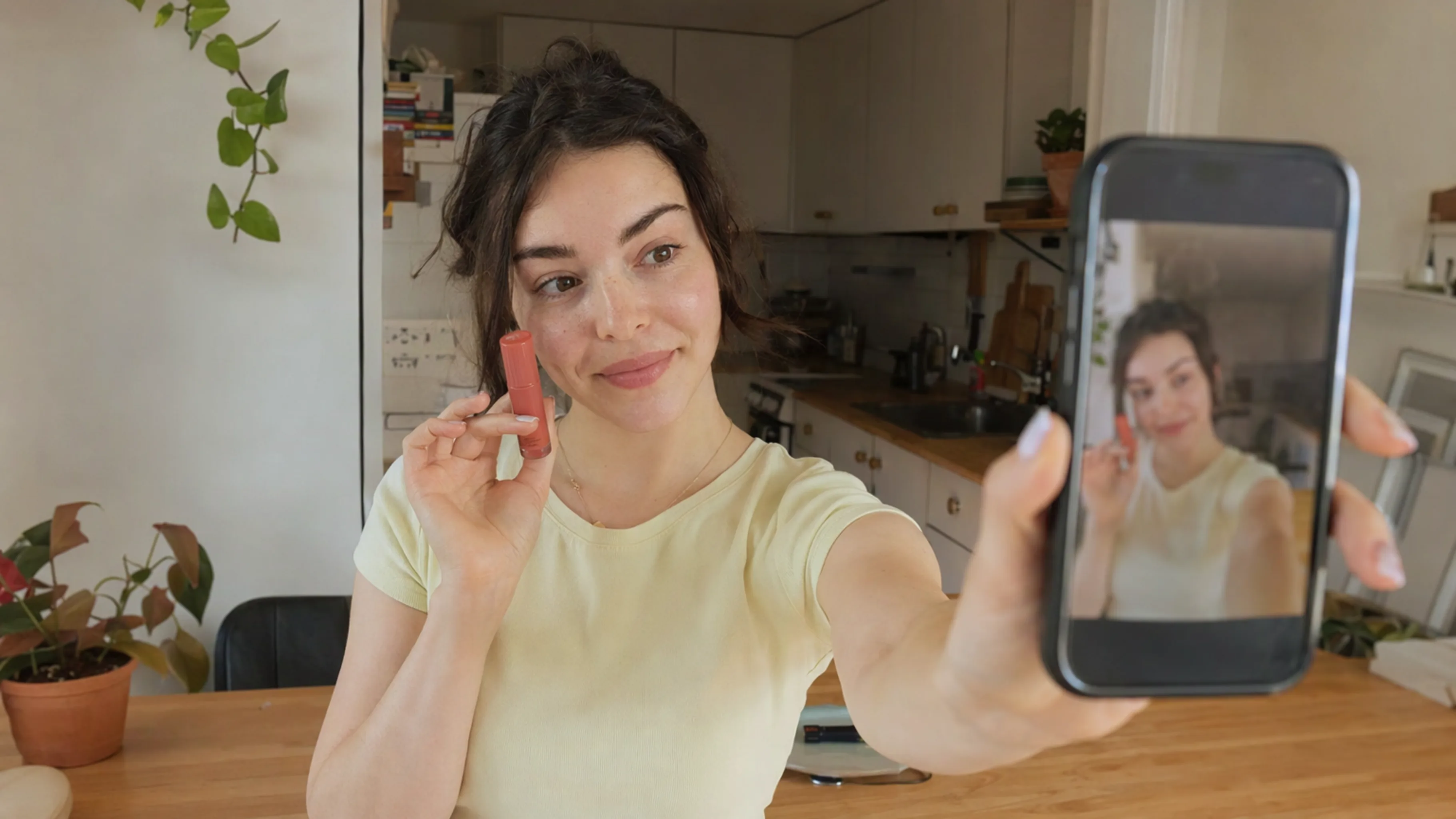
UGC ADs
Upload one product image and generate a phone-native UGC ad that feels filmed by a real creator, not produced as a commercial.
Open skill
What a skill is
A workflow, not a blank page
Skills package a production job so you can start from a product and a short brief.
01 / 02
The job is already defined
One skill remakes a proven ad around your product. Another makes up to 10 videos in one run. Another shoots a phone-native UGC ad. You do not have to invent the workflow.
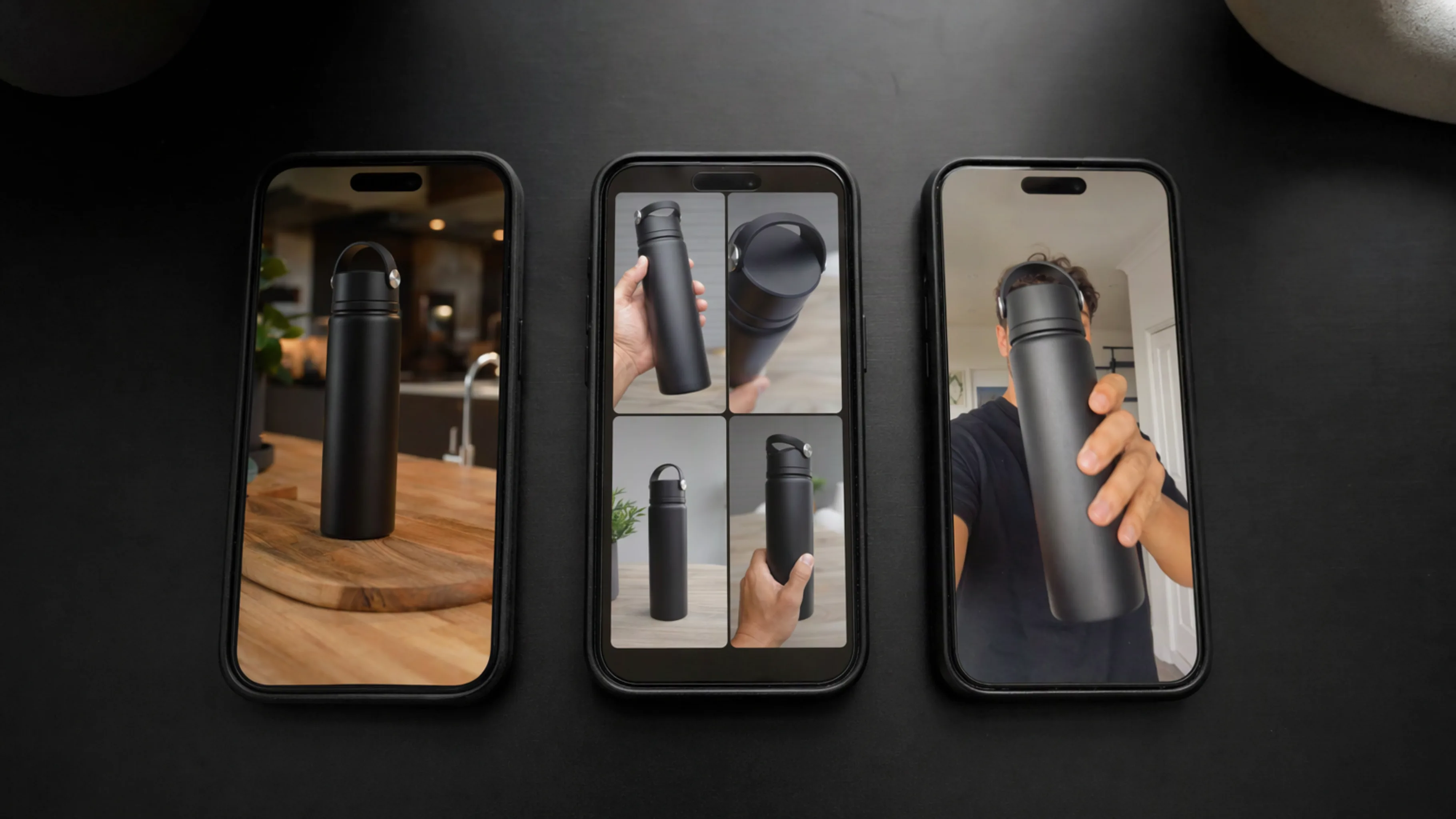
02 / 02
You still direct the product
You bring the product image, the selling points, and the choices that change the film. The skill handles parsing, scripting, storyboards, and assembly.
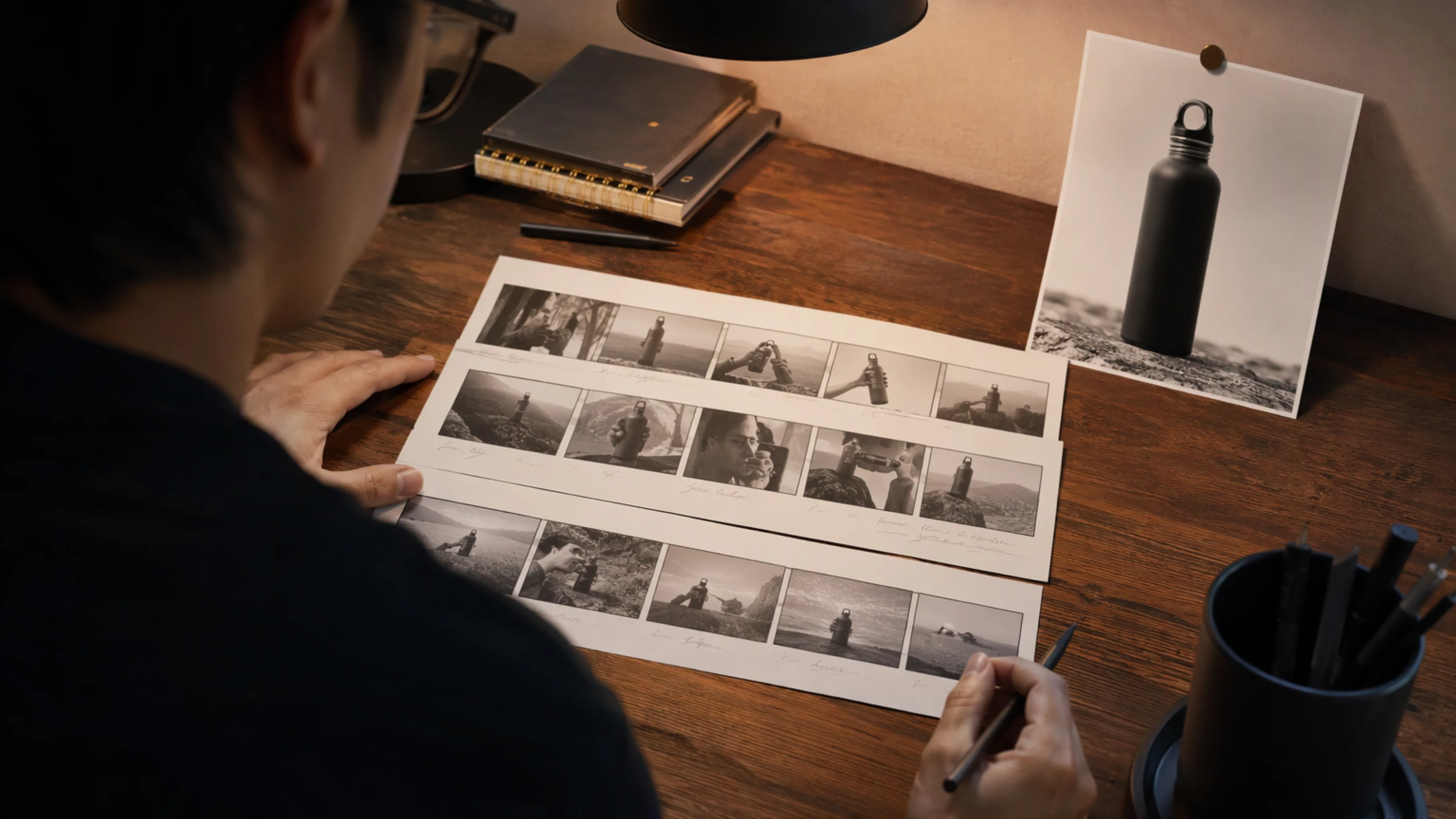
Why use a skill
Faster from a brief to a film you can run
Built for sellers and content teams who need product video without rebuilding each production from scratch.
01 / 04
A short brief is enough to start
A product image and a few points are enough to open a skill. Add a reference video, an audience, or a duration when that skill asks for them.
02 / 04
Made for selling
These workflows aim at product ads and short commerce films: a hook, the benefits, and a result you can post.
03 / 04
The shape matches the test
Remake a structure that already worked, batch several creatives for a product test, or make one creator-style ad. Each skill keeps that job separate.
04 / 04
Download or post the result
Finished films can be downloaded or published to TikTok, YouTube, and other short-video channels.
Use cases
Films these skills are built to make
Try-ons, unboxings, and product pitches already running as short ads. A skill turns your product into this kind of film.
FAQ
Questions about skills
How to choose a skill, what you need to start, and where the finished film can go.
What is a NewFace skill?
A skill is a ready workflow for one production job. You add a short brief, and the skill handles the plan, the script, and the film.
Which skill should I open?
Open Viral Remake to rebuild a proven ad around your product. Open Batch Product Video to make up to 10 videos in one run. Open UGC ADs for one phone-native creator-style ad.
What do I need to start?
A product image is the usual starting point. Some skills also ask for a reference video, selling points, an audience, or a duration.
Do I have to pick a skill before I type?
You can open a skill page and start there, or describe the film in the box above and let the agent recommend a skill before it generates.
Where can I publish the result?
Finished films can be downloaded or published to TikTok, YouTube, and other short-video channels.