
GPT Image 2.6
Two image models on NewFace. Flare drafts fast. Sunburst keeps detail. Use them for product stills, an SVG logo, or a short looping GIF.
Try GPT Image 2.6 with the Agent
Start with a still, a logo, or a GIF, or rewrite the brief.
GPT Image 2.6
Stills, a logo, or a short loop
GPT Image 2.6 on NewFace is Flare and Sunburst. Flare is the default image model. Sunburst is the one you pick when the result needs more care. Both can make a still, one SVG, or one animated GIF.
Product stills
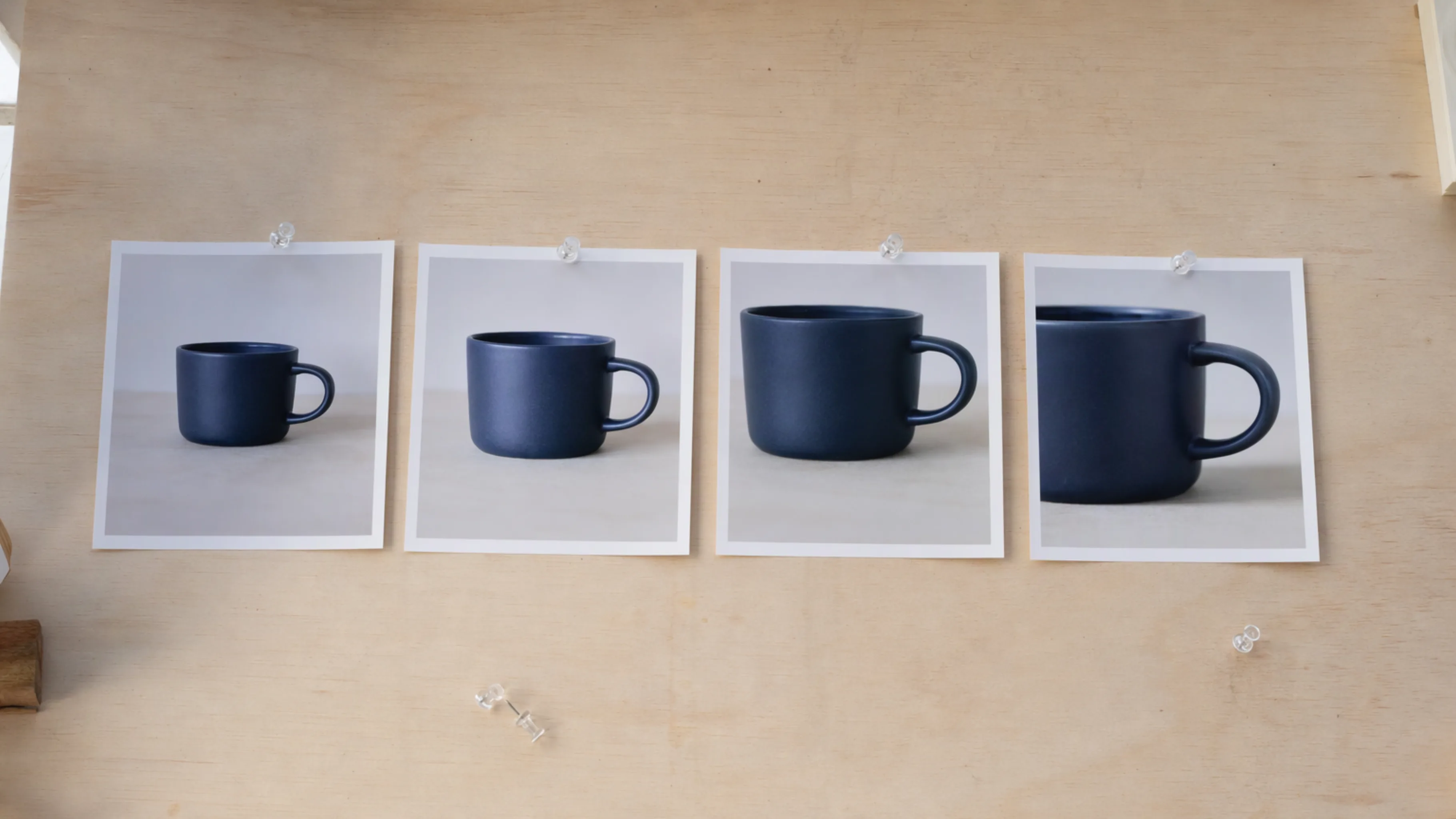
Flare is the fast draft, and it is the default when you start an image. Sunburst is for edits that should keep the product's details. You can add up to 10 reference images, choose a ratio from 9:16 to 21:9, and set resolution from 1K to 4K. Quality runs from low to max. The default is medium at 2K.
An SVG logo
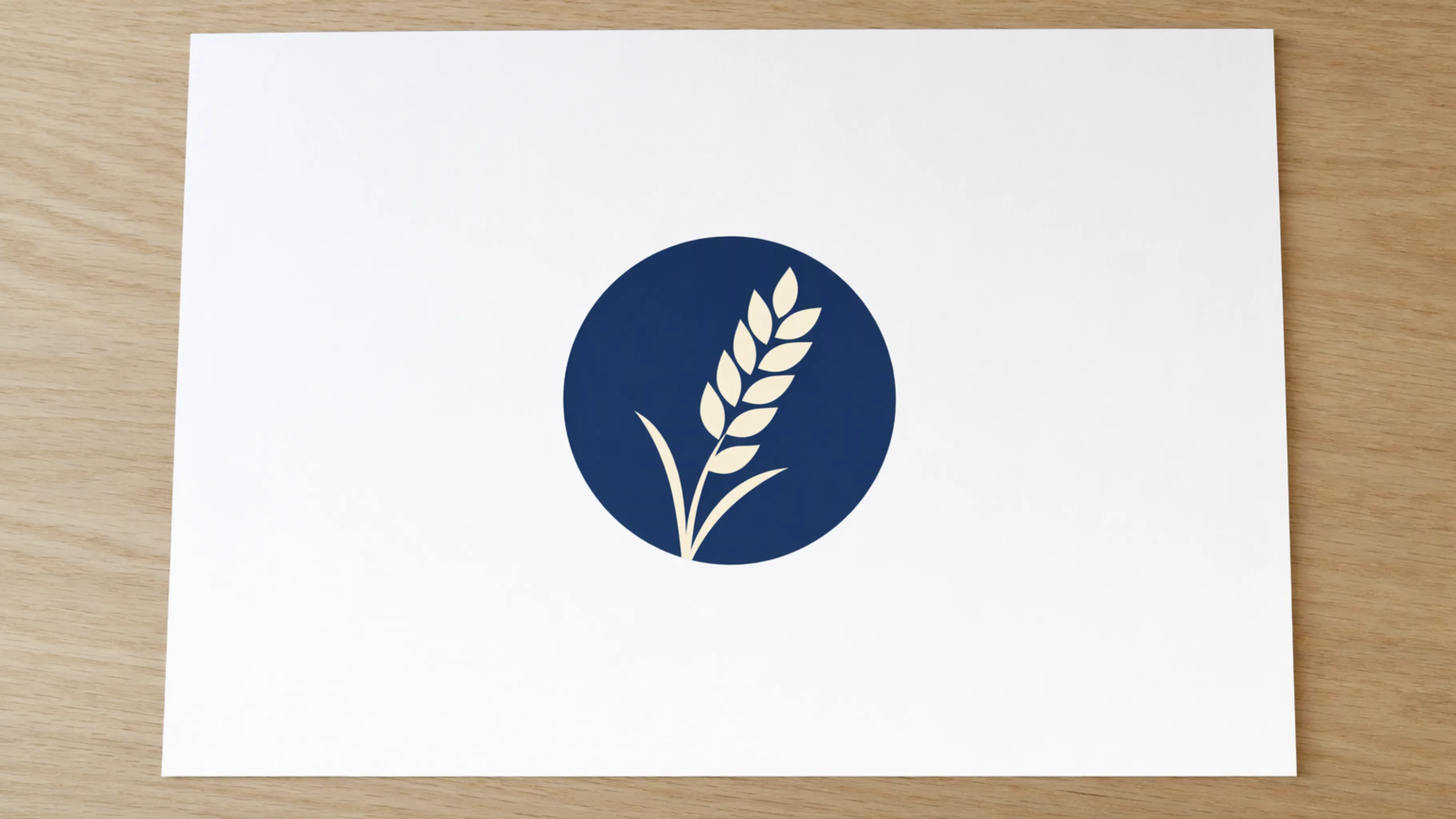
Ask for SVG and you get one static vector file: paths, shapes, and colors. It has no scripts, external files, or embedded photos. Quality controls the reference image the SVG is drawn from. An edit does not return SVG, and an SVG cannot be the edit input. Lettering may be drawn shapes or live text, so open the file before you rely on it.
A short looping GIF
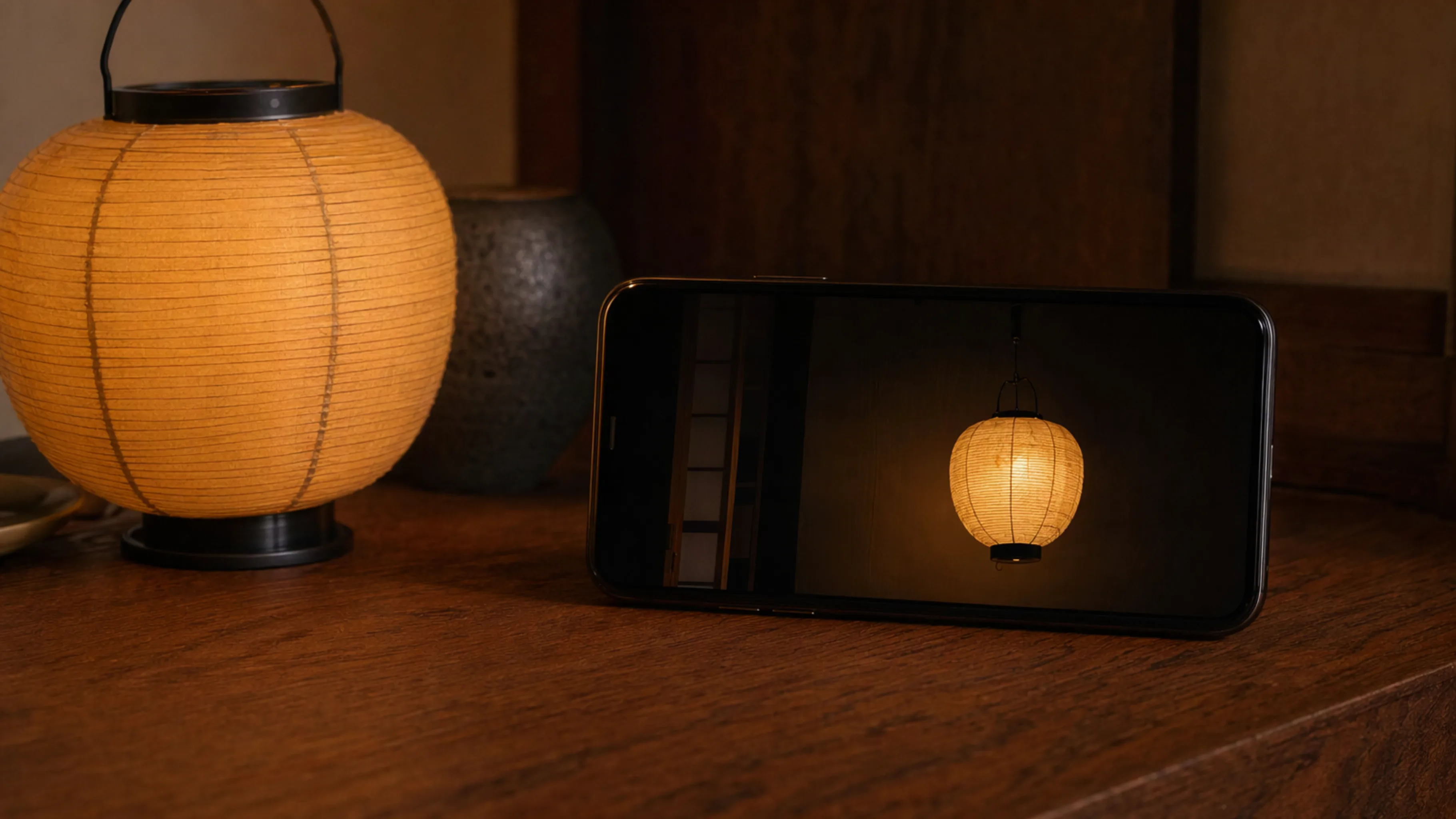
A description is enough to generate one GIF. A still can guide an edit into a GIF too. Choose 2 to 16 frames. Each frame holds for 20 to 2000 milliseconds, rounded to the nearest 10. Leave both unset and you get 9 frames at 200 milliseconds, about 1.8 seconds. It does not stream, return partial frames, or take a custom compression setting.
Pages
Every GPT Image 2.6 page on NewFace
Open the page for product stills, an SVG logo, or a short looping GIF.
FAQ
Questions about GPT Image 2.6
Flare and Sunburst, what they can return, and which plans include them.
What is this page?
It is the hub for GPT Image 2.6 on NewFace. From here you can brief the Agent, or open the page for product stills, an SVG logo, or a short looping GIF.
What is the difference between Flare and Sunburst?
Flare is the fast model, and it is the default image model. Sunburst is the detailed one. Use Flare while you are still trying the idea. Use Sunburst when the still, the logo, or the loop needs more care.
Can GPT Image 2.6 make an SVG or a GIF?
Yes. Both Flare and Sunburst can return one static SVG, or one animated GIF. An edit can return a GIF. An edit does not return SVG, and an SVG cannot be used as the edit input.
Is GPT Image 2.6 on the free plan?
No. Flare and Sunburst are on Pro and Team. Free and Starter do not include them. Check the current pricing page for plans and cost.
How many reference images can I add?
Up to 10. They guide a still or an edit. A GIF can also start from a description alone.
NewFace × GPT Image 2.6
Start the next image on NewFace
Say whether you want a still, a logo, or a GIF. The Agent shows the plan, then Flare or Sunburst generates on a canvas you can inspect.
Try GPT Image 2.6 now