LogoNewFace
Models
Skills
Features
AI Image GeneratorAI Video GeneratorVideo to AudioVideo Subtitle RemoverProduct Detail PageAI TikTok Ads GeneratorAI UGC Video CreatorAI Video Ad GeneratorReal Estate Video AdsAI YouTube Shorts MakerAI UGC Video GeneratorTopView AI AlternativeUGC Product AdsGoogle Ads UGC VideoSkincare Video AdsSkincare UGC VideosWomen's Fashion AdsCosmetics Video AdsDTC Product VideosWomen's Fashion UGCSkincare Meta AdsCosmetic TikTok AdsLuxury Jewelry ShowcaseAthleisure Video AdsHome & Kitchen Video AdsPet Brand UGC AdsWellness Video AdsTech & Gadget VideosSustainable Product AdsFitness Equipment AdsMeta Fashion AdsHigh-Converting SkincareLuxury Jewelry ReelsCosmetic Brand VisualsTech Gadget ExplainersPet Brand TikTok AdsWellness PromosMeta Ads for DTCSustainable Product PromosHome & Kitchen AdsCosmetics UGC AdsLuxury Jewelry AdsArcads AlternativeEcommerce Visual AssetsReal Estate AI AvatarsAdgenesis AlternativeArcade AI AlternativeOnline Advertising PlatformsCreative AI for AdsChatGPT AdsAI Commercial MakerDigital Ad ChannelsTop AI UGC Video MakersBest AI Ad Video ToolsVideo Ad MockupsAI Ad Analytics WorkflowFitness Product VideosHigh-Converting DTC AdsAI Actor Video GeneratorNewface vs Arcads PricingNewface vs Arcads FeaturesNewface vs HeyGen vs ArcadsMakeUGC AlternativeAI Actors for Video AdsIcon AI for Ad DesignUGC Videos for DTC BrandsFashion Promo VideosAI Ad MakerAI Advertising GuideMeta Ads for Luxury JewelryFashion Product ShowcaseCinematic Skincare ReelsHeyGen vs Arcads vs NewfaceAI Avatar GeneratorAI Ad GeneratorBest UGC Platforms ComparedAI Video Ad Maker PricingTikTok Ads for FitnessVideo Ads for Women's FashionSkincare Brand VisualsFitness Explainer VideosAI Commercial MakerAI Coke Ad Case StudyVideogen vs VeedNo-Watermark UGC EditorsMakeUGC AlternativeProduct Ads Best PracticesPet Brand AdsAd Intelligence ToolsAI Avatar MobileCreator Icon UGCAffordable UGC Video ToolsCreatifyAI Meta Ads For CosmeticsCompare UGC Video Production Tools With Voice CloningBest UGC Video Creation Software for Live EventsCompare Pricing Of UGC Video SoftwareAI Advertising NewsAd IconsAI TikTok Ads For Sustainable ProductsAI TikTok Ads For Wellness BrandsAI TikTok Ads For Luxury JewelryAI UGC Videos For Athleisure WearAI UGC Videos for Home & KitchenAI UGC Videos for Gadgets & TechAI UGC Videos For Sustainable ProductsAI UGC Videos For Fitness EquipmentAI UGC Videos For Luxury JewelryAI Product Videos For CosmeticsAI Product Videos For Women's FashionAI Product Videos For Home & KitchenAI Product Videos For Sustainable ProductsAI Product Videos For Athleisure WearAI Product Showcase For SkincareAI Product Showcase For CosmeticsAI Product Showcase for Sustainable ProductsAI High-Converting Ads For Women's FashionAI High-Converting Ads for Home & KitchenAI Cinematic Reels For Women's FashionAI Brand Visuals for Women's FashionAI Brand Visuals For DTC BrandsAI Aesthetic Promos For SkincareAI Aesthetic Promos for CosmeticsAI Aesthetic Promos For Women's FashionAI Explainer Videos For Wellness BrandsAI Explainer Videos For DTC BrandsAI Promo Videos For SkincareAI Promo Videos For CosmeticsAI Promo Videos For Pet BrandsAI Promo Videos for Gadgets & TechAI Promo Videos For Home & KitchenAI Meta Ads For Pet BrandsAI Meta Ads for Athleisure WearAI Meta Ads For Gadgets & TechAI Meta Ads For Fitness EquipmentAI Meta Ads For Sustainable ProductsAI Meta Ads For Wellness BrandsOpenAI Ads News: What Marketers Need to KnowArc Canvas AlternativeArcad Pricing & Better AlternativesVideogen vs Veed.ioAI Meta Ads For Home & Kitchen
Remake
Plugin
Blog
POV in Film & AI VideoFirst Five PromptsWhat AI Video Is (and Isn't)What Is a Jump Cut?What Is an Establishing Shot?What Is a Dutch Angle?What Is a Match Cut?What Is a Dolly Shot?What Is Cross-Cutting?Direct a Scene With No ActorsAI Crypto Video GeneratorFaceless Crypto VideosCrypto YouTube IdeasBuy Crypto SafelyWhat Is BitcoinEthereum ExplainedBlockchain GuideNFTs DecodedCrypto Wallets GuideWhat Is DeFiWhat Is Web3Stake Crypto GuideMeme Coins GuideSpot Crypto ScamsBitcoin Halving GuideMake & Sell NFTsCrypto Tax GuideCentral Bank Digital CurrenciesWhat Are DAOsAI YouTube Video GeneratorOnline Learning PlatformsFaceless Educational VideosEarly Childhood EducationLearning Disabilities GuideTest Prep: SAT, ACT, GRESTEM Education YouTubeScholarships & Financial AidStudy Abroad GuideStartup Marketing StrategiesBusiness Law EssentialsFaceless Fitness VideosEntrepreneur Success StoriesProduct Pricing TipsWhy Startups FailBusiness Model CanvasUnique Value PropositionBusiness Networking GuideBootstrap Online BusinessStartup to Scaleup GrowthTeacher Training GuideMontessori Education GuideFaceless Entrepreneurship VideosExplainer & Tutorial VideosVideo Quality & Audio GuideStarting Business with No MoneyFuture of Education GuideTraditional vs Modern TeachingEducational Psychology YouTube GuideSpecial Education Inclusive LearningTutoring: Find or Become a TutorAdult Education YouTube GuideEducational Technology ToolsVocational Training Skills EducationTrading Risk ManagementCommon Investing Mistakes GuideDo Automated Trading Bots Work?YouTube AI Marketing Video GeneratorYouTube Marketing Channel IdeasDigital Marketing 101 GuideSocial Media Marketing Strategy 2026Facebook Ads Tutorial for BeginnersEmail Marketing List Growth GuideGoogle Ads for Profitable CampaignsInstagram Marketing Brand BuildingTikTok Marketing: Reaching Gen Z AudiencesAI Video Ads Platform: Complete GuideAI Ads for Agents: Ultimate Guide 2026Best Marketing Automation Agency 2026TikTok AI Video Ads: Ultimate Guide 2026AI Generated Commercials: Definitive Guide 2026UGC Ads: Ultimate Guide to AI-Powered Ads 2026How to Write a Camera Ad Script That Sells 2026Google AI Ads: Complete Guide 2026Character AI Ads: Complete Guide 2026AI Avatar Tools for E-Commerce Ads 20262026 Advertisement That Works: Step-by-Step GuideCreative Ads That Convert 2026Advertising Creative Guide 2026AI Avatar & Royalty-Free Music Guide 2026Batch Social Video Ads Platforms 2026Promoting Products: Digital Ads & Swag 2026Media Buying Platforms 2026: A–Z DSP ComparisonMeta AI Lead Gen Ads 2026 GuideBest Ad Creative for SaaS 2026Best UGC Testimonial Video Software 2026Top 12 AI UGC Video Tools 2026Top AI Platforms for UGC Brand VideosBest UGC Video Software for Google AdsBest UGC Video Makers for YouTube ShortsBest AI Avatar Solutions for UGC Product Ads 2026Retail Ad Builder Software 2026 Guide

Language

Corporate Video Production with AI

Create brand films, product launch videos, and business explainers in NewFace. Start with a brief and your brand assets, review the storyboard shot by shot, then generate, revise, and assemble the clips on a visual canvas.

Try it with the Agent

Start with the sample brief, or add your own brand assets.

Describe your corporate video project and attach brand assets…

Your video, your brief

What corporate videos can you make with NewFace?

From brand films to product launches, NewFace gives marketing and creative teams a single workspace for planning, generating, and assembling corporate video.

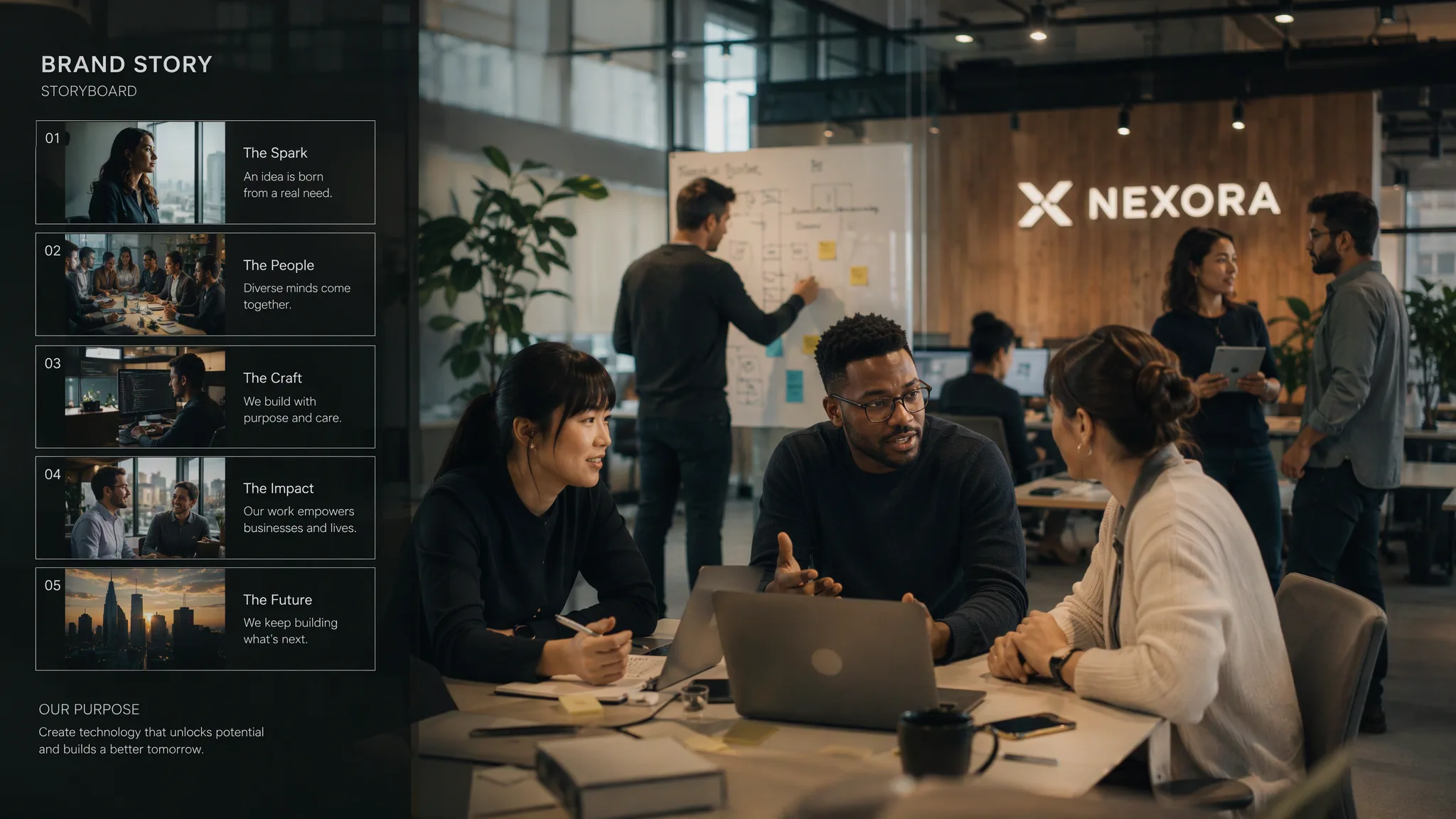
Brand films and company overviews

Introduce what your company does, who it serves, and why it matters. Use approved brand imagery alongside generated scenes that help tell the story.

A brand film storyboard showing company overview scenes with brand imagery and generated visuals
Illustrative image

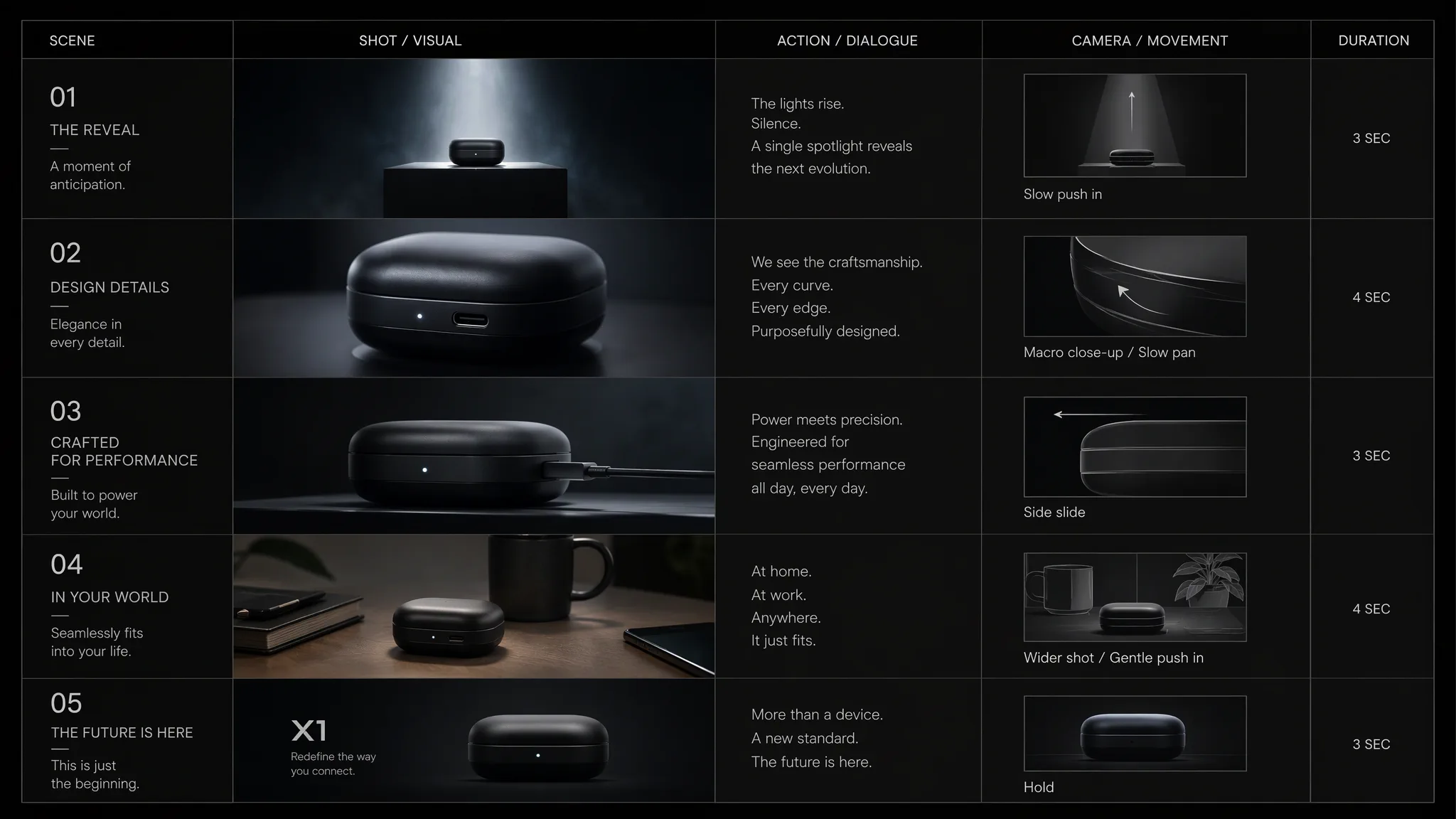
Product launch videos

Show the problem your product solves, introduce the product, and give viewers a clear look at the feature you're launching. Use approved product images as references for the reveal and close-ups.

A product launch video storyboard showing a new product reveal with reference images and close-up shots
Illustrative image

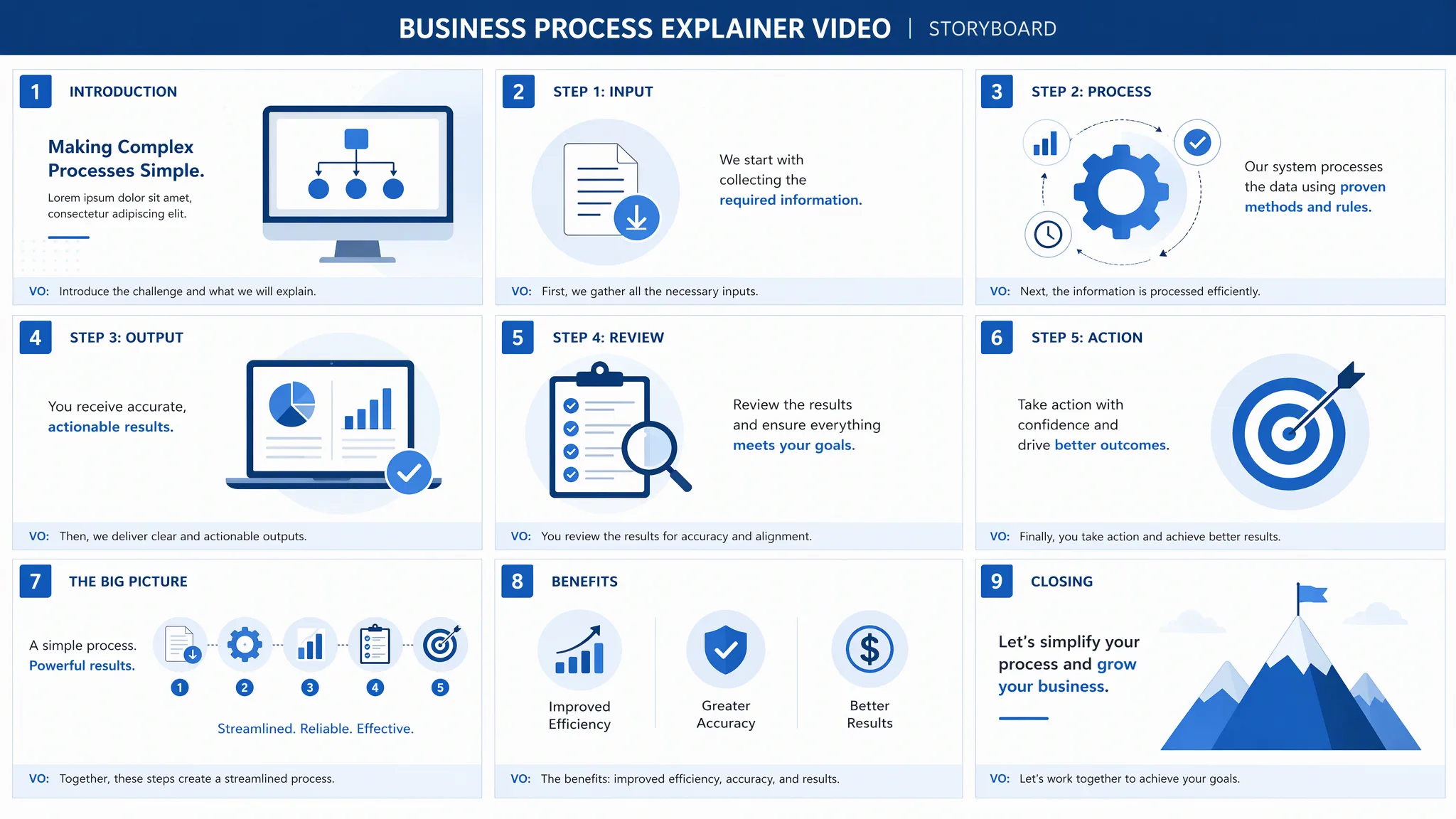
Business explainers

Break an offer or process into a short sequence. Use each scene to explain one idea, then review the sequence to make sure it makes sense to a first-time viewer.

A business explainer storyboard breaking down a process into clear sequential scenes
Illustrative image

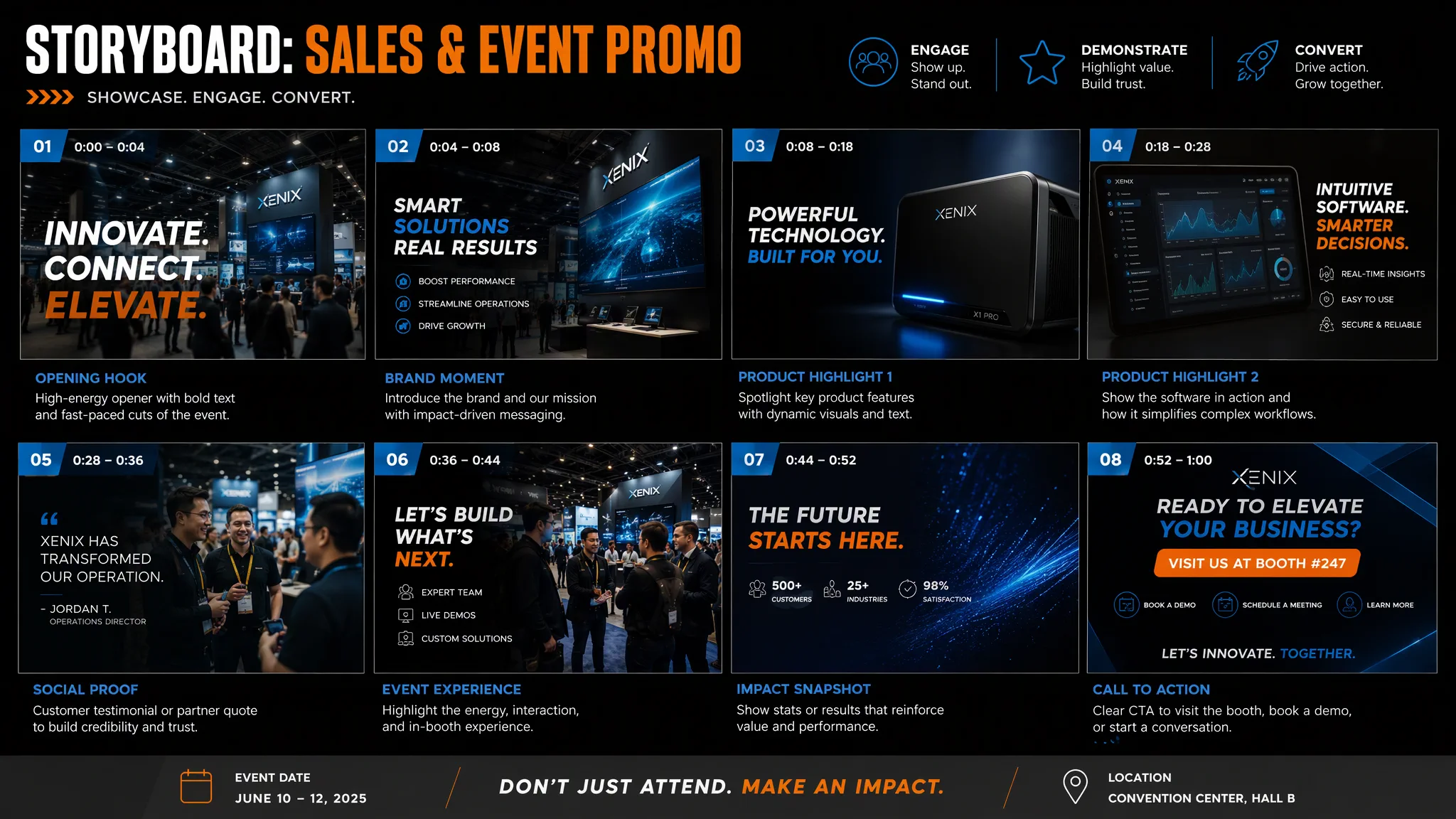
Sales and event promos

Build a short introduction for a sales presentation, trade show screen, or campaign page. Plan the opening, framing, and call to action for where people will see it.

A sales promo video plan showing opening, framing, and call-to-action scenes
Illustrative image

From brief to final cut

How corporate video production works in NewFace

Four steps that take you from a written brief to a completed video, with review and refinement built into every stage.

01

Start with your brief and brand assets

Tell the Agent what the video needs to communicate, who will watch it, where it will appear, and how long it should run. Attach the product photos, brand images, or clips the project should draw from. If you already have an approved script, include it in the brief and ask the Agent to build the shot plan around it.

02

Review the storyboard before generating footage

Turn the brief into an editable, shot-by-shot storyboard. Review what each shot shows, the framing, and the reference images. You can generate storyboard images to preview the sequence or pass the storyboard text and reference images to a video node. Use Ask mode when you want the Agent to pause at decisions such as which references or settings to use.

03

Generate and refine individual clips

Build the scenes on the visual canvas. NewFace can generate video from text, reference images, start and end frames, or an existing video reference. If the product reveal needs a clearer angle, update the reference or prompt for that clip and rerun its node. The other shots are available for the cut.

04

Assemble your cut and download it

Add the clips to the editing timeline, trim them, and put them in order. Download the merged video, download the source clips as a ZIP for further editing, or send the merged cut back to the canvas. If you need narration or background music, NewFace's Audio Generation tools can create those assets separately.

Try a real brief

Example corporate video brief for a product launch

Suppose your company is launching a compact label printer for fulfillment teams. The video has one job: show how the printer fits into an existing packing station.

Create a 30-second, 16:9 product launch video for our website. The audience is operations managers at small fulfillment teams. Open on a packing bench with loose labels, then reveal the printer beside a shipping box. Use the attached front and side product photos as references. Show the label slot in a close-up and end with "See the printer in action." Keep the product details faithful to the references and use only the claims in the approved brief.

Review the shot list before generation. If the label slot is hard to see in the first cut, revise that shot on the canvas. For a shorter sales preview, try opening with the product reveal and trim the setup in the timeline.

Work faster every time

Reuse approved assets across videos

Keep product photos, logos, and reusable clips in the Asset Library. Reference them with @ when you start your next project. That gives your team a shared starting point for a launch film, a product explainer, and later campaign videos. Review generated shots against the references before publishing, especially when packaging, logos, or product details need to match exactly.

Good to know

Frequently asked questions

What is corporate video production?

Corporate video production is the process of planning, creating, and editing video for a business. It includes formats such as company overviews, brand films, product launch videos, and sales explainers. NewFace supports this work with an AI Agent, editable storyboards, video generation, and a timeline for assembling clips.

Can I use NewFace alongside a production crew?

Yes. Use NewFace to develop a storyboard before a shoot, create supplemental visuals, or prototype a shorter cut. If a video needs real employees, customer interviews, or footage of an actual facility, plan to capture those scenes on location and use the AI workflow for the parts that benefit from it.

Can I use my existing brand assets?

Yes. Add your approved product photos, brand imagery, and video clips to the project as references. Keep frequently used assets in the Asset Library so you can bring them into future projects without uploading them again.

Can I make versions for different placements?

Yes. Set an aspect ratio when generating a clip and adjust the scene framing for the placement. For example, build a 16:9 version for a website and plan a separate 9:16 version around the shots that read clearly on a phone.

Your next corporate video starts here

Start with your next video brief

Bring one business message and the brand assets that support it. Use NewFace to turn that brief into a storyboard and a first cut.