Install NewFace AI
Copy the setup prompt into Codex. Your agent will download the official NewFace AI skill and follow its installation guide.
Langue
YOUR AGENT. A WHOLE NEW CREATIVE TOOLKIT.
Turn the ideas in your conversation into images, videos, and campaigns. Your agent brings the thinking. NewFace AI brings the creative workspace.
Copy the setup prompt into Codex. Your agent will download the official NewFace AI skill and follow its installation guide.
Sign in to NewFace AI and create an API key in your account settings. Follow your agent’s instructions to connect it.
Open NewFace AIShare an idea, a product photo, or a reference. Ask your agent to create, then review and refine the results on NewFace AI Canvas.
Open CanvasWorks with agents that support local skills and terminal tools. A NewFace AI API key and an eligible plan are required.
One creative workflow, from your first prompt to the final frame.
FROM CONVERSATION TO CREATION
Product launches, brand stories, and the next idea you haven’t tried yet. Bring them to life with NewFace AI.
Build a polished brand film around your product, from mood to final shot.
Take a reference look into a new setting with a fresh creative direction.
Turn interior references into atmospheric videos that tell a story.
Connect product details, a clear message, and a cinematic sequence.
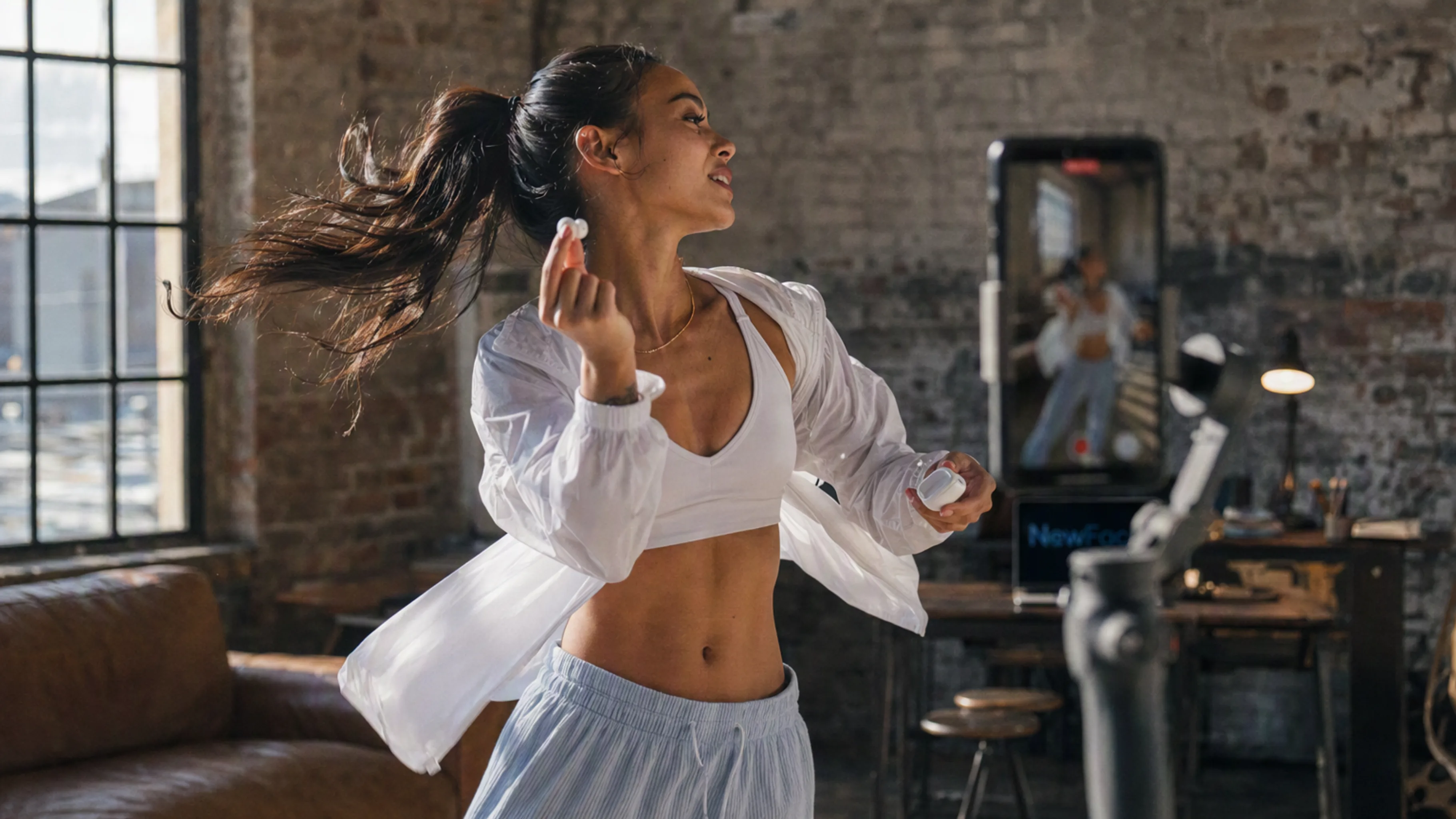
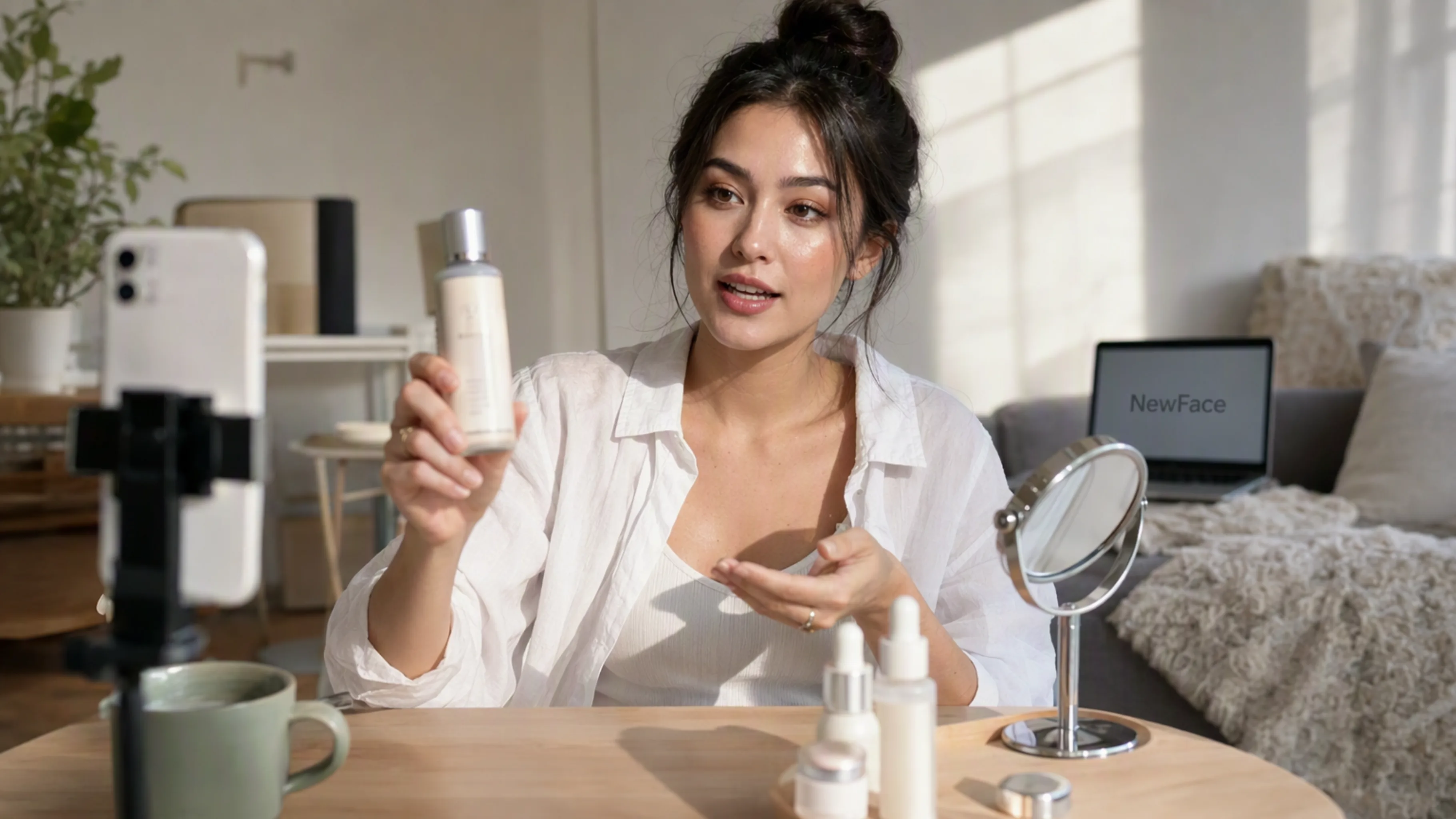
Make social-first product videos with an approachable, everyday feel.
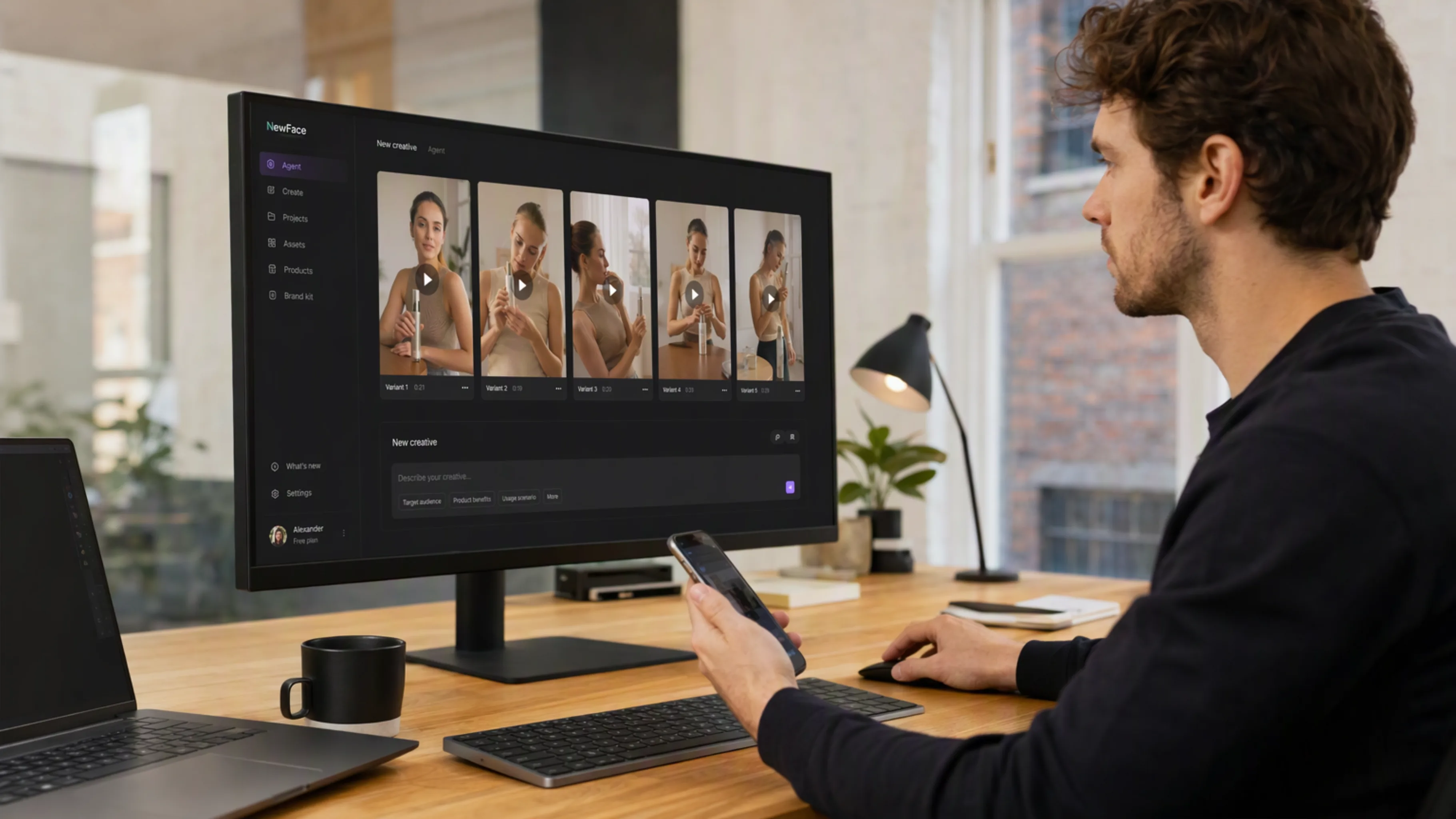
Explore different hooks and product moments for your creative brief.
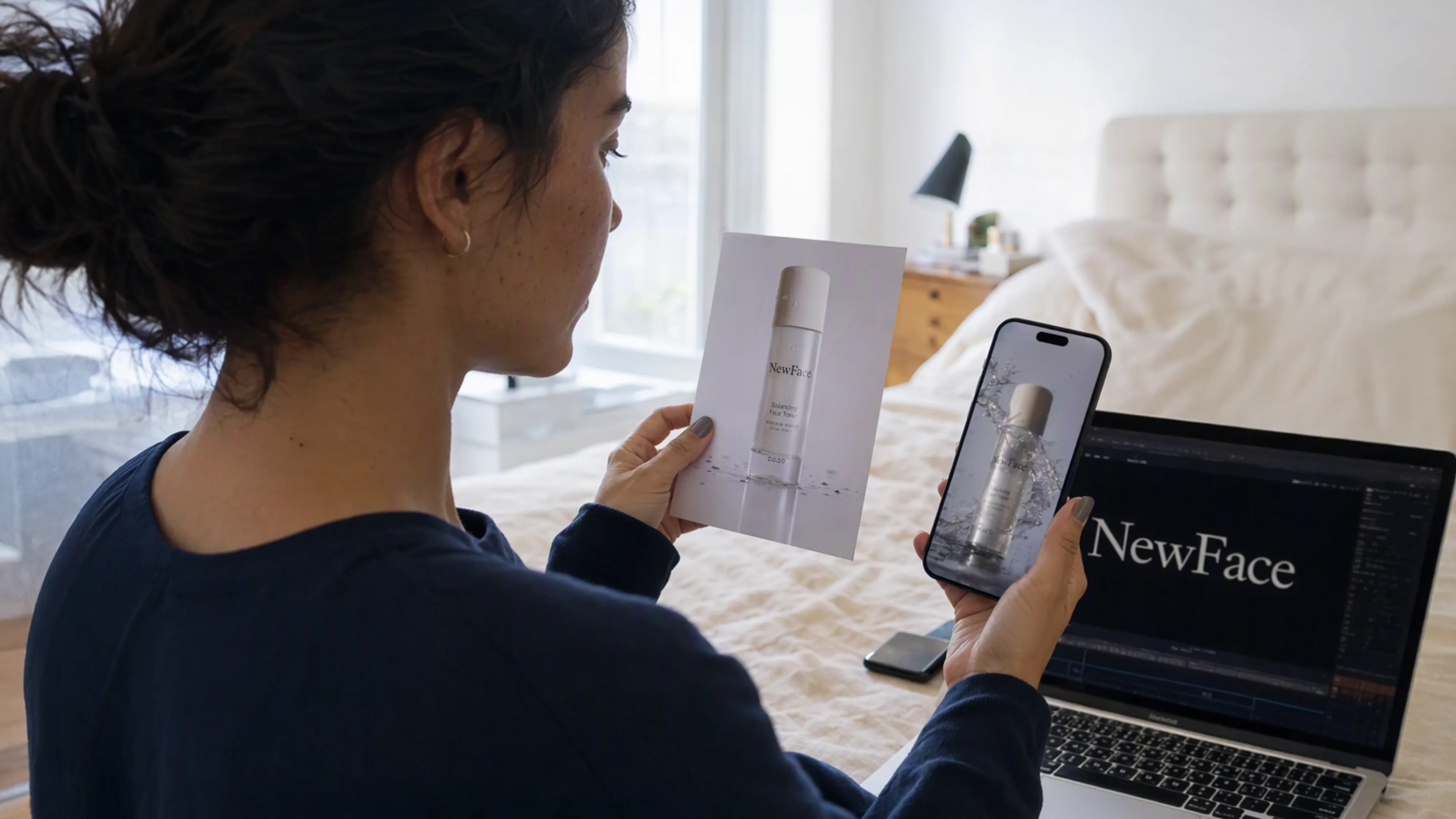
Give a product photo a new scene, lighting setup, and visual identity.
Keep colors, materials, and references connected across your creative.
Explore a space, a mood, or a visual concept before the next production step.
THINK IT. MAKE IT. REFINE IT.
Keep the brief, references, and results connected. NewFace AI turns a conversation into a project you can keep working on.
Let your agent arrange references, connect generation steps, and create images and videos in a visual workspace. Open the same project to explore the results and guide the next round.
Explore NewFace AI Canvas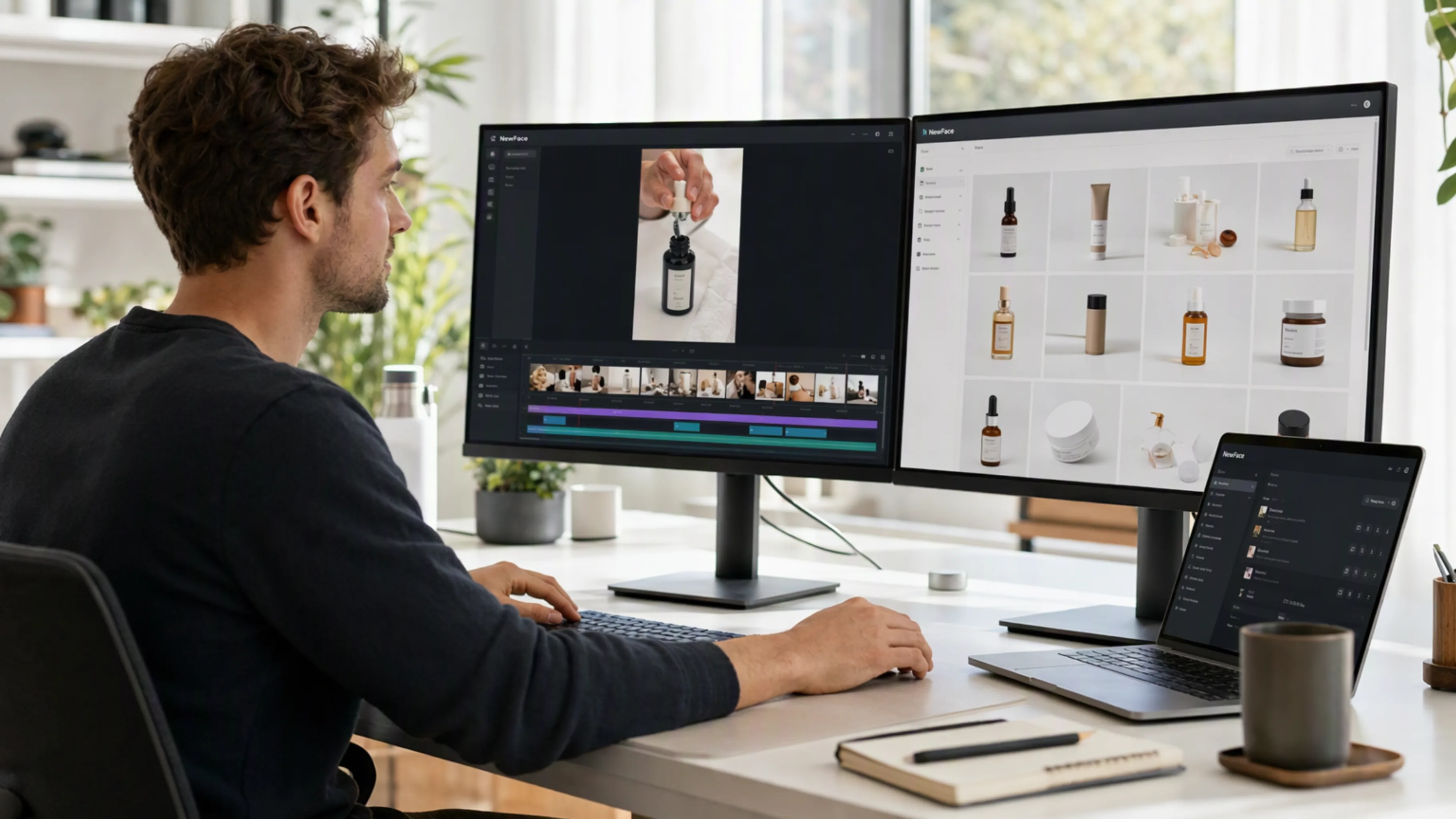
Move between image and video generation without rebuilding your brief. Explore the models available in NewFace AI and choose the one that fits your creative direction.
Discover the models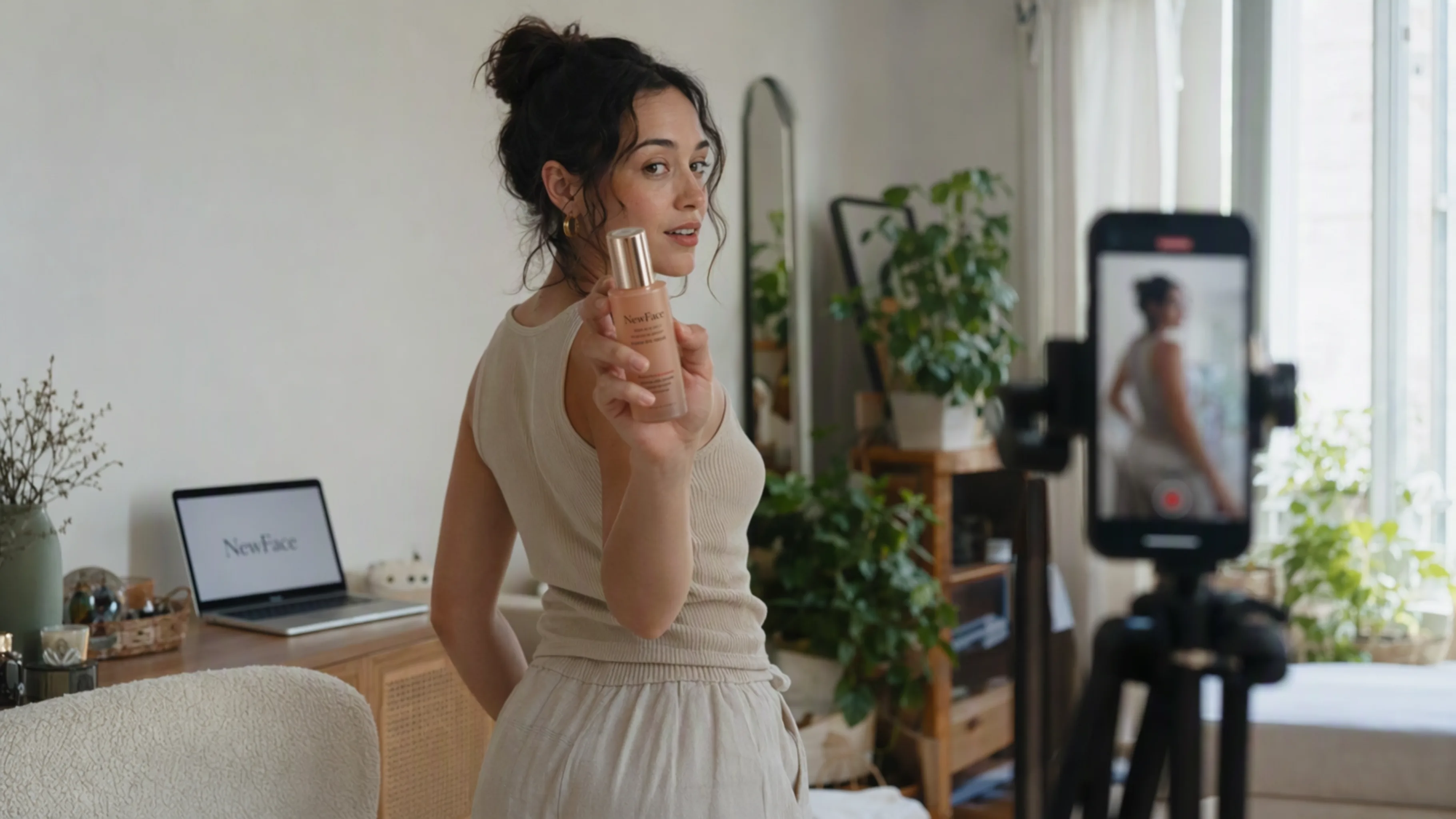
Start with your own product assets, then develop scenes, campaign images, and video variations around them. Keep your references together as you test different directions and refine the details.
Explore product video creation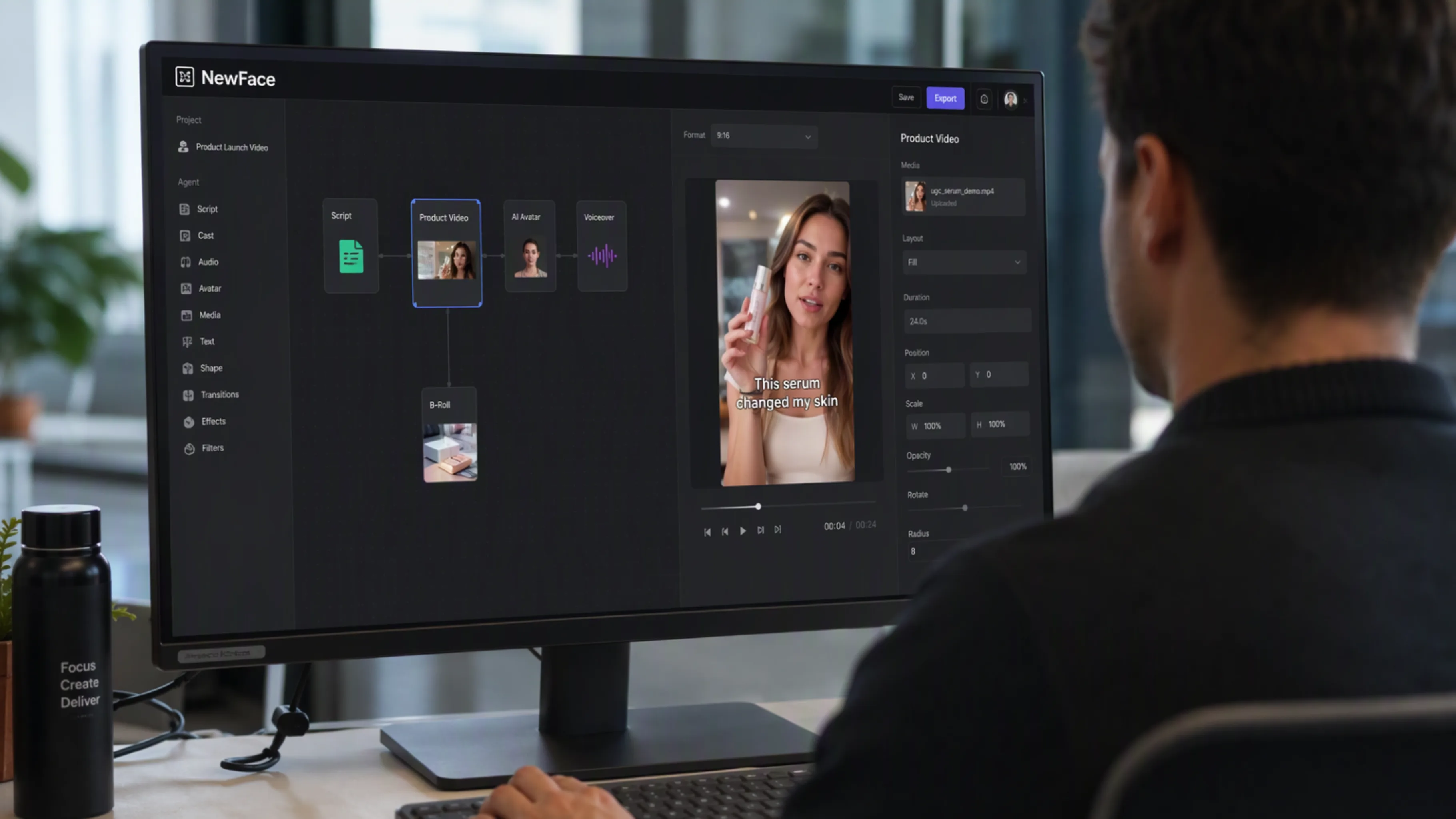
Break an idea into a script, storyboard, images, and video. Your agent can guide each step while NewFace AI keeps the creative work organized in one project.
Explore video workflowsExplore NewFace AI’s image and video models, then let your agent help you put them to work.
Use the same creative toolkit in the terminal-based agent you already work with.

Plan, generate, and refine creative work with Codex.
Set up Codex
Bring your creative brief to NewFace AI with Grok Bot.
Set up Grok Bot
Take your ideas from the editor to a visual workspace.
Set up Cursor
Build creative workflows with Claude Code and NewFace AI.
Set up Claude CodeInstall once, then keep the creative conversation going.
Connect NewFace AI
01
Choose your agent above, copy the prompt, and follow the guided installation and account setup.
Turn this product into a cinematic launch video.
02
Add a product photo, reference image, or an idea. Tell your agent what you want to make and choose a model.
Your next idea starts here.
03
Open the generated assets on Canvas. Compare directions, adjust the details, and continue your project.
A few things to know before you connect your agent.
It is NewFace AI’s creative toolkit for AI agents, delivered through the official NewFace AI skill and CLI. It lets a compatible agent work with your NewFace AI projects and create images and videos.
The setup prompts on this page are for Codex, Grok Bot, Cursor, and Claude Code. Your agent needs support for local skills and terminal commands so it can install and use the NewFace AI CLI.
Sign in to NewFace AI, open your account’s API key settings, and create a key on an eligible plan. Your agent will guide you through configuring the CLI with that key. The installation guide in the official skill package contains the current setup instructions.
Your agent can work with product photos, image concepts, scripts, storyboards, and video generation. You can ask it to organize a project, connect references, select an available model with you, and produce finished creative assets.
Your work lives in your NewFace AI project and Canvas. Your agent can provide a link to the canvas so you can review the generated images and videos, compare variations, and continue editing.
CLI and API access require an eligible NewFace AI plan and an API key. Generation uses your account’s credits. Visit the pricing page and your account settings for current plan access and credit details.
Yes. Ask your agent to upload your own assets and use them as references in your project. Keeping references connected to the workflow helps you build a consistent visual direction across images and shots.
This page currently provides the official NewFace AI skill and CLI installation for compatible agents. Use the setup prompt for your platform; a separate ChatGPT marketplace listing is not required for this workflow.
Connect your agent to NewFace AI. Give your imagination a workspace.