
モデル
ソリューション
ショッパブル動画制作ブランド動画制作プロモーション動画制作ソーシャルメディア動画制作アニメーション動画制作コマーシャル動画制作企業動画制作AI広告広告のためのAIAI生成広告AI Advertising不動産動画広告スキンケア動画広告スキンケアUGC動画レディースファッション広告化粧品動画広告DTC製品動画レディースファッションUGCスキンケア メタ広告化粧品のティックトック広告高級ジュエリー・ショーケースアスレジャー動画広告ホーム&キッチン動画広告ペットブランドUGC広告ウェルネス動画広告テクノロジー・ガジェット動画サステナブル製品広告フィットネス機器広告メタ ファッション広告コンバージョン率の高いスキンケア高級ジュエリー リールズ化粧品ブランドビジュアルテックガジェット解説ペットブランド TikTok 広告ウェルネスプロモーションDTC向けメタ広告サステナブル商品のプロモーションホーム&キッチン広告化粧品UGC広告高級ジュエリー広告イーコマースのビジュアルアセット不動産AIアバターフィットネス製品動画コンバージョン率の高いDTC広告DTCブランド向けUGC動画ファッションプロモーション動画高級ジュエリー向けメタ広告ファッション商品ショーケース映画風スキンケアリールフィットネス向けTikTok広告女性ファッション向け動画広告スキンケアブランドのビジュアルフィットネス解説動画ペットブランド広告クリエイター アイコン UGC化粧品向けAIMeta広告サステナブル製品向けAITikTok広告ウェルネスブランド向けAITikTok広告高級ジュエリー向けAITikTok広告アスレジャー向けAIUGC動画ホーム・キッチン向けAIUGC動画ガジェット・テック向けAIUGC動画サステナブル製品向けAIUGC動画フィットネス機器向けAIUGC動画高級ジュエリー向けAIUGC動画化粧品向けAI商品動画レディースファッション向けAI商品動画ホーム・キッチン向けAI商品動画サステナブル製品向けAI商品動画アスレジャー向けAI商品動画スキンケア向けAI商品紹介化粧品向けAI商品紹介サステナブル製品向けAI商品紹介レディースファッション向けAI高コンバージョン広告ホーム・キッチン向けAI高コンバージョン広告レディースファッション向けAIシネマティックリールレディースファッション向けAIブランドビジュアルDTCブランド向けAIブランドビジュアルスキンケア向けAI美的プロモーション化粧品向けAI美的プロモーションレディースファッション向けAI美的プロモーションウェルネスブランド向けAI解説動画DTCブランド向けAI解説動画スキンケア向けAIプロモーション動画化粧品向けAIプロモーション動画ペットブランド向けAIプロモーション動画ガジェット・テック向けAIプロモーション動画ホーム・キッチン向けAIプロモーション動画ペットブランド向けAIMeta広告アスレジャー向けAIMeta広告ガジェット・テック向けAIMeta広告フィットネス機器向けAIMeta広告サステナブル製品向けAIMeta広告ウェルネスブランド向けAIMeta広告ホーム・キッチン向けAIMeta広告
比較
vs Videogen & Veed.ioベストUGC動画エディターMakeUGC 代替案Arcads 価格比較Arcads 機能比較HeyGen vs Arcads 比較MakeUGC 比較Creatify 比較HeyGen vs Arcads vs NewFaceVideogen vs Veed vs NewFaceベストUGCプラットフォームベストAI動画広告プラットフォームベストAI広告動画ツールトップAI UGC動画ツールUGCツール音声クローンUGCソフトウェア価格比較Arcads 代替案と価格Topview AIArcadsデジタル広告分析ツール手頃なUGC動画ツールAI動画広告プラットフォームガイドマーケティング自動化AIアバターEC広告バッチSNS動画プラットフォームメディア購入プラットフォームベストUGCレビュー動画ソフトトップAI UGC動画ツールトップAIプラットフォームUGCベストUGC動画Google AdsベストUGC Shorts制作ツールベストAIアバターUGC広告リテール広告制作ソフト
ブログ
ブログ一覧映画とAI動画のPOV最初の5つのプロンプトAI動画とは何か(そして何ではないか)ジャンプカットとは?エスタブリッシングショットとは?ダッチアングルとは?マッチカットとは?ドリーショットとは?クロスカットとは?俳優なしでシーンを演出するAI暗号動画ジェネレーター顔出しなし暗号動画暗号YouTubeアイデア安全に暗号通貨を購入ビットコインとはイーサリアム解説ブロックチェーンガイドNFT徹底解説暗号資産ウォレットガイドDeFiとはWeb3とは仮想通貨ステーキングガイドミームコインガイド暗号詐欺の見分け方ビットコイン半減期ガイドNFTの作成と販売仮想通貨税金ガイド中央銀行デジタル通貨DAOとはAI YouTube動画ジェネレーターオンライン学習プラットフォーム顔出しなし教育動画幼児教育ベストプラクティス学習障害ガイドテスト対策:SAT・ACT・GRESTEM教育YouTube奨学金・学資援助ガイド留学ガイドスタートアップマーケティング戦略ビジネス法の基礎顔出しなしフィットネス動画有名起業家の成功物語製品価格設定のヒントスタートアップが失敗する理由ビジネスモデルキャンバス独自の価値提案ビジネスネットワーキングガイドブートストラップ起業ガイドスタートアップからスケールアップへ教員研修ガイドモンテッソーリ教育ガイド顔出しなし起業動画解説・チュートリアル動画動画品質と音声ガイド無資金で起業する方法教育の未来ガイド伝統的教育と現代教育教育心理学YouTubeガイド特別支援教育とインクルーシブ学習家庭教師を見つける・なる方法成人教育YouTubeガイド教育テクノロジーツール職業訓練とスキルベース教育トレードのリスク管理投資のよくある失敗ガイド自動売買ボットは本当に機能する?YouTube AIマーケティング動画ジェネレーターYouTubeマーケティングチャンネルのアイデアデジタルマーケティング101ガイド2026年ソーシャルメディア戦略初心者向けFacebook広告チュートリアルメールマーケティング リスト成長ガイド収益性の高いGoogle広告キャンペーンInstagramマーケティング ブランド構築TikTokマーケティング:Z世代オーディエンスへのリーチAI動画広告プラットフォームガイドエージェント向けAI広告:2026年究極ガイドマーケティング自動化TikTok AI動画広告:2026年究極ガイドAI生成CMの決定版ガイド2026UGC広告:2026年究極ガイドカメラ広告脚本の書き方 2026Google AI広告:2026完全ガイドCharacter AI広告:完全ガイド2026AIアバターEC広告2026年 成果につながる広告の作り方(ステップバイステップ)コンバージョンにつながるクリエイティブ広告 2026広告クリエイティブガイド 2026AIアバターとロイヤリティフリーミュージックガイド 2026バッチSNS動画プラットフォーム2026 商品プロモ:デジタル広告&ノベルティメディア購入プラットフォームMeta AIリード獲得広告2026ガイドSaaS最適広告クリエイティブ 2026ベストUGCレビュー動画ソフトトップAI UGC動画ツールトップAIプラットフォームUGCベストUGC動画Google AdsベストUGC Shorts制作ツールベストAIアバターUGC広告リテール広告制作ソフトAI生成コーラ広告のケーススタディAI商品広告のベストプラクティスChatGPTが広告を変える方法AI製品マーケティングに最適なデジタル広告チャネルAI広告完全ガイドAI広告ニュース・ウィークリーマーケター向けOpenAI広告ニュース
言語
Vidu Q4 Free
Vidu Q4 Free | Try AI Image-to-Video Animation Free
Turn a single product photo into a short animated clip with a workflow built for control and commercial output. NewFace combines Vidu Q4 access where available with an agentic free-form canvas, commerce-trained creative guidance, editable prompts, and reusable production Skills.
Answer in brief
Free tier access to Vidu Q4 image-to-video generation. NewFace helps you move from a single reference image to approved, controllable animated clips at up to 4K resolution, with 3–16 second duration and multiple aspect ratios.
Free tier
Try Vidu Q4 without committing to a full production plan
A free allowance, trial credit, or promotional access may be available, but limits can change.
Check the live NewFace pricing and model selector for current eligibility, generation cost, resolution (up to 4K), duration (3–16s), and commercial-use terms.
Before you generate
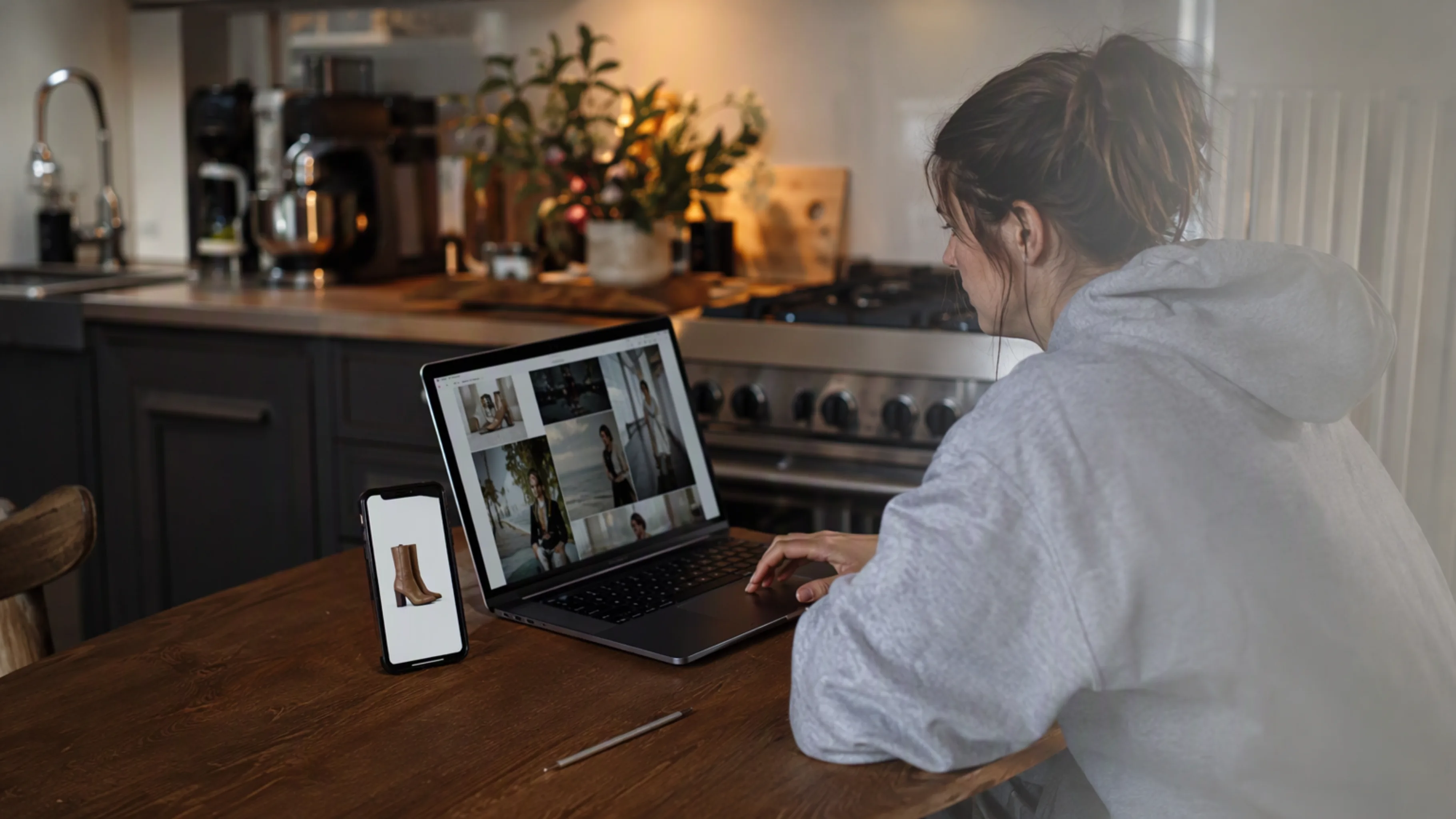
What to check before you generate
Model and output settings
Confirm the selected model, aspect ratio, duration, and resolution tier before you generate. Vidu Q4 supports 16:9, 9:16, 4:3, 3:4, and 1:1 aspect ratios.
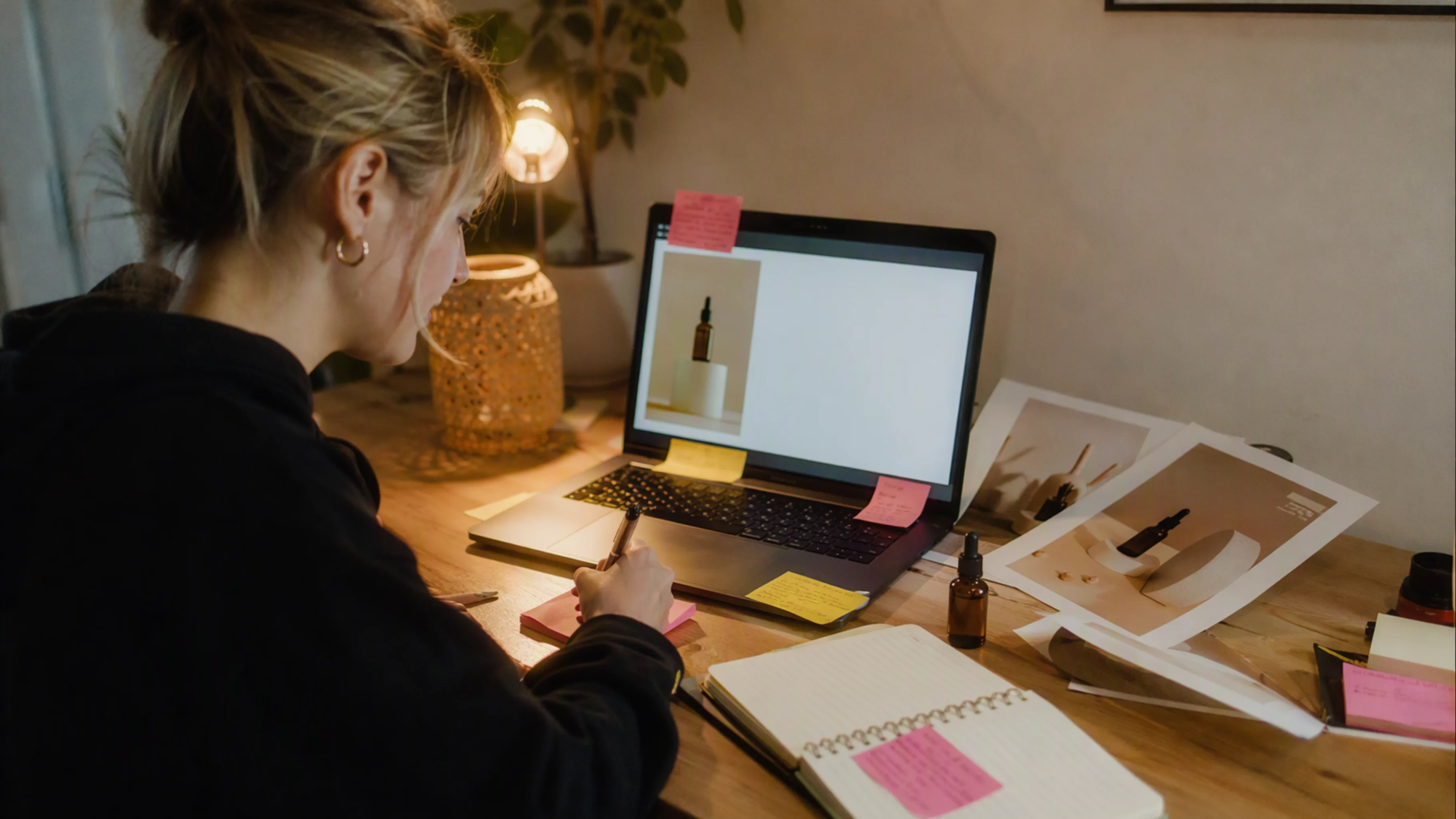
Usage and export rights
Check estimated usage and export rights, and review destination-platform requirements for your animated product clips.
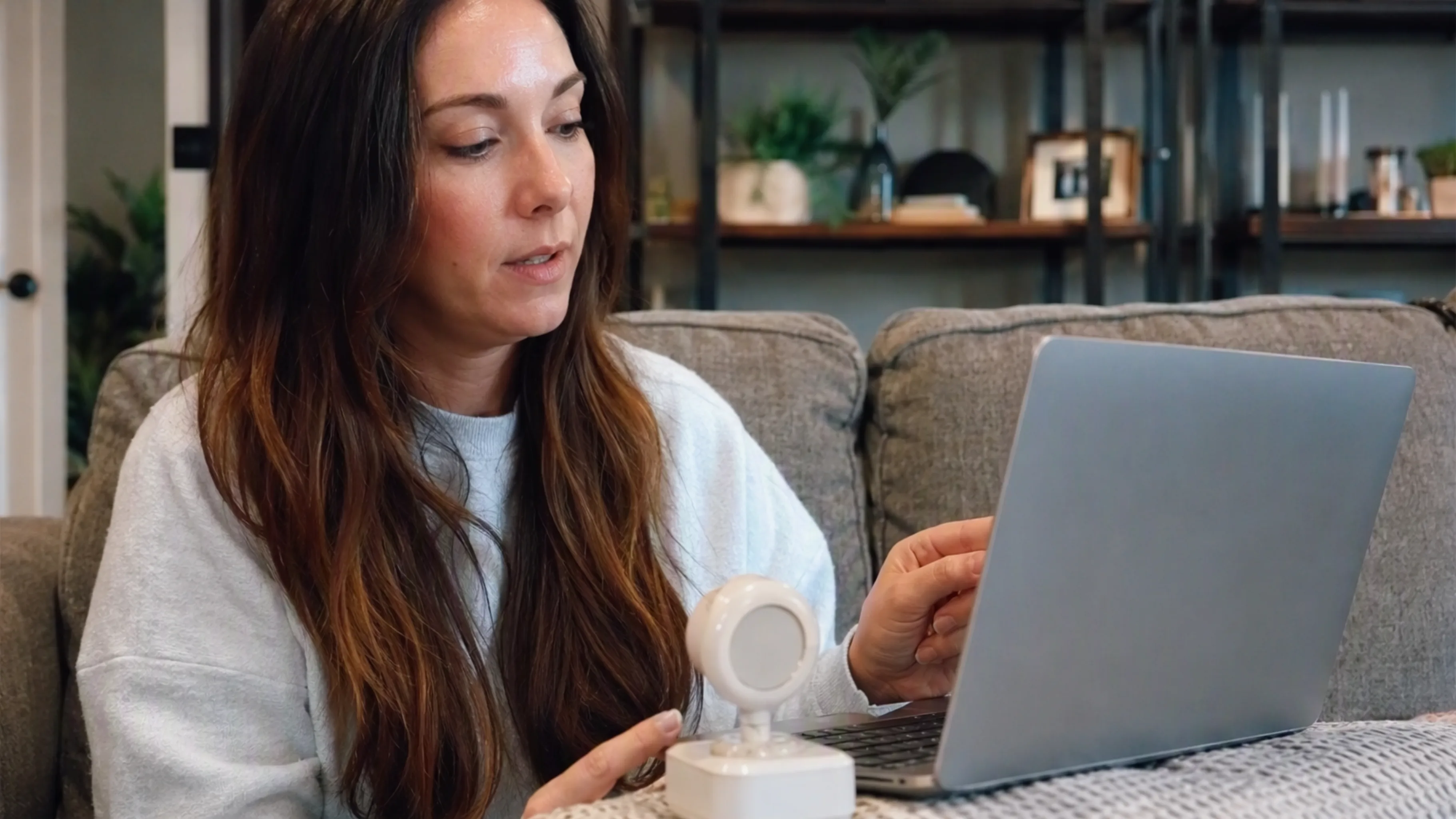
Reference image and motion prompt
Keep your reference image and motion direction documented. Vidu Q4 animates from a single image, so product angle and composition matter before generation.
Workflow
How it works in NewFace
Move from a single product photo to an approved, controllable Vidu Q4 image-to-video animation you can try on the free tier.
- 01
Add the reference image
Upload a single product photo and describe the desired motion, camera movement, and animation style.
- 02
Align on intent
The Agent asks follow-up questions about the audience, channel, motion style, duration, and desired creative direction.
- 03
Review the motion direction
Choose from recommended animation styles and camera movements informed by patterns seen in high-performing commerce videos. Edit every detail before production.
- 04
Generate on the canvas
NewFace turns the approved direction into a visible, flexible workflow. Use Vidu Q4 where available, or select another supported image-to-video model when it better fits the job.
- 05
Refine and export
Adjust prompts, motion direction, duration, or variants without rebuilding the entire project.
Get more value
Get more value from each generation
Approve the motion direction and duration first. Use a low-risk test to verify product fidelity and animation quality, then scale the winning direction through controlled variants.
NewFace's canvas helps preserve approved nodes while you change only the element being tested.
Guardrails
Built for responsible commerce creative
NewFace's system instructions and workflow guardrails are designed to reduce clearly prohibited content and help creators work within common platform expectations. They do not guarantee platform approval, legal compliance, or campaign performance. Use only assets, likenesses, and claims you have the right to use. Review every output against the rules of your market, product category, and destination platform before publishing.
FAQ
Frequently asked questions
What is Vidu Q4 Free | Try AI Image-to-Video Animation Free?
It is a NewFace workflow for free tier access to Vidu Q4 image-to-video generation. Vidu Q4 animates a single reference image into a short video clip (3–16 seconds) at up to 4K resolution. NewFace combines model access with an agentic canvas, commerce-focused animation prompts, editable workflows, and production controls.
Do I need video editing or animation experience?
No. The Agent guides the brief, recommends a motion direction, and assembles the workflow. You upload one product photo, describe the animation you want, and the canvas handles the rest. You can still inspect and change prompts, camera motion, duration, and resolution before export.
What aspect ratios and resolutions does Vidu Q4 support?
Vidu Q4 supports 16:9, 9:16, 4:3, 3:4, and 1:1 aspect ratios at 540p, 720p, 1080p, 2K, or 4K resolution. The free tier may limit which options are available — check the live model selector for current settings.
Does Vidu Q4 work with multiple reference images?
Vidu Q4 is designed for single-image animation. You provide one product photo or portrait image and describe the motion, camera angle, and duration. For multi-image scenarios, other NewFace-supported models may be a better fit.
Is Vidu Q4 always available?
Model availability, limits, output options, pricing (3 credits/sec at 540p to 24 credits/sec at 4K), and regional access can change. The current NewFace workspace shows the models and settings available to your account.
Create your next product animation in NewFace
Bring a product photo, describe the motion you want, and set a campaign goal. The Agent will help align the direction before anything is generated, while the canvas keeps the workflow open for review and refinement.